7 Alarms and messages
IFU, MIRUS Controller, en-GB, N.00 47
7 Alarms and messages
7.1 Alarms
7.1.1 Alarm modality
The MIRUS Controller distinguishes between high- and low-priority alarms. Alarms only occur
during operation and are shown in the following way:
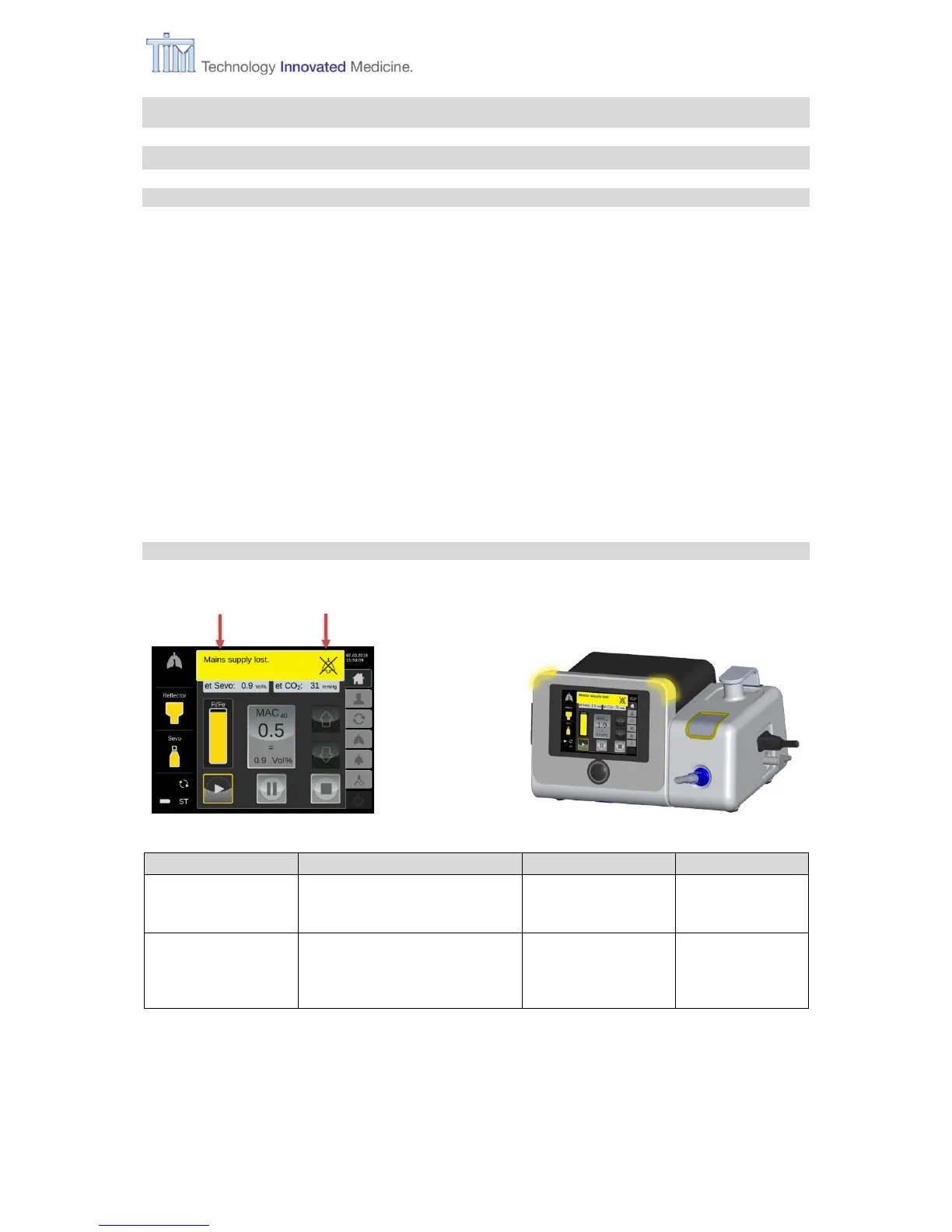
Alarm lights: red or yellow alarm lights activated
On screen: red or yellow alarm bar with text, red or yellow highlighted icon
Audible alarm: alarm sound
Note: The alarm volume will escalate from 50% sound intensity up to the set volume (max.
100%) until alarm is muted.
If there is another alarm after the first alarm, the second alarm bar overlays the first alarm bar.
Exception: if the further alarm is a low-priority alarm, the alarm bar of the high-priority alarm
remains visible. The highlighted icons (if present by the alarms) are both recognizable.
7.1.2 Low-priority alarms



 To Next Page