Powering Up the Videophone
1) Plug a Network cable into the network port.
2) Plug in power.
3) It takes about 2 minutes to boot up the videophone. During this period, please do
not touch any keys or turn off the videophone.
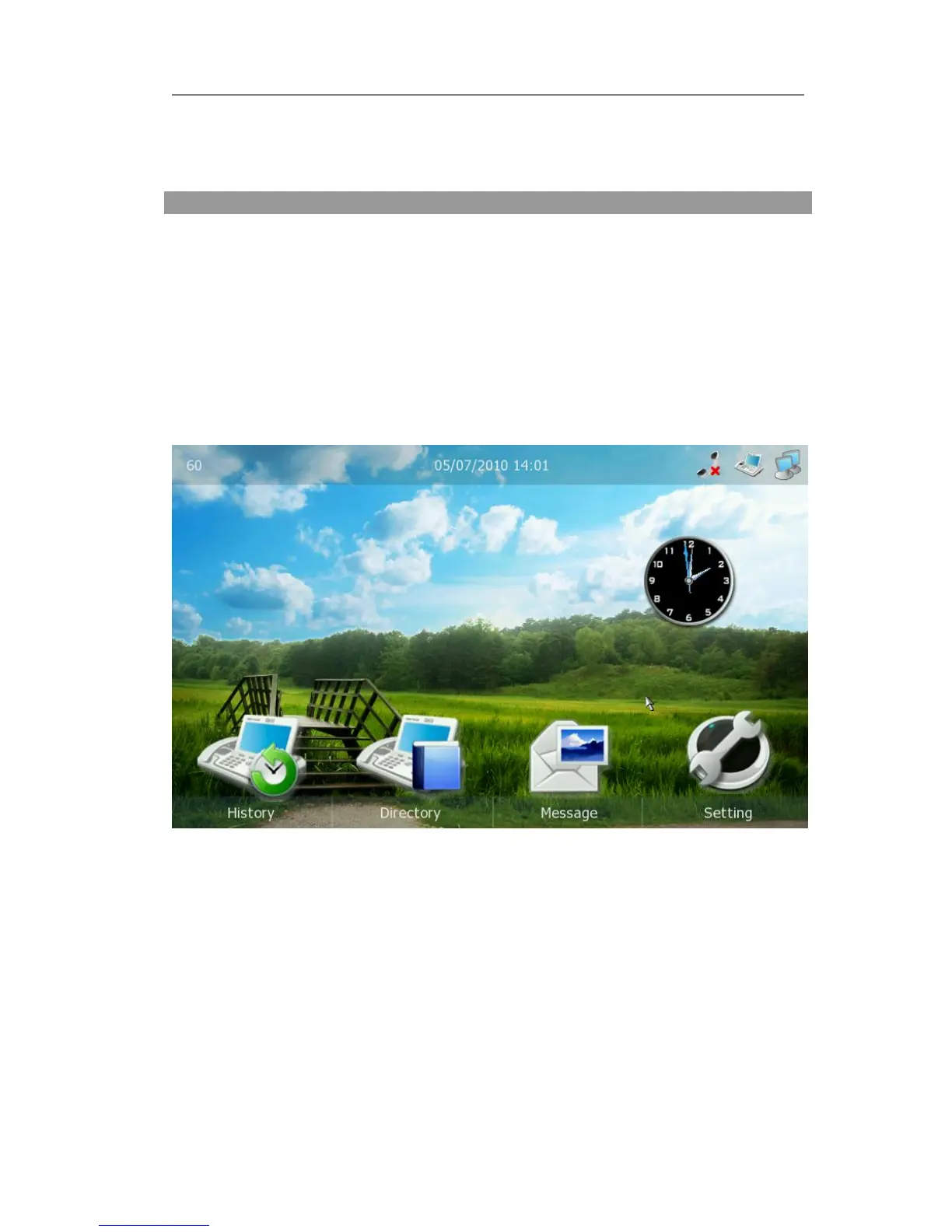
The Idle Interface
Check the Status
You can view the status of your phone using the phone interface or the web interface.
You can review the following options:
Version: Software Version, Hardware Version;
Network: IP Address, Mac Address, WAN Port Type and Link Status;
Accounts: Display Name, Phone Number, Server and Status;
To check the Phone Status via phone interface:
1) Click the Status option under the idle.
2) Press the Next soft key to check the status of other accounts.
3) Press the Version Detail soft key to check the details of your version.
To view the Phone Status via web interface:



 To Next Page