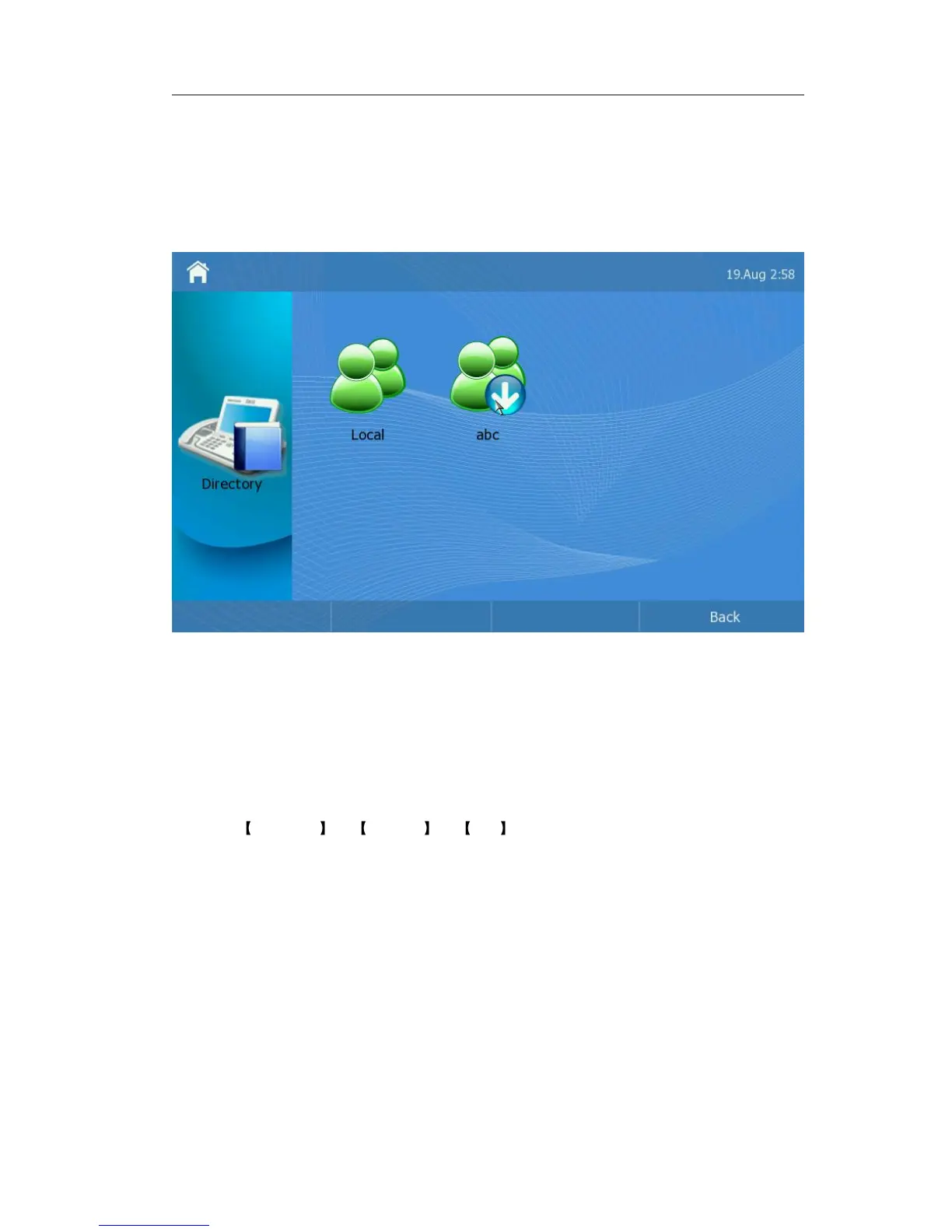
will display both Local Directory and XML phonebook.
Add a XML phonebook via web interface:
1) Choose Contacts -> Remote Phonebook
2) Enter the Phonebook URL and Phonebook Name, and then click the Insert button to
add the record.
3) Click the Save button to save the changes.
When you click the XML phonebook the phone will download the directory automatically
from the URL.
Then you can add, edit, delete, dial, or search for a contact in the directory.
Add Contact
Add a contact via phone interface:
1) Click Directory -> Options -> Add option to enter the configuration page.



 To Next Page