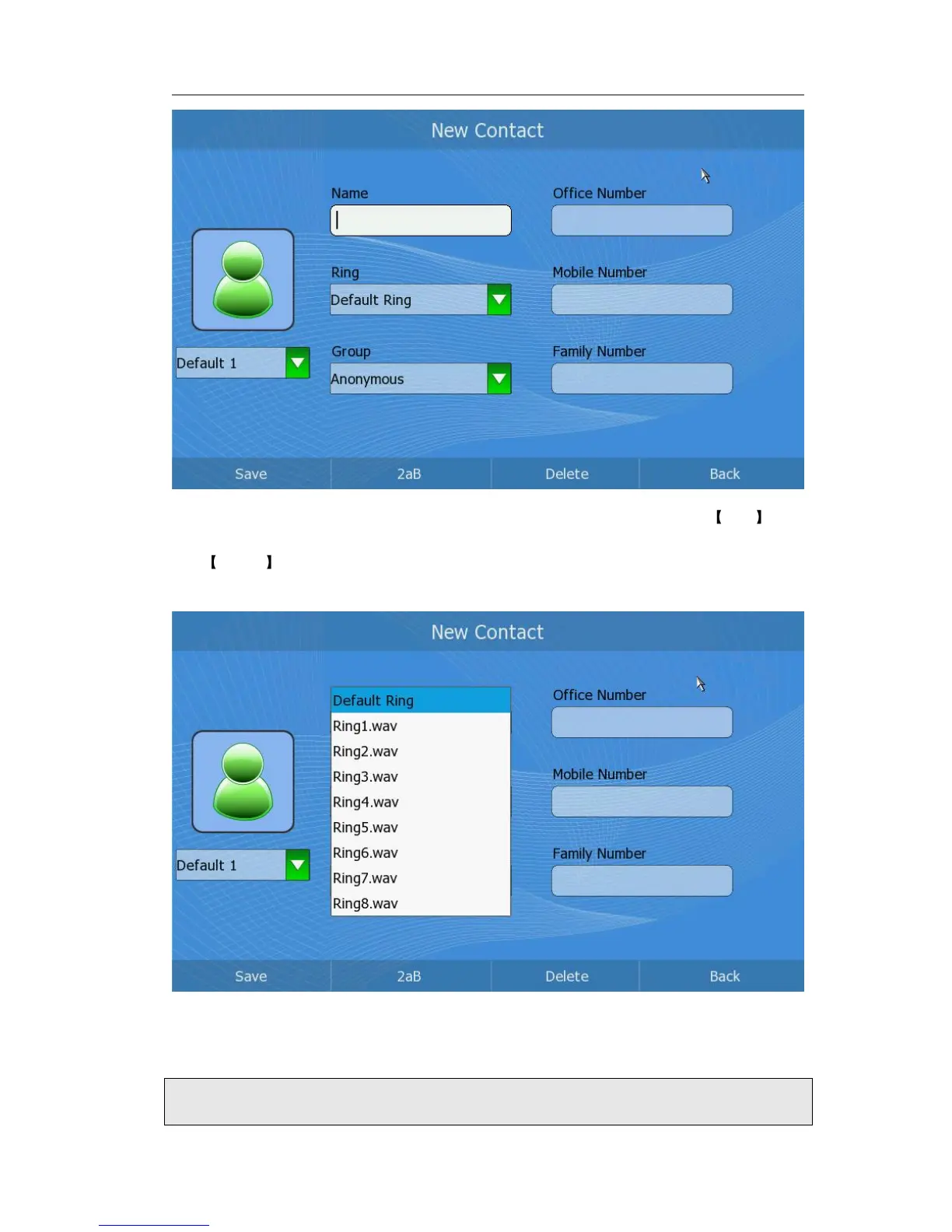
2) Press Up/Down button to choose and fill in different options, in the Ring and
Group options, press <OK> to pop up the pull-down menu, choose your
preferred options, then press <OK> to confirm.
3) Select an image for the contact.
4) After the edition, press <F1>to save the changes and get back to the previous
page.



 To Next Page