Answering a call
Answering an incoming call
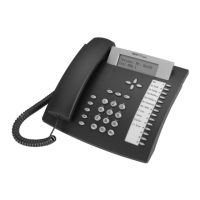
1) If you are not on an active call, lift the handset to answer it using the handset, or
press the Speaker button to answer it using the speakerphone, or inset the headset
to answer it using the headset.
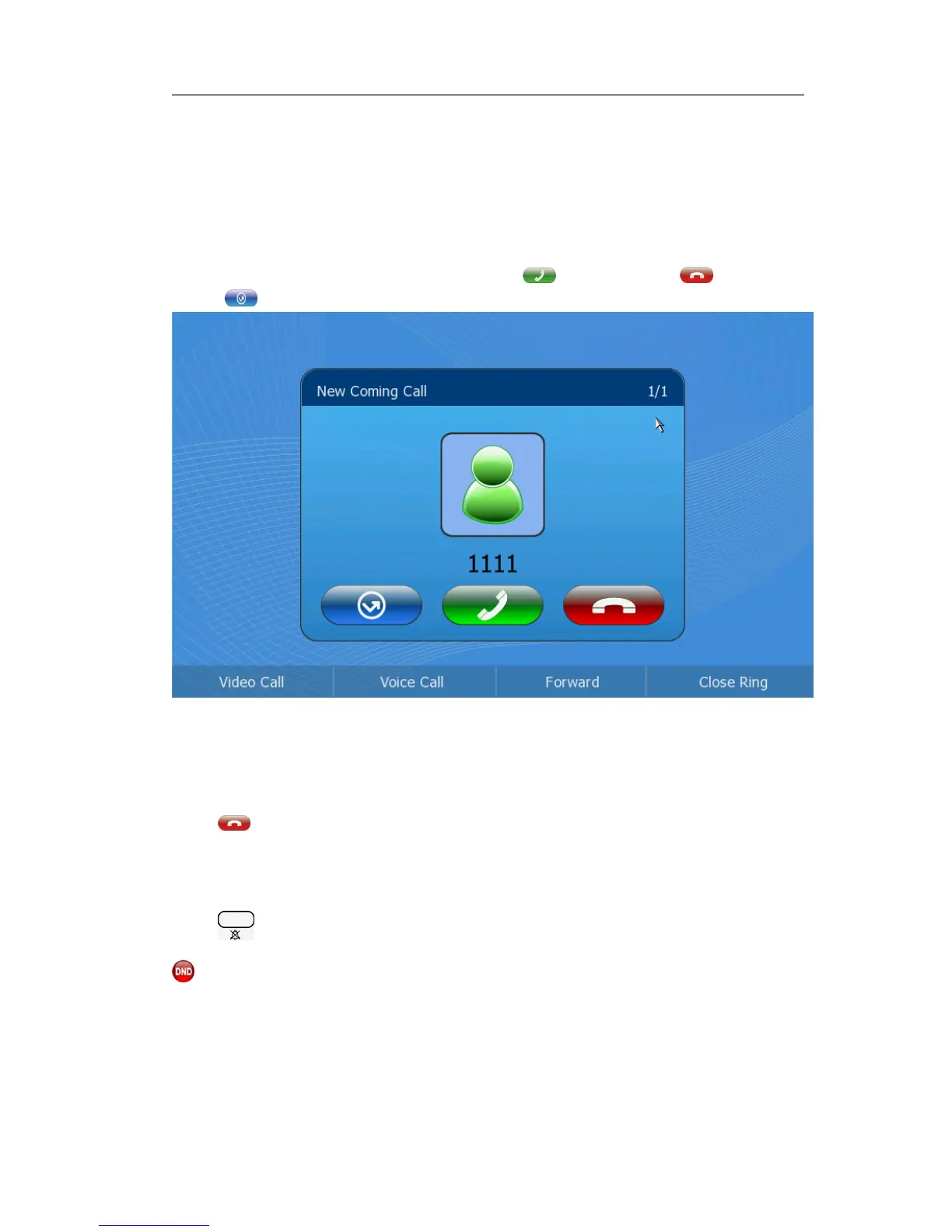
2) If you are on an active call, click the button to answer it, or to refuse it,
or to forward the incoming call.
3) During a conversation, you can alternate between Headset, Handset and Speaker
phone by pressing the corresponding buttons, picking up the handset or inset the
headset.
Refuse a call
Press to refuse the incoming call directly.
DND
Press to active DND Mode when the phone is idle. The display will show the icon
and further incoming calls will be rejected. Press it again to deactivate DND mode.



 To Next Page