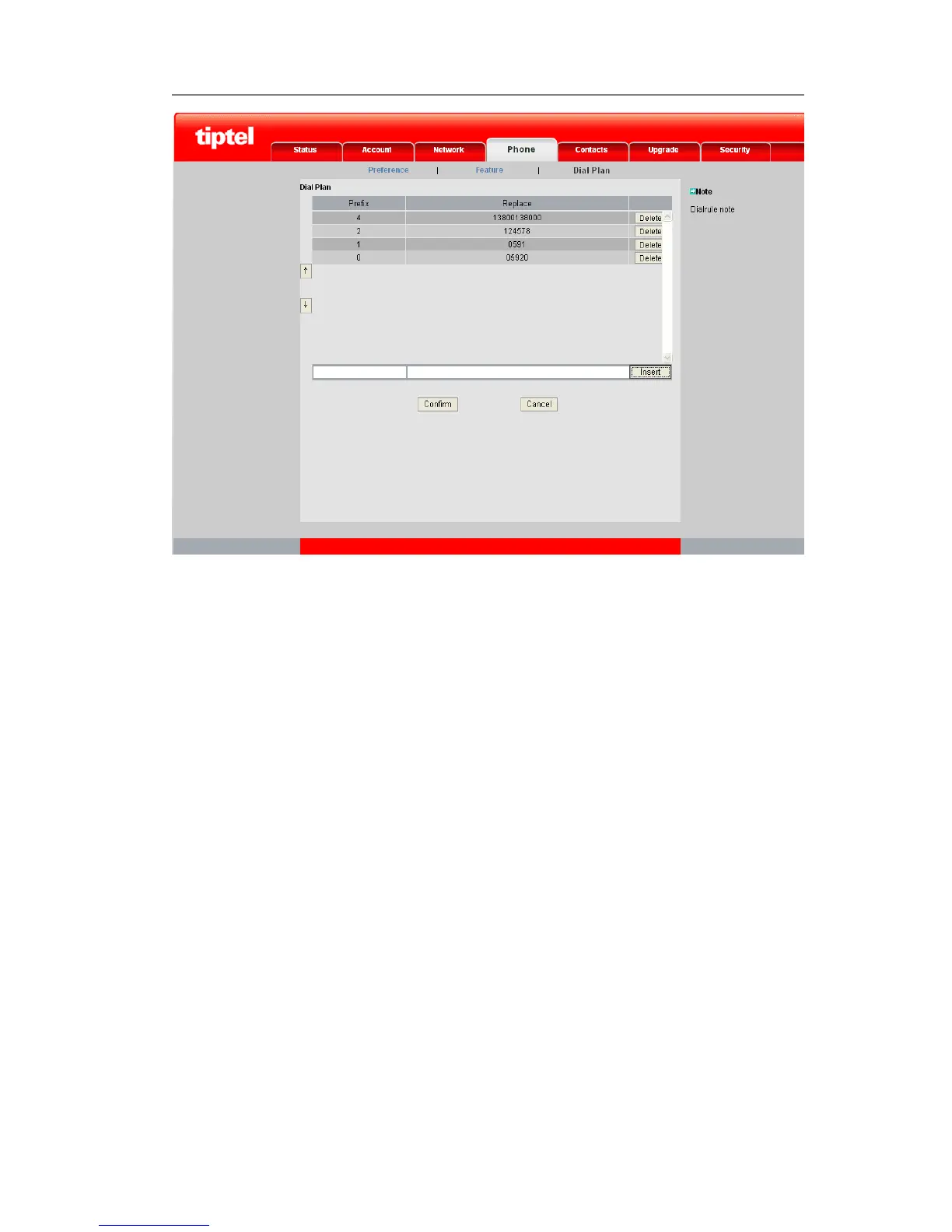
2) Enter the desired Prefix and Replace.
3) Press Insert button to add the rule.
4) Then click the confirm key to save the changes.
5) You can also delete a specific one from the Dial Replace list by clicking the Delete
button.
Speed Dial
To set the speed dial via phone interface:
1) In desktop status, click Call Feature->Speed Dial to enter;



 To Next Page