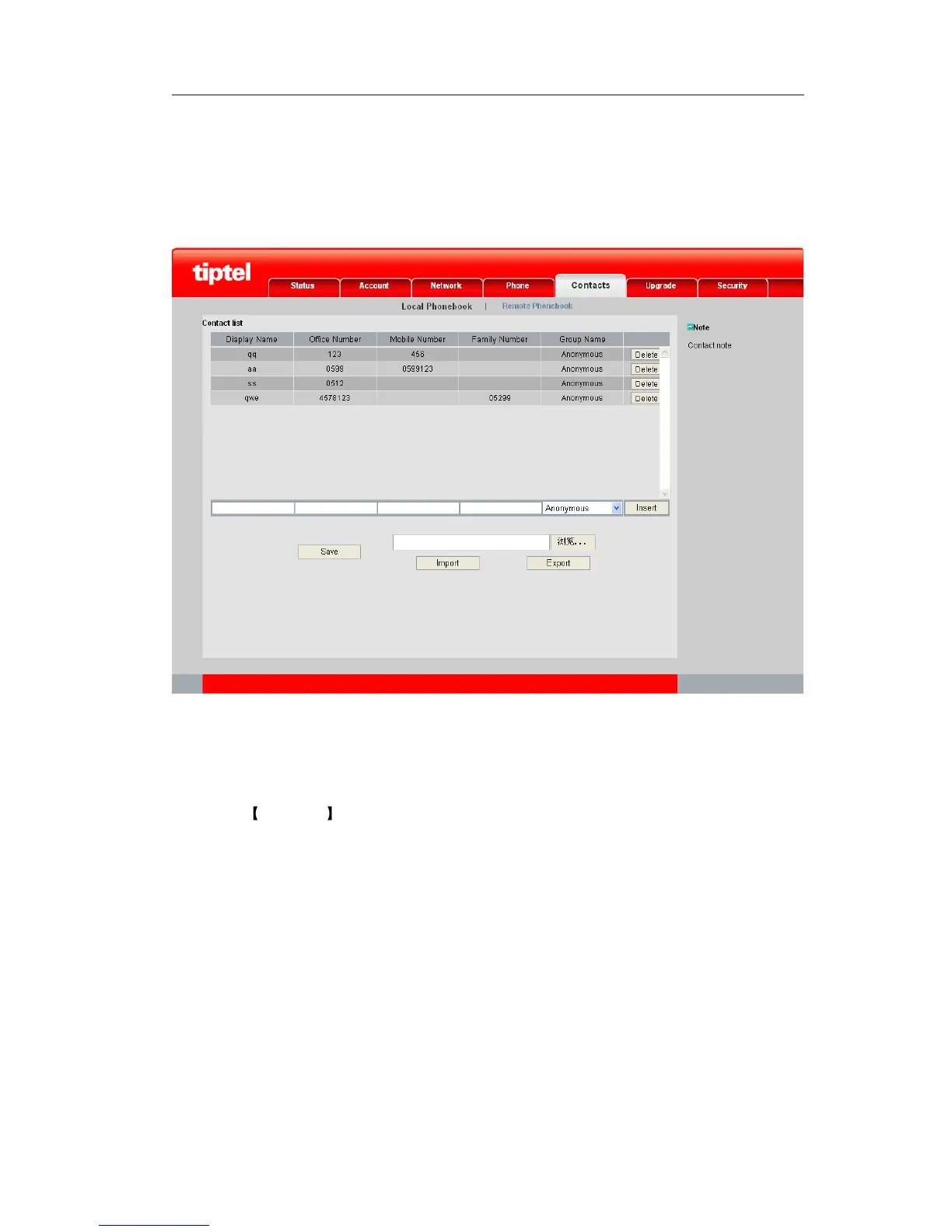
Add a contact via web interface:
1) Choose Contacts->Local Phonebook.
2) Enter the Display Name, Office Number, Mobile Number, Family Number and Group
Name, and then click the Insert button to add the record.
3) Click the Save button to save the changes.
Search Contact
Search a contact via phone interface:
1) Click Directory option to enter the Contacts page.



 To Next Page