Add a record from call history
1) Click Call History option to enter the call list interface.
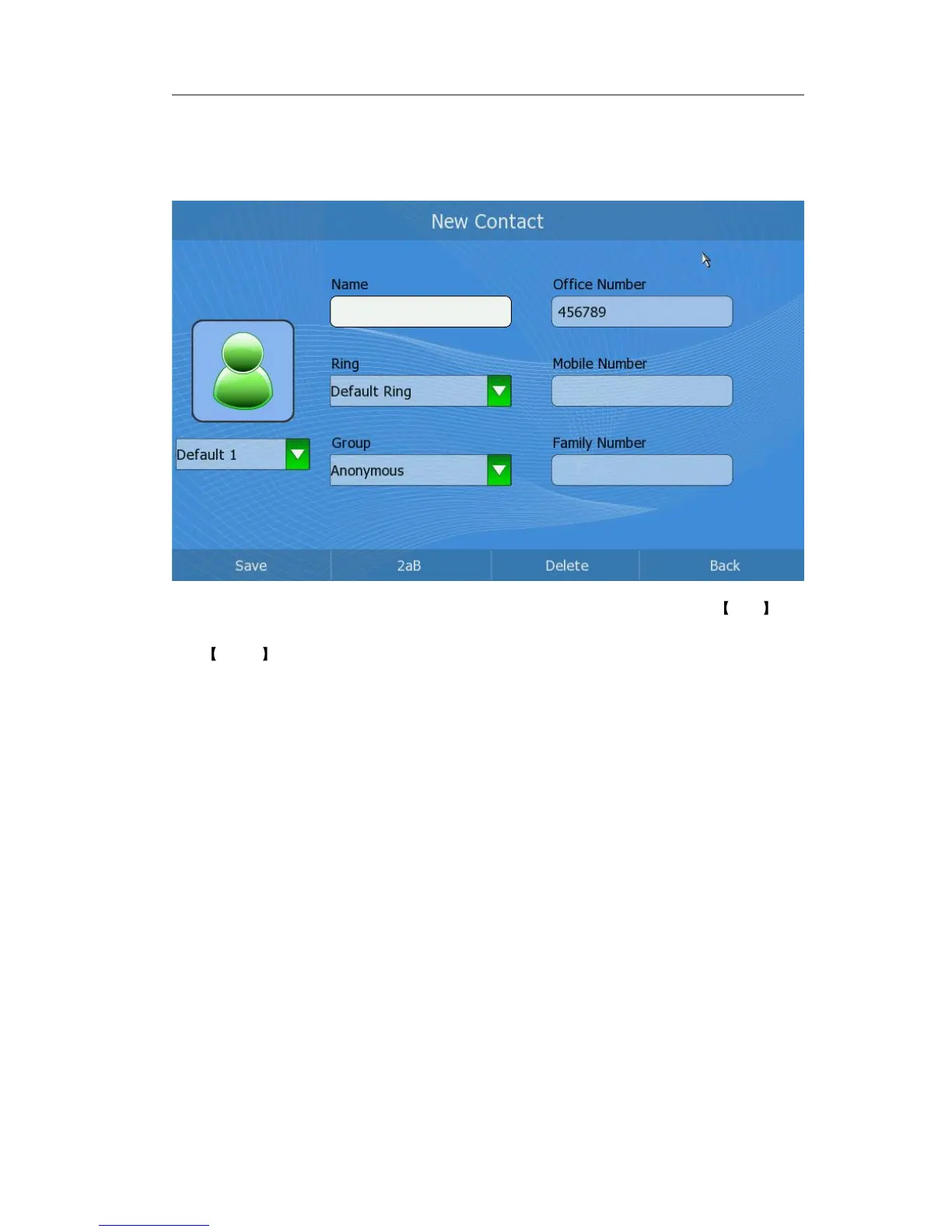
2) Choose a record you want to edit and click Add button to enter the edition interface.
3) Press Up/Down button to choose and fill in different options, in the Ring and
Group options, press <OK> button to pop up the pull-down menu, choose your
preferred options, then press <OK> to confirm.
4) After the edition, press the Save softkey to save your changes.
Delete the call history
Users can choose to delete the record(s) in the call list by the phone UI.
1) Click Call History option to enter the call list interface.
2) Choose a record you want to delete, and then click the Options.
3) Click Delete option, it will pop up a frame shown as:



 To Next Page