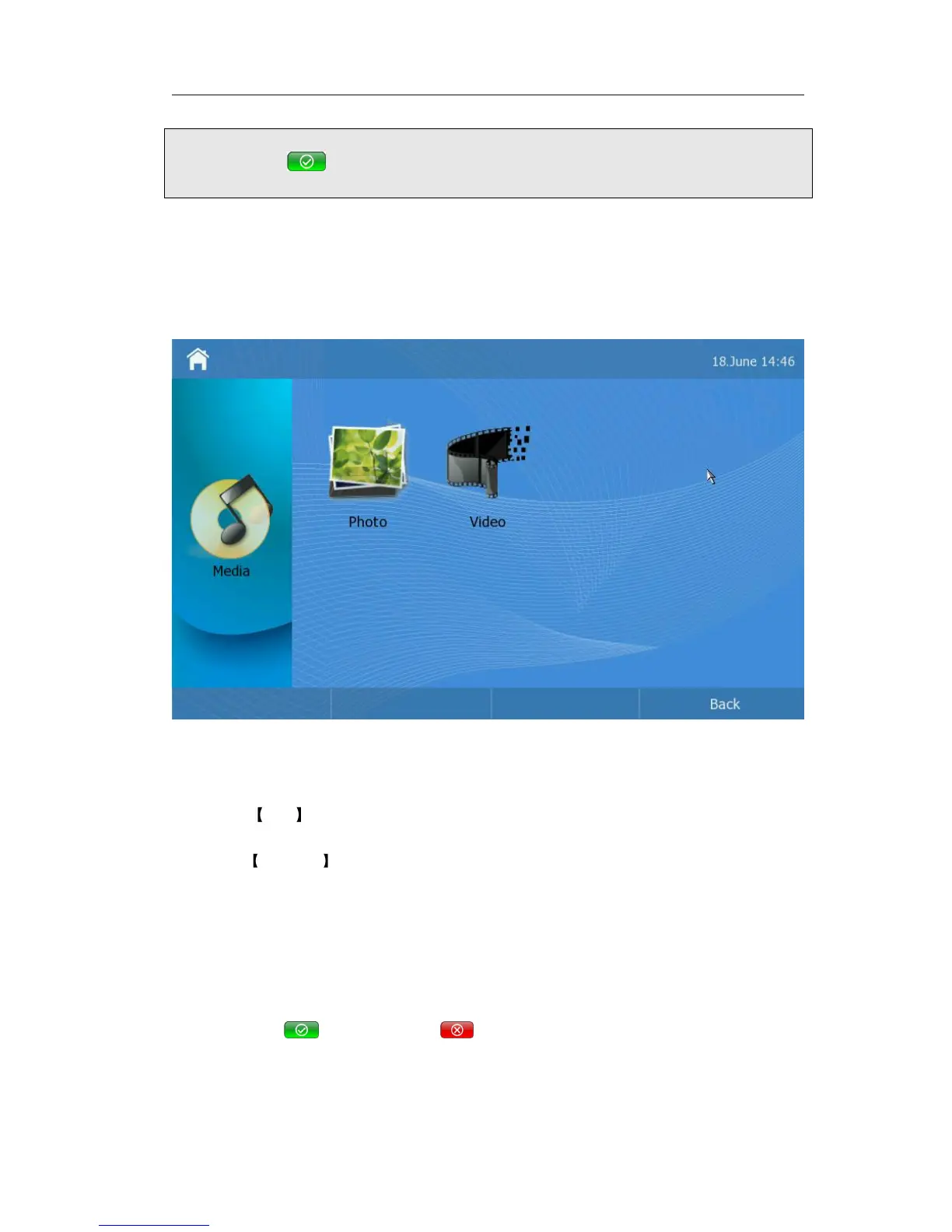
Media
In the idle status, click Media option to enter the menu interface.
There are two operations for users choose to use. One is Photo, another is Video. You
can manage the photo and video.
Photo
Enter the photo, the phone can play or manage the photo.
1) Click play it will automatically play the corresponding photos.
2) Click Manager enter the manage interface. Then you can upload the photo from
the USB device. And you can also delete the photos if you have sufficient permissions.
Attention:
The definition of the image should be Jpeg with 800 width and 480 height.
3) Click the <Delete> this button; it will pop up a warning frame, asking whether to
delete it. Click to delete, click to cancel and return to the Manage frame.



 To Next Page