During an Active Call
Audio/Video Switch
There are several ways to operate the current audio/video conversation:
1) Shift between audio and video: During a call, click Voice Call or Video Call to
shift between Voice call and Video call;
2) Close local video: press to close the local video, press it again to reopen the
local video;
Mute
Press to mute your audio. It will not be able to hear anything on other side. To
turn off mute, press the same key again.
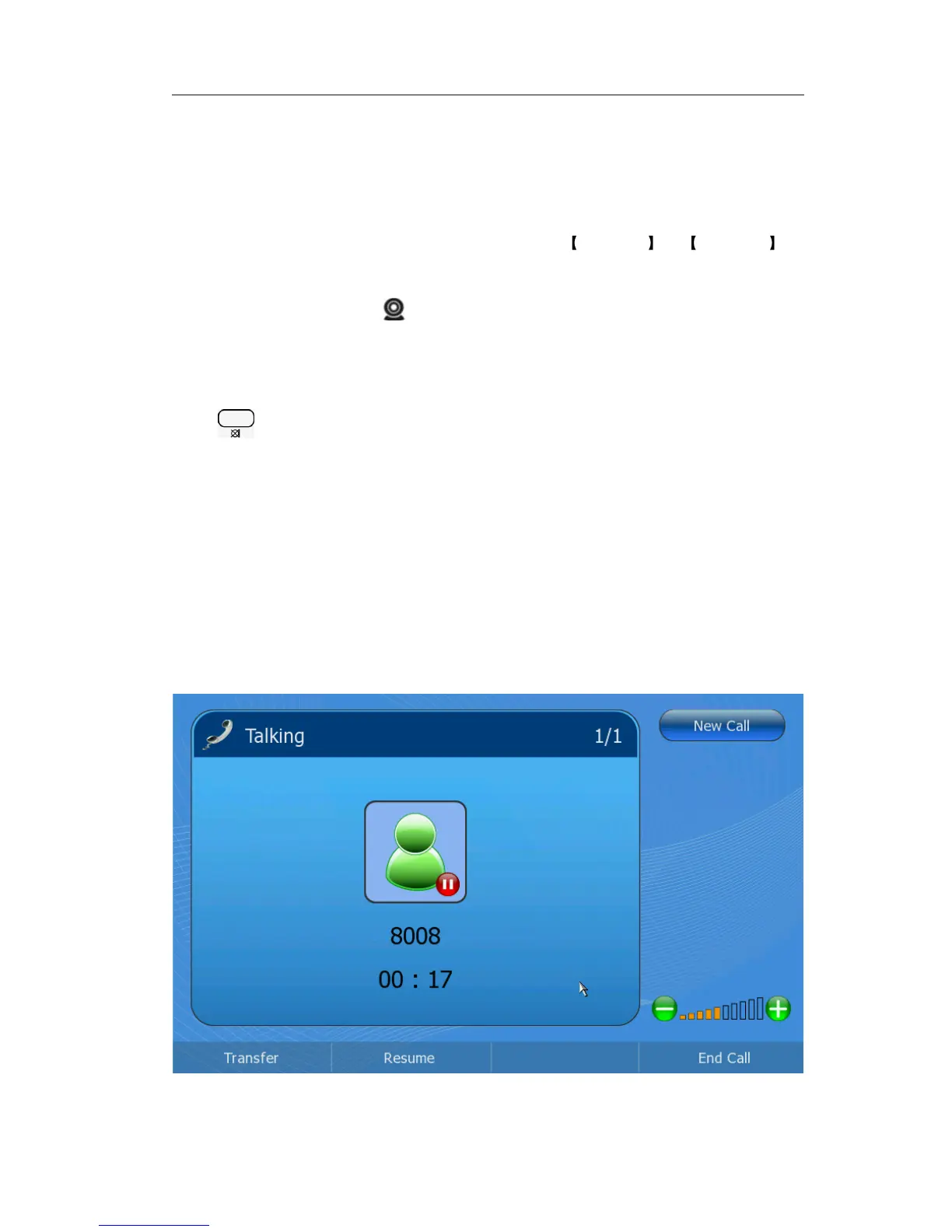
Call Hold
This call function allows you to place an active call on hold. In this case your IP PBX
might play a melody or message to the other party while waiting. Other calls can be
received and made while having a call on hold.
To hold/resume a call:
1) Press the Hold soft key to put your active call on hold.
2) Press the Resume soft key to retrieve the call.



 To Next Page