tiptel VP 28 Customizing Your Phone
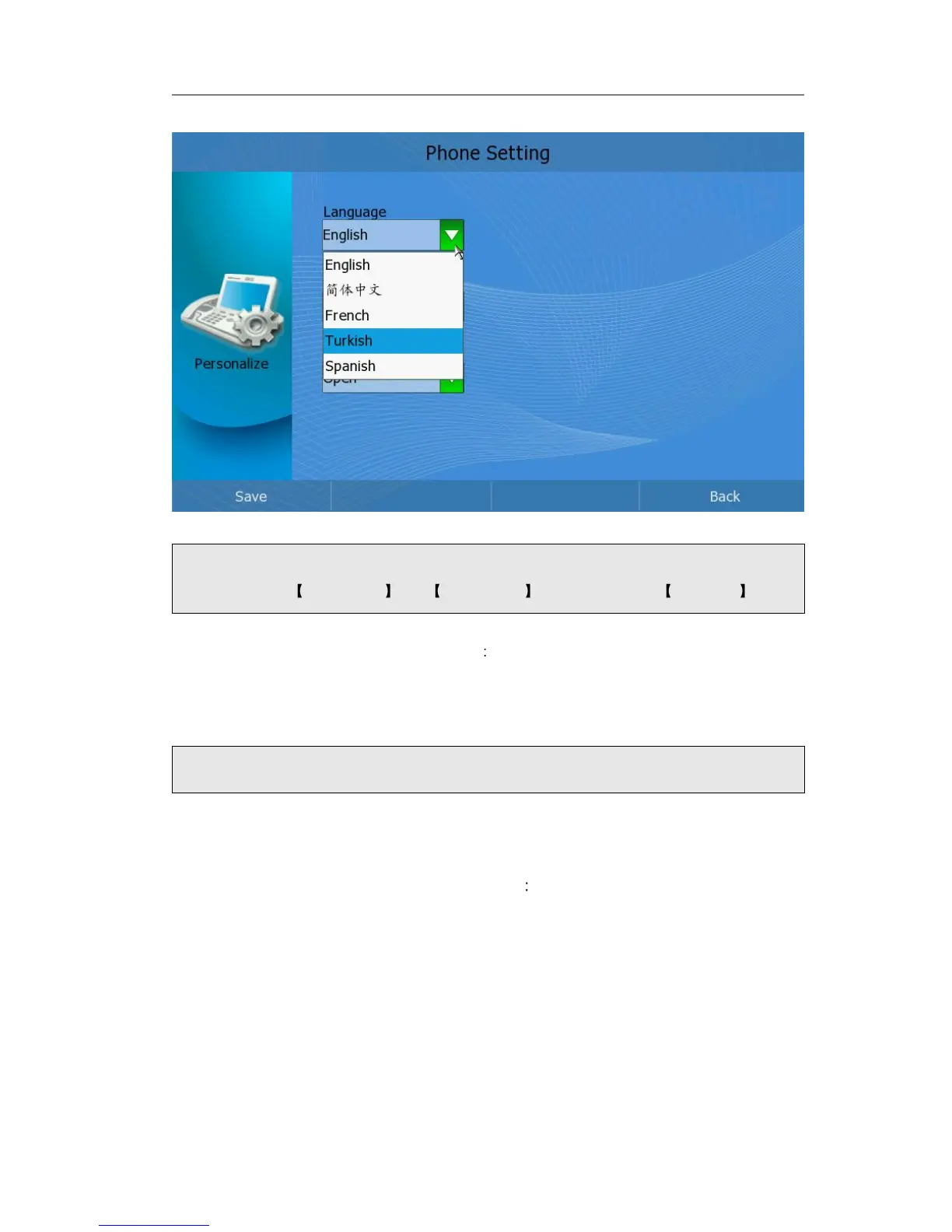
The language appears on the graphic display will be changed to the one you chose.
4) Press Exit soft key to return to the previous screen.
Note:
The settings of Call Option and Local Video are the same as language .
To change the language via web interface
Choose Phone->Preference->language to do the relating changes. Please refer to the
instruction above for the parameters’ detail.
Note:
If you choose the different language, you need to reboot the phone.
Call Option
Define the mode of calling out.
To change the call option via phone interface
1) Click Setting->Personalize->Call Option.
2) Press <OK> to pop up the pull-down menu, choose Voice or Video as the
default call mode;
3) Press Save to confirm the change;


 To Next Page