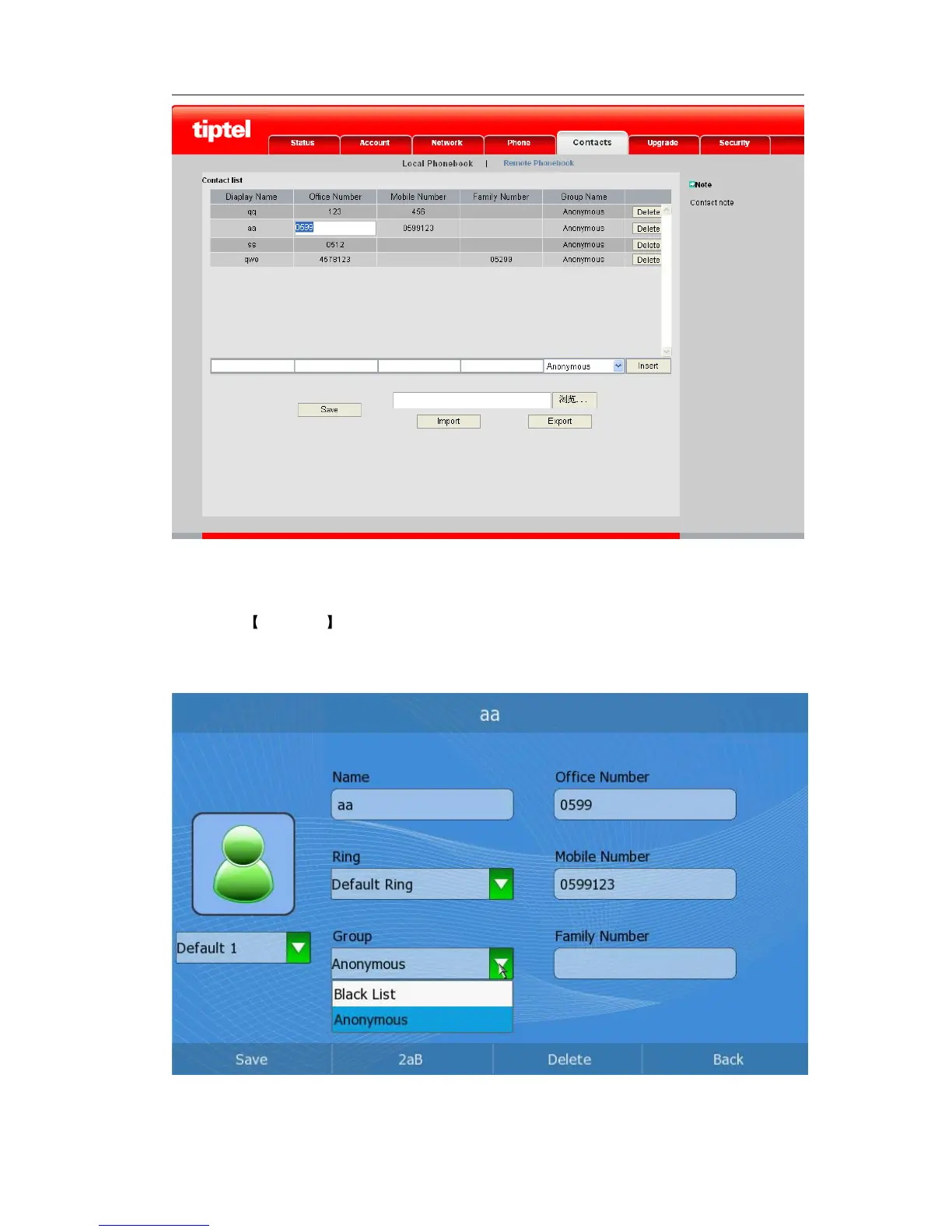
3) Click the Save button to save your changes.
Move a contact to the blacklist via phone interface:
1) Click Directory , then use the Up/Down navigation keys to choose a record you
want to move to the blacklist and press the <OK> button to enter.
2) Press the <F1> button to enter the edition page.
3) Click the Group option to open the pull-down menu and choose Black List option.
4) Press the <F1> to save your changes.



 To Next Page