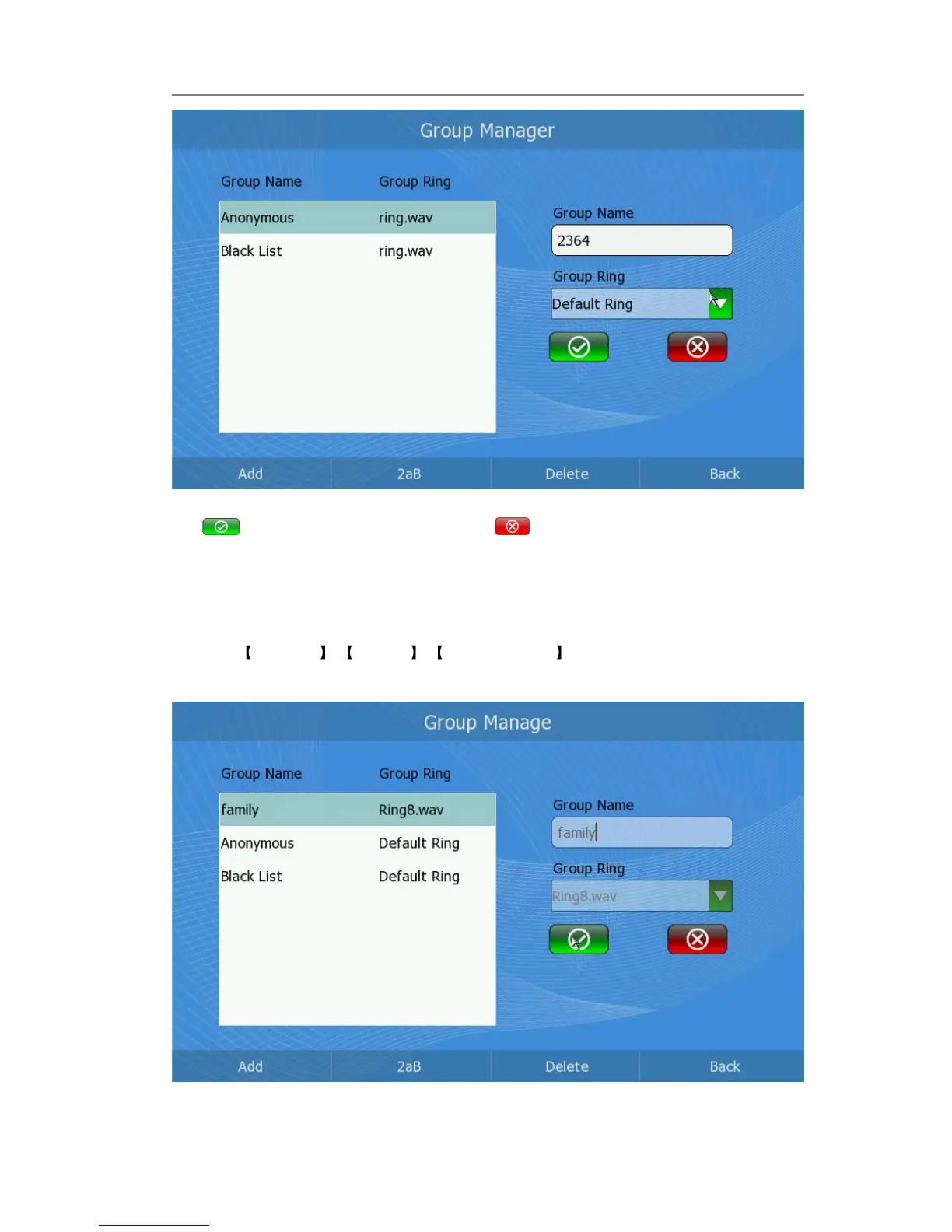
2) Enter the Group Name and choose the Group Ring of the new group. Then click
to confirm the operation, or click to cancel.
Edit group
Edit a group via phone interface:
1) Click Directory -> Options -> Group Manager option to enter the configuration
page.
2) Press the Up/Down navigation keys to choose a group you want to edit in the left



 To Next Page