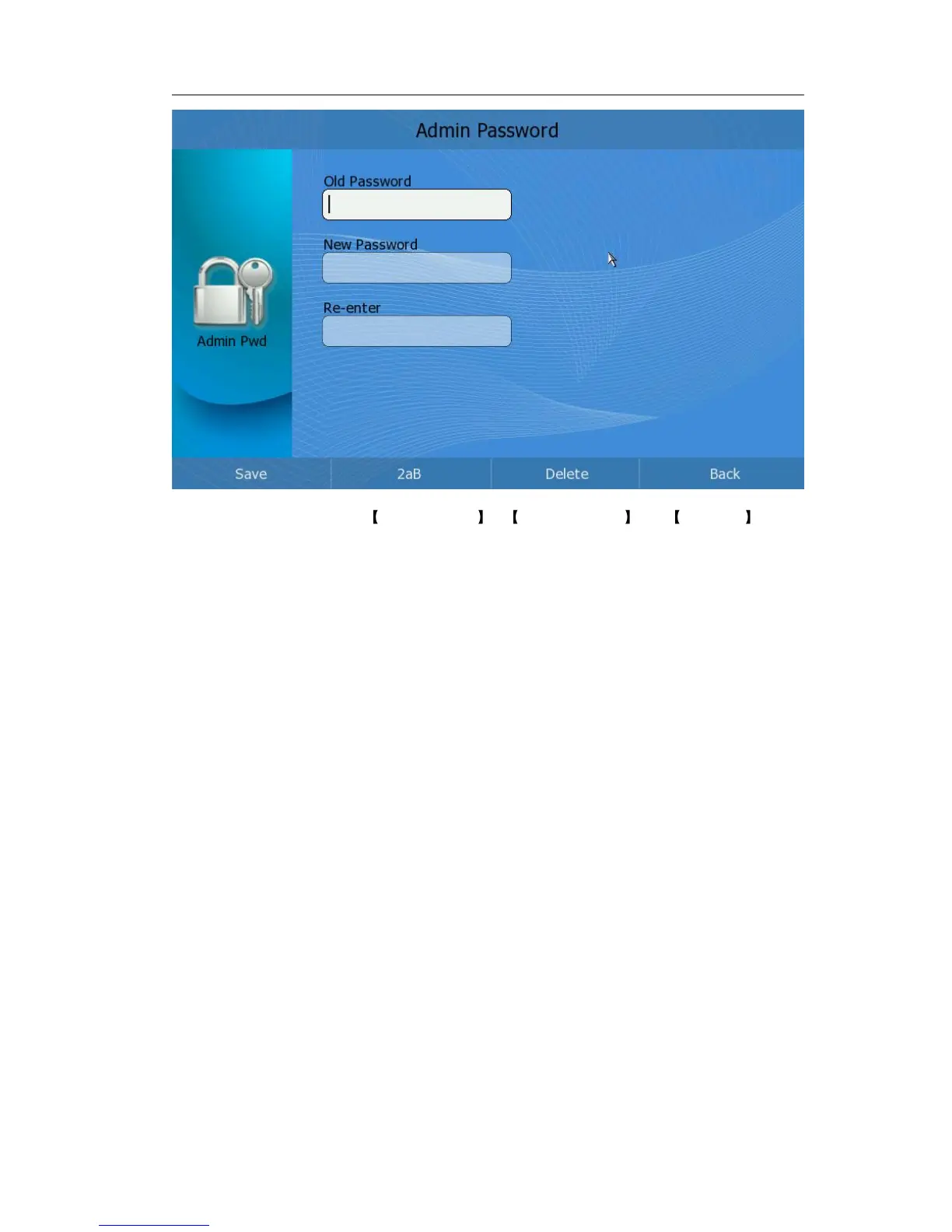
2) Choose and fill in the Old Password , New Password and Re-enter input
frame.
3) Press <F1> to save the change, or press <F4> to cancel the operation and return
to the “Setting” page.
To change the administrator password via web interface:
Enter Security page, choose user type in the pull-down menu of User Type option, enter
the old password, new password and confirm password, then click Confirm button to
save the changes, or Cancel button to cancel the operation.



 To Next Page