39
13.3.3. Returning from setting mode to normal use state
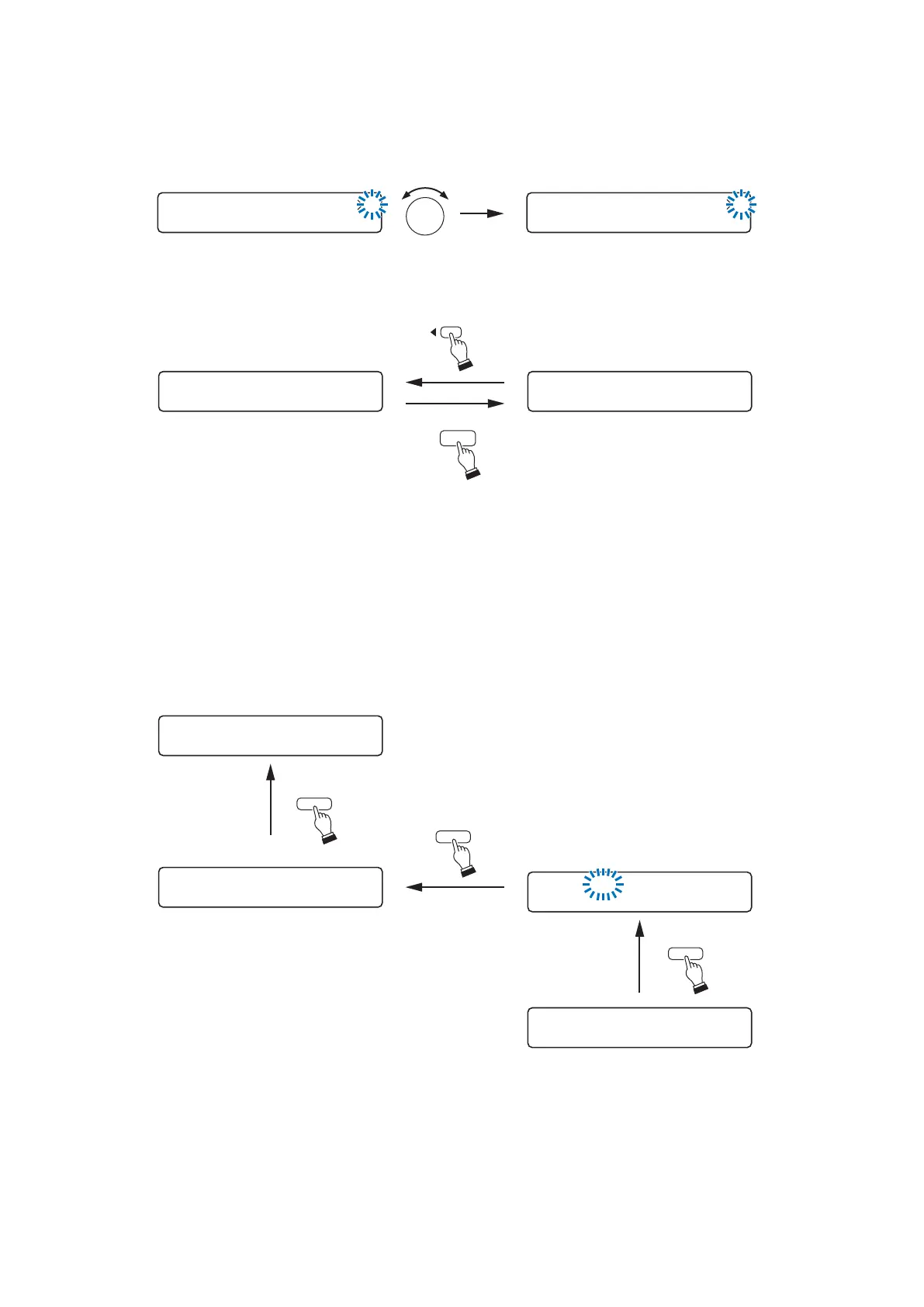
• Pressing the Escape/Back key when the setting screen is displayed returns the display to the setting start
screen on the upper hierarchy level.
• Pressing the Memory key at the setting menu screen saves the setting contents and returns the display to
the normal use state.
[Setting content selection]
Use the Parameter setting knob in most cases.
In some cases, however, use the input and output channel selection keys, or the input and output channel
ON/OFF keys.
For example, to select an input channel, use the input channel selection key as shown below.





 To Next Page