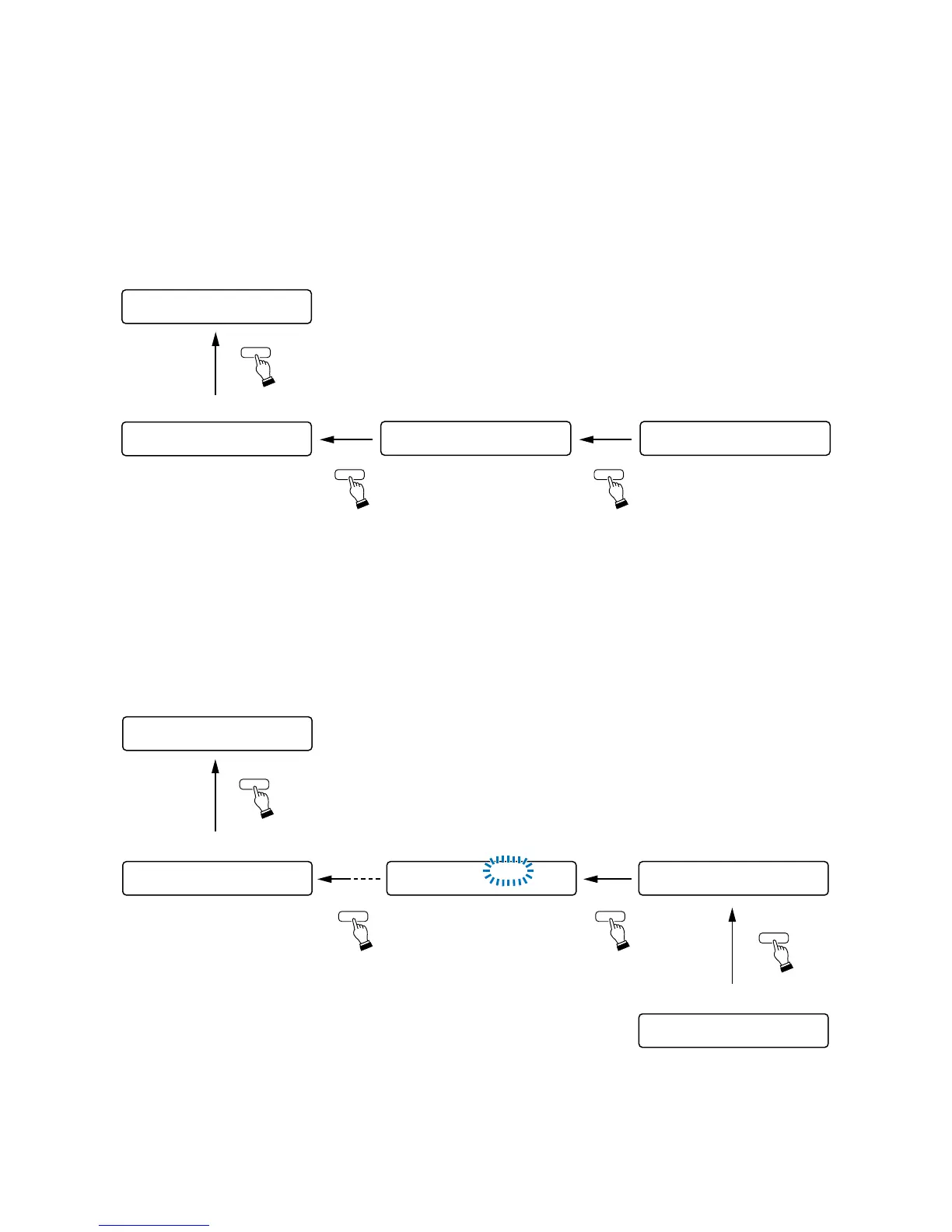
[Returning to the upper hierarchy level]
Pressing the Escape/Back key at any setting screen reverts the display to the screen on the upper hierarchy
level in the menu item setting flow.
• Example of using the Escape/Back key at the input or output setting screen
Pressing the Escape/Back key several times at any input or output setting screen reverts the display back to
the input or output gain setting screen. Pressing the Escape/Back key again reverts the display to the normal
use state.
• Example of using the Escape/Back key at the Utility setting screen
Pressing the Escape/Back key several times at any Utility setting screen reverts the display to the uppermost
setting screen in the utility setting flow. The display will not change any more even if the Escape/Back key is
pressed at the uppermost screen.
Pressing the Memory key at any uppermost screen reverts the display back to the normal use state.
37
IN1– IN1
O
N00
.
:
Input gain setting screen
–––
DUCKER
O
N
Ducker ON/OFF setting
DUCKER PR I
O
RITY 1
Ducker priority level setting
Normal use state
ESC/BACK
ESC/BACK
ESC/BACK
PA
G
IN
G
Z
O
NE
1
C- IN01
PA
G
IN
GO
NIN1
Paging input channel setting
PA
G
IN
G
Utility setting screen (Paging)
–––
Normal use state
PA
G
IN
G
TR I
G
C- IN
Trigger setting
Control input terminal setting
ESC/BACKESC/BACK
ESC/BACK
MEMORY



 To Next Page