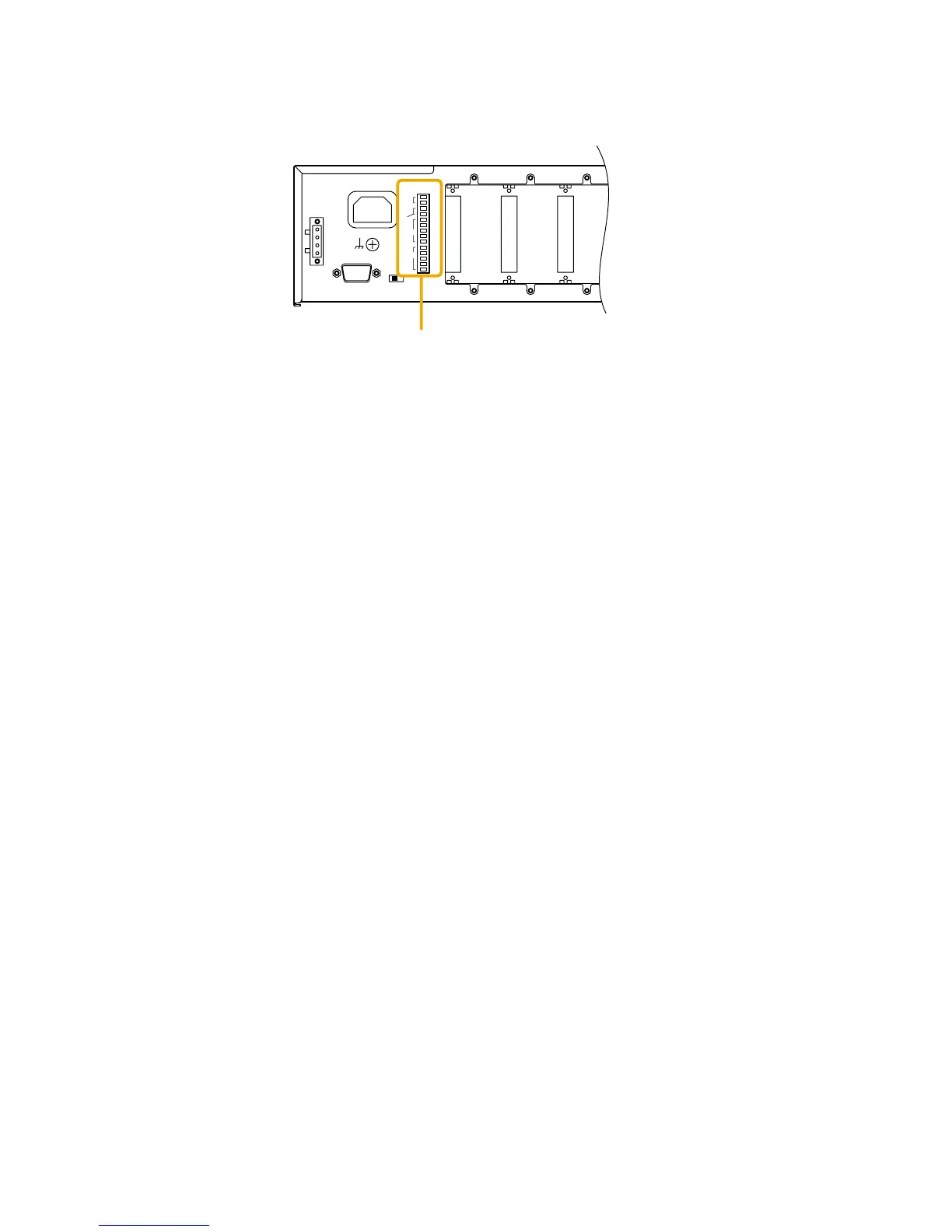
14. CONNECTIONS
14.1.1. Remote volumes 1, 2
Volume of the input or output channels can be remotely adjusted by connecting a variable resistor or variable
DC power supply unit. (The REMT VOL 1 terminal is factory-preset to output 1, and the REMT VOL 2 to
output 2.)
Connect a 10 kΩ (linear taper) variable resistor or input the DC voltage of 0 to +10 V as shown on the next
page.
The larger the variable resistor resistance, the larger the volume is, and the smaller its resistance, the smaller
the volume is.
Connecting the ZM-9001 Zone Manager adds 6 control inputs and allows the equipped 6 control buttons to
perform the functions assigned for input's or output's channel volume up/down, or Scene memory recall.
Connecting the ZM-9002 Zone Manager adds 1 volume control and 4 control inputs. Volume of the input or
output channels can be remotely adjusted with the volume control, and the 4 control buttons can be assigned
the same functions as those of the ZM-9001.
14.1.2. Control inputs 1 – 4
Connect switch contacts, etc. to these terminals.
Open voltage is 3.3 V, and the short-circuit current is 1 mA or less.



 To Next Page