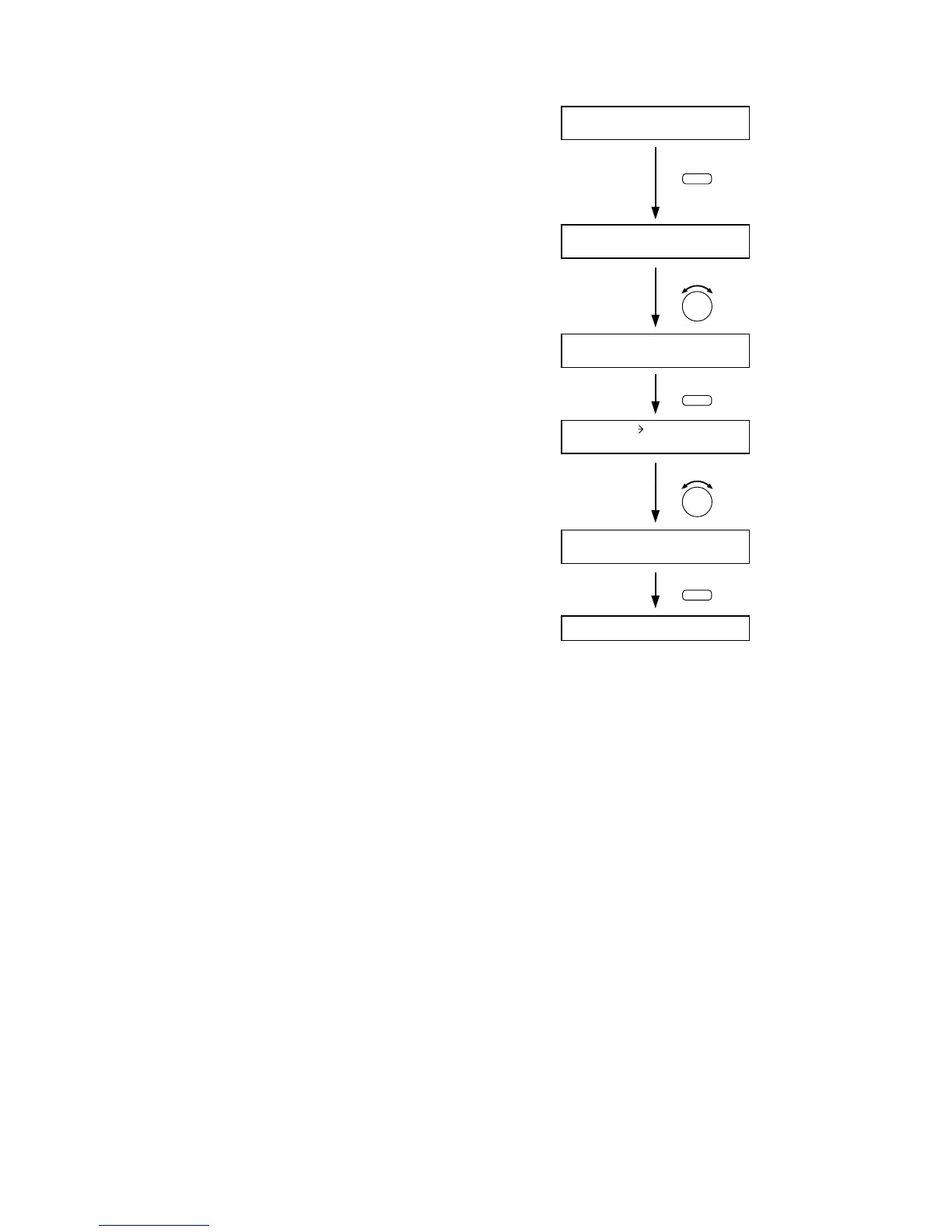
Step 1. Hold down the Memory key for 2 seconds or more.
The Scene memory setting screen is displayed.
Step 2. Use the Parameter setting knob to display "ERASE"
indication.
Step 3. Press the Enter key to display the Scene memory
erasure screen.
Step 4. Select with the Parameter setting knob the Scene
memory bank number (01 – 32) to be erased.
Step 5. Press the Enter key to erase the setting data stored in
the designated memory bank number.
After erasure completion, the unit returns to the
normal use state.



 To Next Page