ENTER
KEYL
O
CK I NPUT
O
FF KEYL
O
CK I N CH1
O
FF
KEYL
O
CK
O
UTPUT
O
FF KEYL
O
CK
O
UTCH1
O
FF
KEYL
O
CK UT I L
O
FF
KEYL
O
CK P
O
W
E
R O
FF
KEYL
O
CK ALL
O
FF
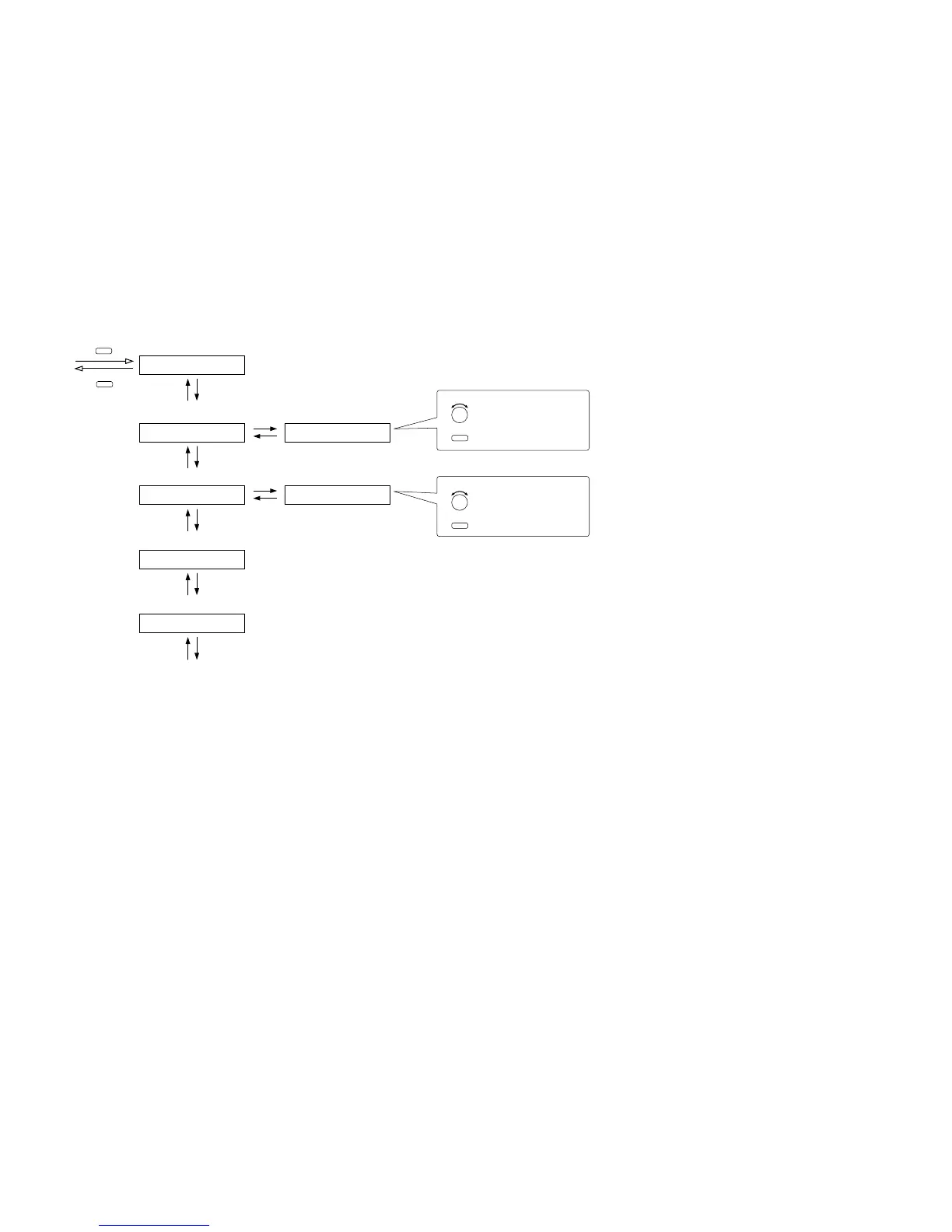
All-key lock ON/OFF (p. 78-G1)
Input key lock ON/OFF (p. 78-G2)
Input channel selection key lock ON/OFF
(p. 78-G3)
Output channel selection key lock ON/OFF
(p. 78-G5)Output key lock ON/OFF (p. 78-G4 )
Setting key lock ON/OFF (p. 79-G6)
Power switch lock ON/OFF (p. 79-G7)
All-key lock ON/OFF
ESC/BACK
P. 55
selects an input channel.
turns the input channel on or off.
ON/OFF
PARAMETER
selects an output channel.
turns the output channel on or off.
ON/OFF
PARAMETER



 To Next Page