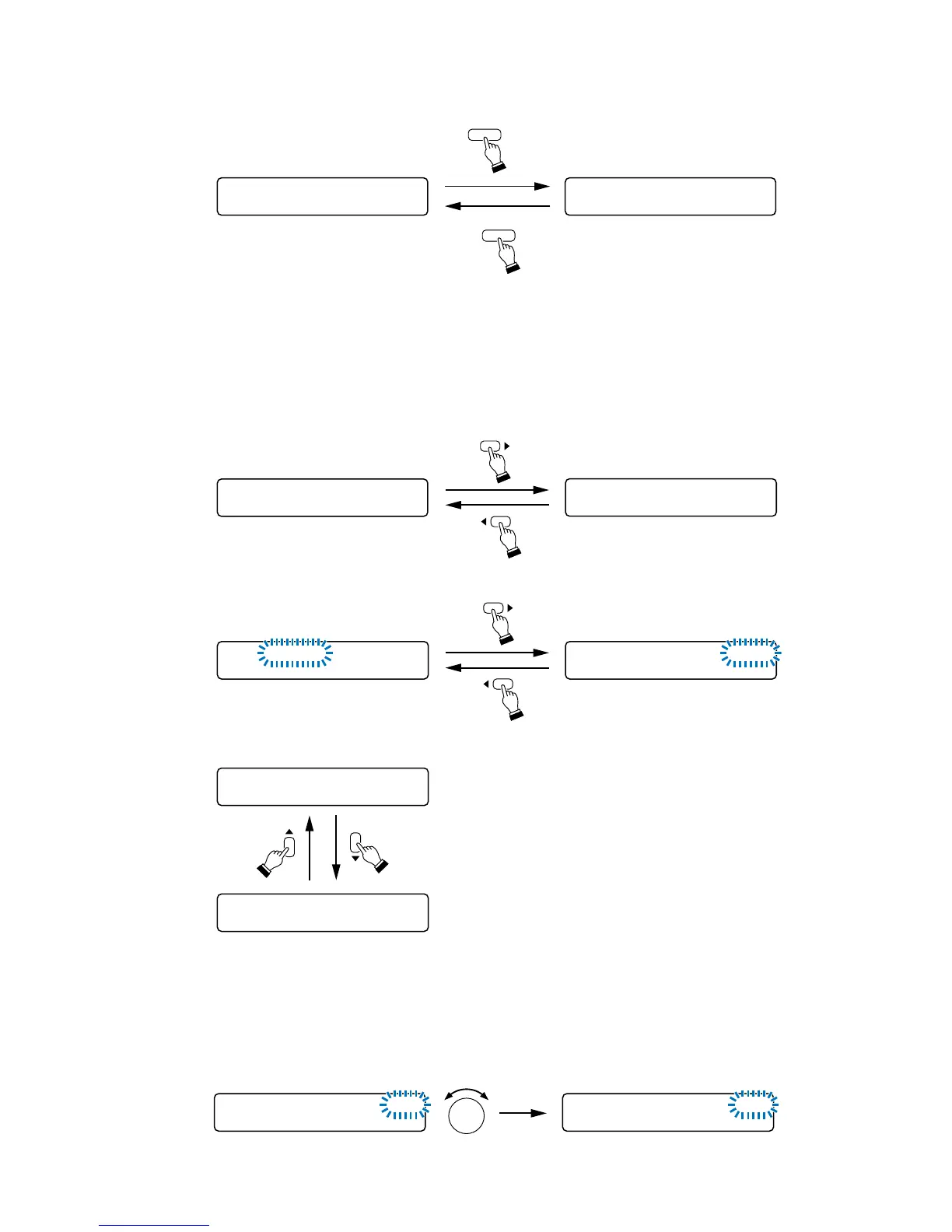
[Moving the setting screen or setting item]
Use the Screen shift key mainly. (The Enter and Escape/Back keys may also be used.)
[Setting content selection]
Use the Parameter setting knob in most cases.
In some cases, however, use the input and output channel selection keys, or the input and output channel
ON/OFF keys.
• Pressing the Memory key for over 2 seconds in the normal use state or at the input or output setting screen
changes the display to the memory setting screen. To revert back to the normal use state, press the
Memory key again.
36
–––
Memory setting screenNormal use state
MEMORY
MEMORY
SCENESETT I N
G
SAVE
Press for over 2 seconds.
IN1– _______
DUCKER
O
FF
When moving the setting screen:
• Examples of using the Left and Right shift keys
• Example of using the Up and Down shift keys
IN1– _______
HPF = 4 0 0HZ LP
F
=12 . 5HPF=400HZLPF=12.5
When moving the setting item on the same screen:
IN1– IN1
O
N00
.
:



 To Next Page