47
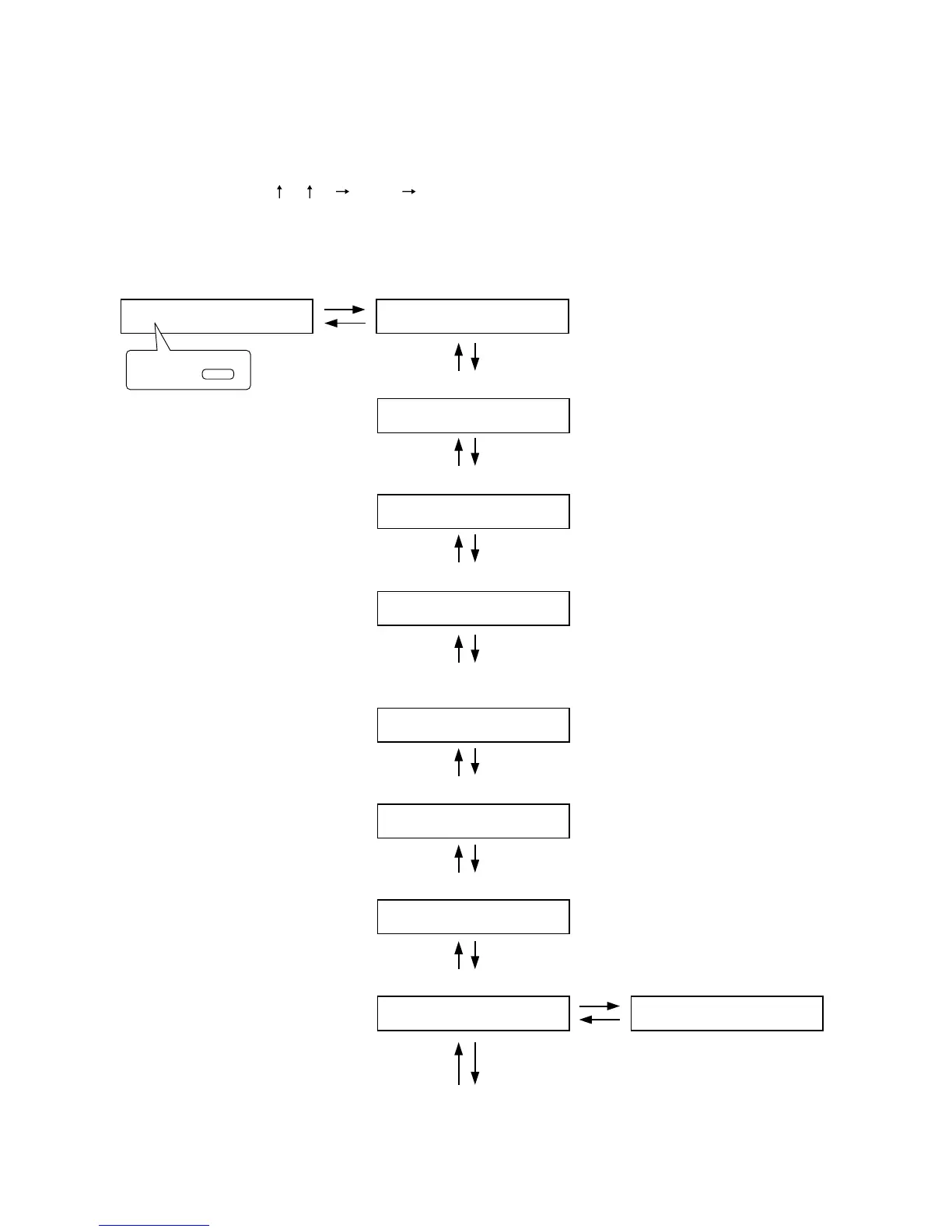
10.4.1. Setting flow chart
The screen display examples shown below may differ from actual displays.
The on-screen indications shown in red here (actually shown by flashing cursors) are parameters or setting
contents to be selected with the Parameter setting knob, input channel selection key or other designated keys.
The indications of the [ ], [ ], [ ], and [ ] arrows represent that the screen is switched with the Screen
shift key.
Unless otherwise specified, use the Parameter setting knob for each parameter selection.
10.4. Audio Output Setting
Output gain setting (p. 48-B1)
O
UT1– _______
Output channel name setting (p. 48-B2)
O
UT1–
O
UT1
O
N00
.
:
EQ ON/OFF, Band number, Gain, Q,
and Center frequency settings
(p. 52-B6)
E
Q
10 +12 07 315
..
Output channel name setting
BASS+12 TRE
B
LE– 10
BASS and TREBLE settings (p. 48-B3)
L
O
UDNESS–
O
N
Loudness compensation setting (p. 48-B4)
C
O
M
PRESS
O
R –
OF
F
Compressor setting (p. 53-B8)
HPF and LPF settings (p. 52-B7)
HPF– 400 HZ L
P
F – 125
.
Speaker parameter presetting (p. 49-B5)
S
P
E
Q
= ALL FL
A
T
DELAY–
OF
F
Delay ON/OFF setting (p. 53-B9)
DELAY–
ON
TI
M
E – 0
(When the delay ON/OFF setting is ON)
Delay time setting
(p. 54-B10)
Note
Press the Enter key to confirm this setting.
To select,
OUTPUT SEL



 To Next Page