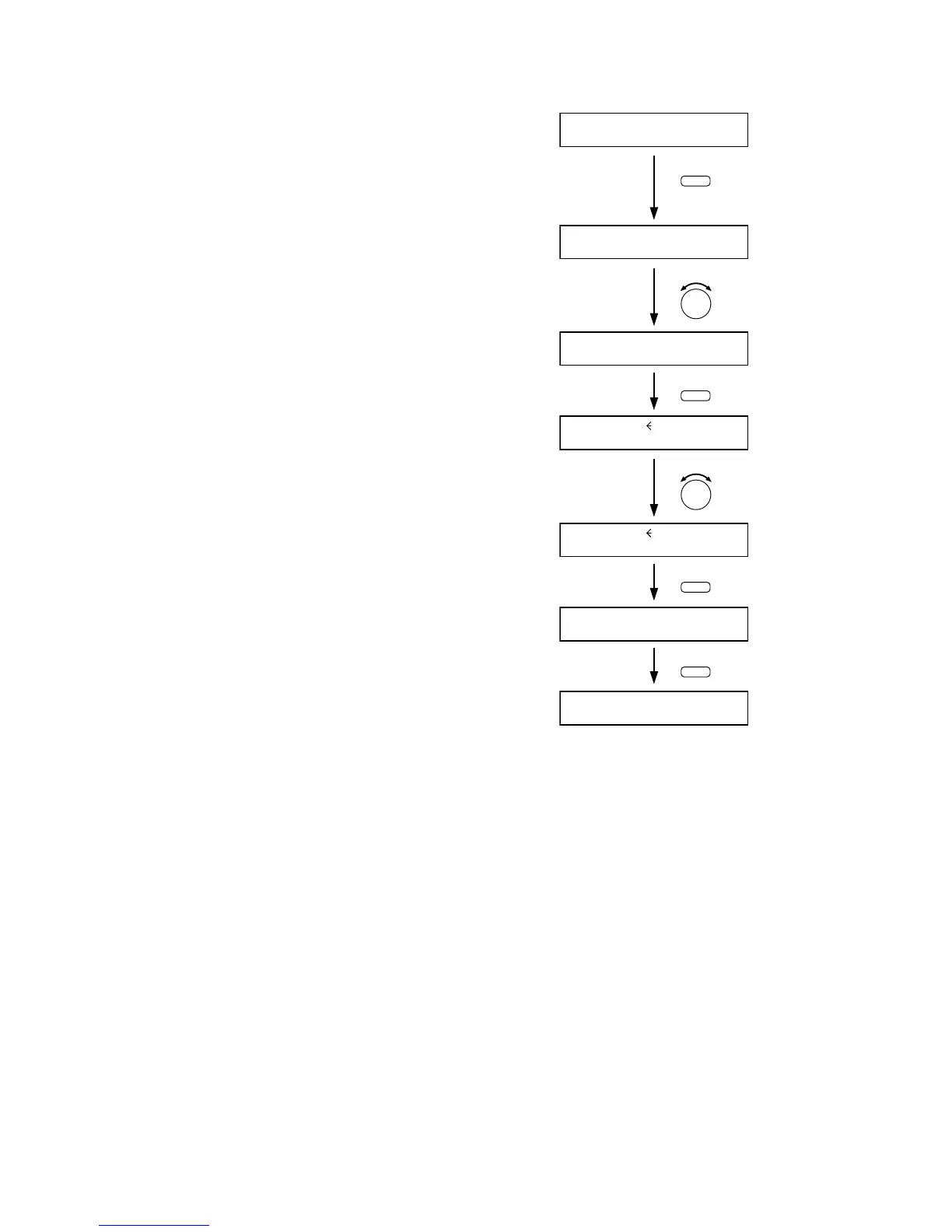
Step 1. Hold down the Memory key for 2 seconds or more.
The Scene memory setting screen is displayed.
Step 2. Use the Parameter setting knob to display "P-ON"
indication.
Step 3. Press the Enter key to display the setting screen for
the Scene memory to be recalled at Power-On.
Step 4. Select with the Parameter setting knob the Scene
memory bank number (01 – 32) or LAST STATE to be
read at power-on.
Note
When the "LAST STATE" is selected, the unit is
powered up to the state just before power-off when
the power is switched on again.
Step 5. Press the Escape/Back key to perform setting that the
designated Scene memory bank number is read at
power-on.
Step 6. Press the Memory key.
The display returns to the normal use state.



 To Next Page