3-28
Chapter 3
INSTALLATION AND SETTING PROCEDURES (HARDWARE)
6.3.6. Setting of speech intelligibly
Turning on the speech intelligibility function makes it easier to hear the microphone announcements even in a
noisy environment* and also allows the microphone to pick up the audio signals at an appropriate level even if
speaking too close to or too far from it.
* Depends on the surrounding environment. The effectiveness is not guaranteed as there are individual
differences in hearing sensitivity.
Menu
Operation setting
Maintenance/Volume setting
BACK
1
2
Exit3
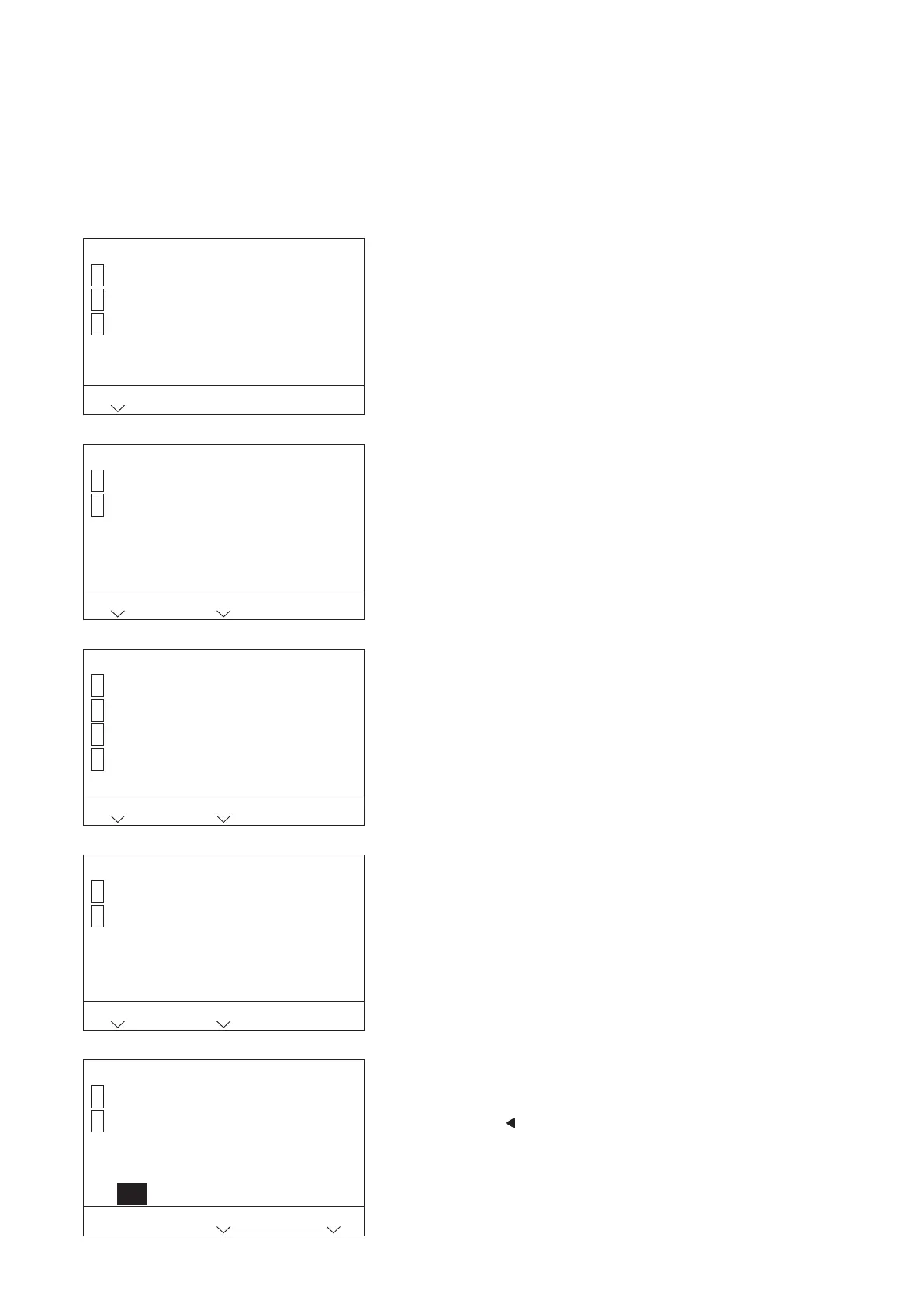
Step 1. Press the [1] key on the menu screen.
The Operation setting item selection screen is displayed.
Step 2. Press the [2] key.
The Advanced setting item selection screen is displayed.
Step 3. Press the [2] key.
The Speech intelligibly setting screen is displayed.
Step 4. Press the [1] key.
"ON" is selected.
Step 5. Press the key.
The set contents are conrmed.
Note
In a high noise environment or in places where feedback is
likely to occur, do not use this function.
1 Operation setting
LCD setting
Advanced setting
BACK
1
2
HOME
1-2 Advanced setting
Display mic. level
Speech intelligibly
BACK
1
2
AUX mic. setting
TALK timeout extension
3
7
HOME
1-2-2 Speech intelligibly
[ OFF ]
OFF
ON
BACK
1
2
HOME
1-2-2 Speech intelligibly
[ ON ]
OFF
ON
1
2
CALCEL
SET



 To Next Page