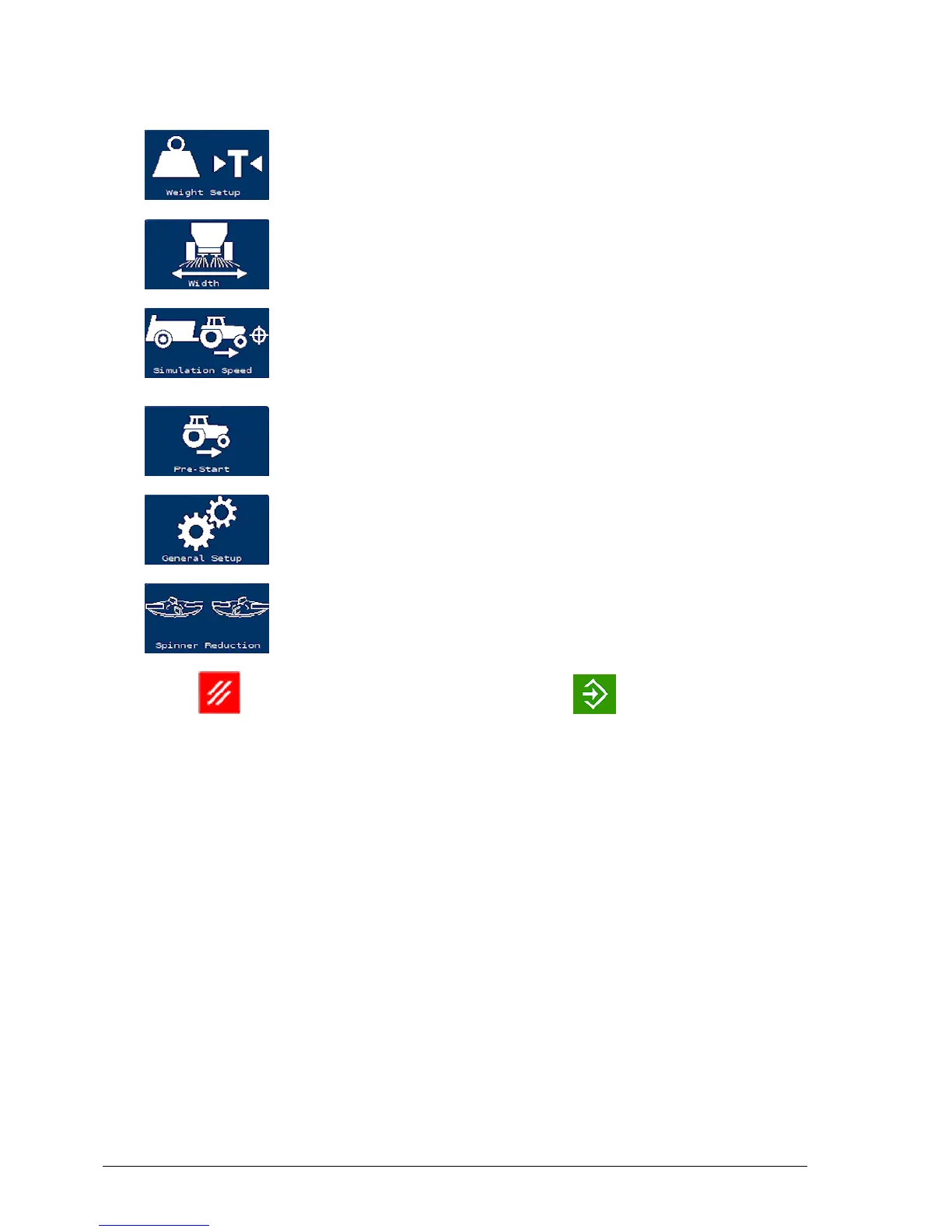
3.3. Athene primary screens
24
Select calibration mode (see page 45), add weight / tare
(see page 42).
Set full working width. See Setting up working width,
page 32.
Used to test the machine in the factory or if there is a
problem with the normal forward speed signal. See
Simulated speed, page 41.
Start floor moving while spreader is stationary. See
Setting up pre-start, page 33.
Configure units (see page 28) and forward speed
options (see page 40).
Reduce spinner RPM on boundary. See Setting up
boundary reduction, page 35.
Press to return to the previous screen or to confirm an
entry.
Technician menu
The Technician menu provides the following settings.
Display options:
l Speed smoothing:Damping of forward speed displayed. Higher
number gives more damping.
l Rate lock on %: If the actual rate is within this % of the target,
then the target rate will be displayed on the main screen.
l Rate smoothing: Damping of application rate display. Higher
number gives more damping.
l Off target alarm: If the actual rate is outside this % of the target
then the 'Over/Under Application' alarm is shown.



 To Next Page