NOTES:
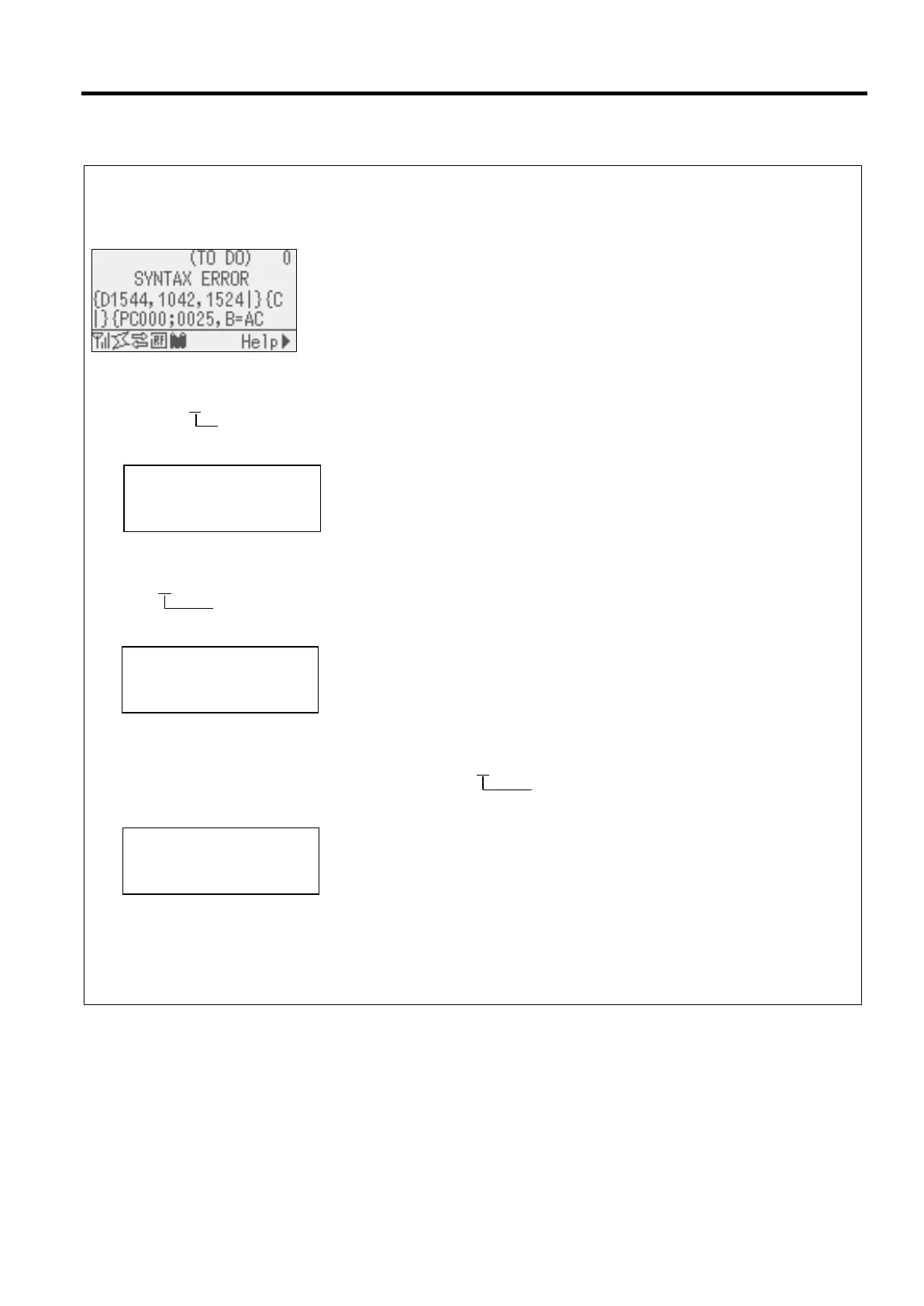
If an error is found in a command received, up to 42 bytes of the erroneous command, starting from the command
code, will be displayed. (However, [LF] and [NUL] will not be displayed.)
Example 1
[ESC]PC001;0A00,0300,2,2,A,00,B[LF][NUL]
Command error
The following message appears.
Example 2
[ESC]T20G30[LF] [NUL]
Command error
The following message appears.
Example 3
[ESC]PC002;0100,0300,15,15,A,00,00,J0101,+000000000A,Z10,P1[LF] [NUL]
Command error
The following message appears.
When the error is shown, “? (3FH)” appears for character codes other than 20H to 7FH and A0H to DFH.
For details, please refer to the B-EX Series External Equipment Interface Specification.
NOTES:
・The battery check does not work when the printer is being reset and the RTC is not mounted.
・It is necessary to follow the procedure below to use RTC function under a low battery condition.
・Turn off the printer power while the printer is in an error state. Start the printer in the system mode, set the date
and time for the RTC again, then reset the printer to place the printer in online state.
* The printer can print the programmed date and time until it is turned off.



 To Next Page
 Loading...











