3
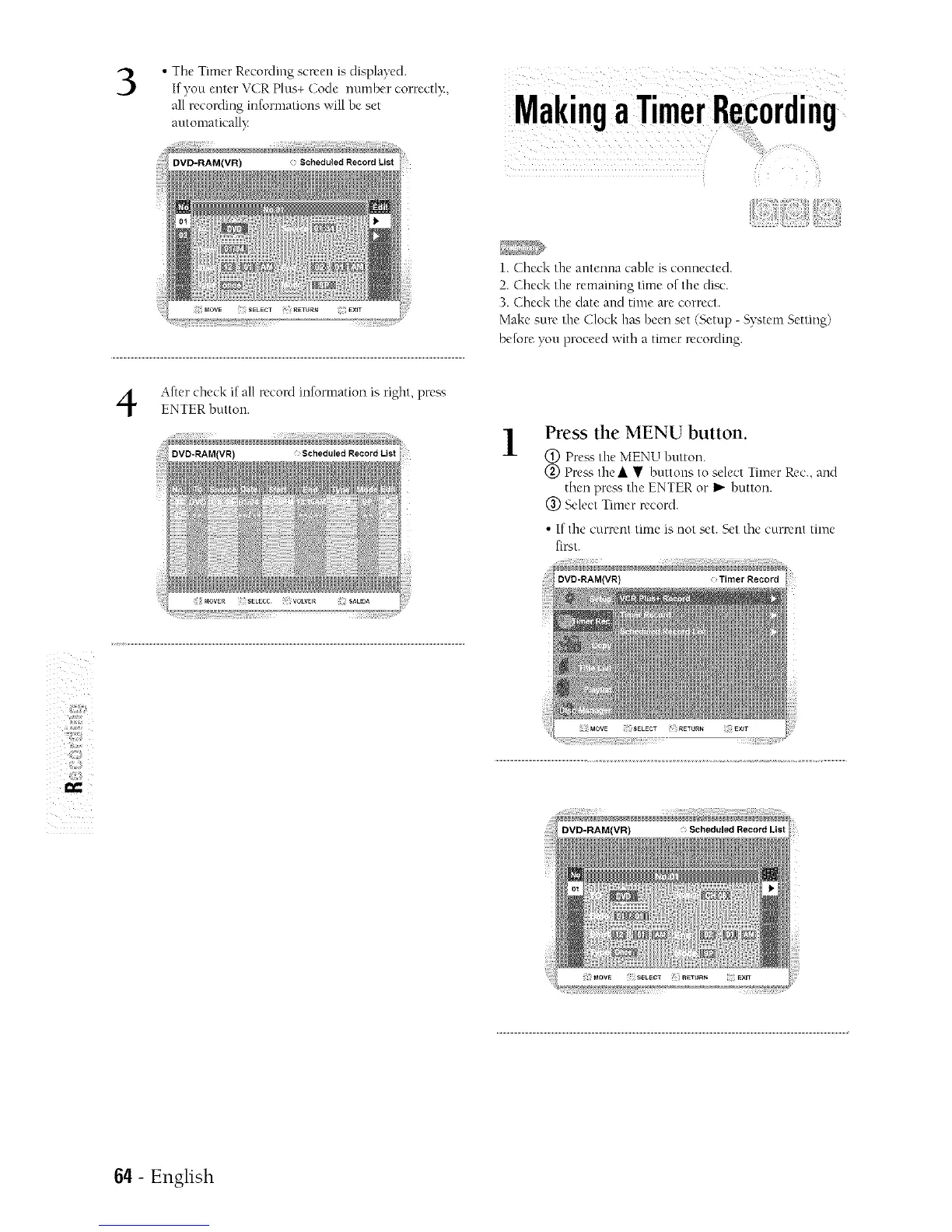
• Tile Timer RecoMmg screen is displayed.
If you enter VCR Plus+ Code number correctl}:,
al( recording informations ,,;'ill be set
automatically
z
After check if all record information is right, press
ENTER fiutton.
1.( fieck the antenna cable is connected.
2. Check the remaining time of the disc.
3. Check the date and time are correct.
Make sure the Clock has been set (Setup - System Setting)
before you proceed with a timer recording.
1
Press the MENU button.
Press the MENU button.
Pre_sthe • • buttons to se ect Timer Rec., and
then pre__,the ENTER or I_"button.
(_) Select _imer record.
• If the cLlrrcnt tmle is not set. Set the currant time
first.
DVD-RAM(VR) Timer Record
I==
64- English



 To Next Page