Playinga
Y
Press the • • button to select Pla}: and then press
the ENTER button.
• The selected entry (title) will be played back.
Follow these directions to playback arl ent_ _from the Title
List.
chapter or time items.
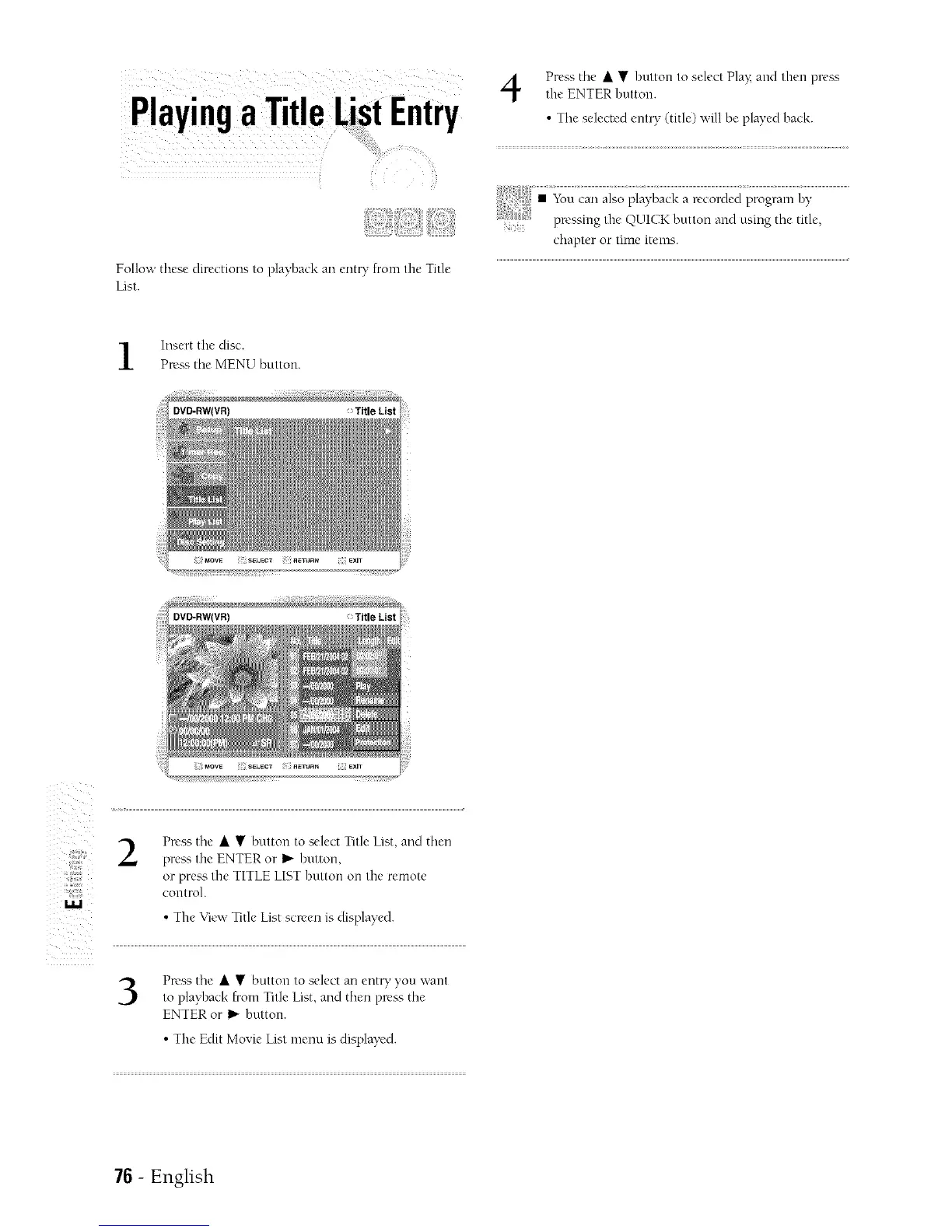
Insert the disc.
Press the MENU button.
2
Press the • • button to select Title List, and then
pre_':, the ENTER or _ button,
or press the TITLE LIST button on the remote
control.
• The View Title List screen is displayed.
Press the • • bntton to select an ent_' you want
to playback from Title List, and then press the
ENTER or I_"button.
• The Edit Movie List menu is displayed.
7G- English



 To Next Page