4
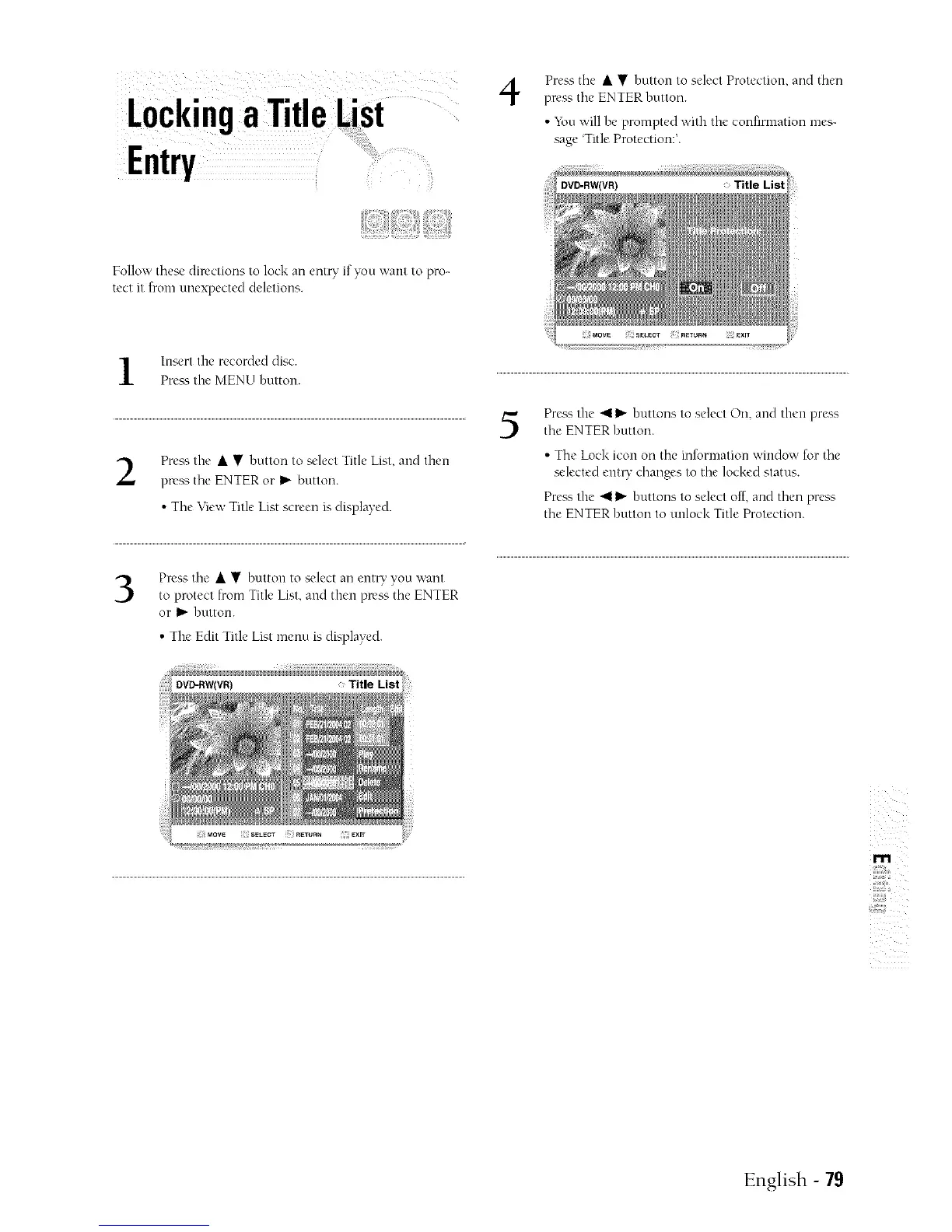
Press the • • button to select Protection, and then
press the ENTER button.
• _bu will be prompted with the confirmation mes-
sage Title Protection:'.
Vollow these directions to lock an entQ" if you want to pro-
tect it from unexpectecl deletions.
Insert the recorded disc.
Pre_ ¢,the MENU button.
Press the • • button to select Title List, and then
press the ENTER or I_ button.
• The View Title List screen is displayed.
Press the • • button to select an eut_' you want
to protect from Title List, and then press the ENTER
or _ button.
• The Edit Title List menu is displayed.
5
Press the 411_ buttons to select On, and then press
the ENTER button.
• The Lock icon on the information window for the
selected entry changes to the locked status.
Prea'., the _ _ buttons to select off, and then press
the ENTER button to unlock Title Protection.
m
English - 79



 To Next Page