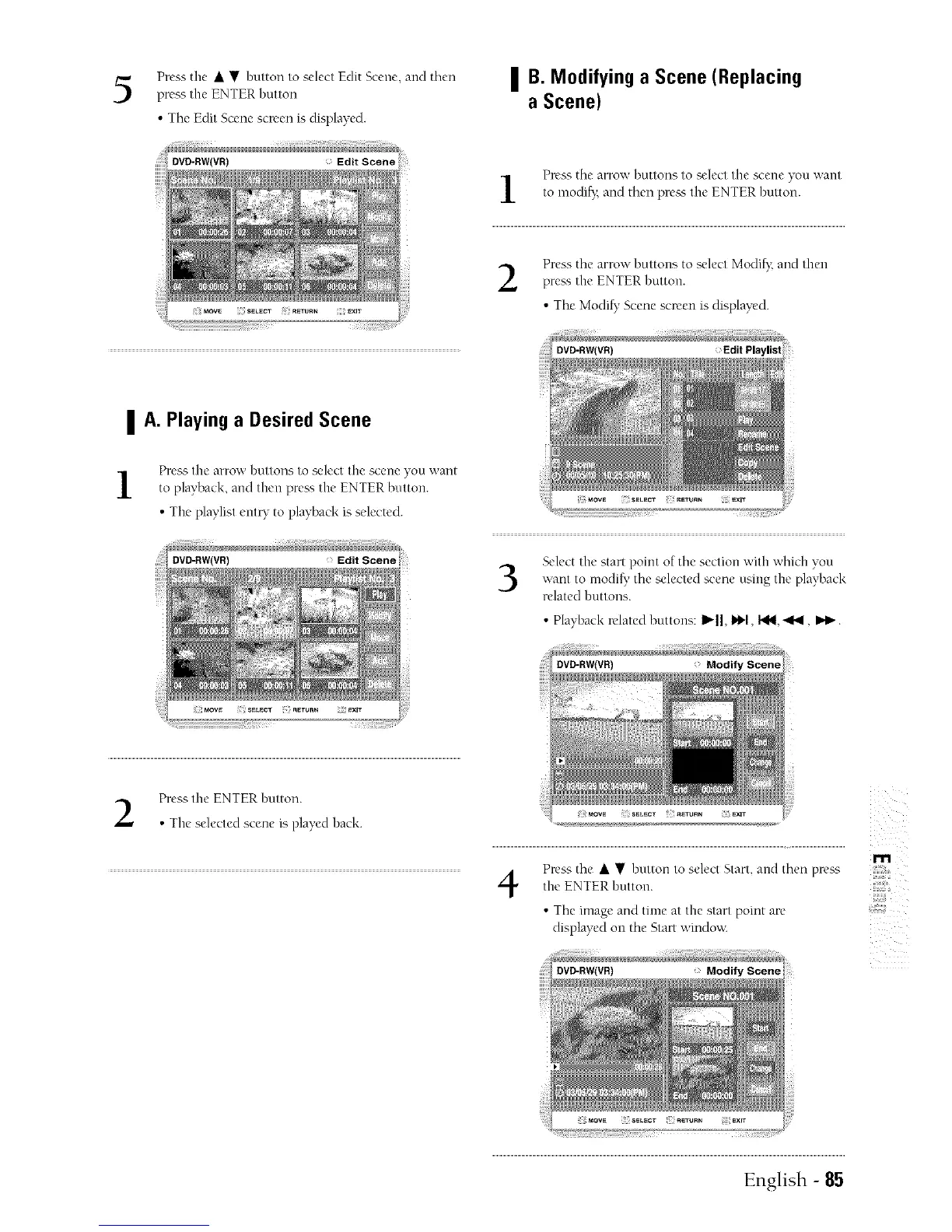
Press the • • button to select Edit Scene, arrd then
press the ENTER button
• The Edit Scene screen is displayed.
| B. Modifying a Scene (Replacing
a Scene)
DVD-RW(VR)
®®
; MOW S_L_CT RETURN _XlT
| A. Playing a Desired Scene
Press thc arrow buttons to select the scene you want
to playback, and then pre_ _, the ENTER button.
• The playlist ent_" to playback is selected.
DVD-RW(VR) Edit Scene
Press the arrow buttons to select tire scene you want
to modi_', and then pre_ the ENTER button.
Press the arrow buttons to select Modifx arrd then
press the ENTER button.
• The Modi_, Scene screen is displayed.
3
Select the start point of the section with which you
want to modi_' the selected scene using the playback
related buttons.
• Playback related buttons: I_Jl, i_1, I,_, "<'_1,I_1_.
Press the ENTER button.
• The selected scene is played back.
4
Press the • • button to select Start, arrd then pr_'ss
the ENTER button.
• The image and time at the start point are
displayed on the Start window.
m
,,#,@
English - 85



 To Next Page