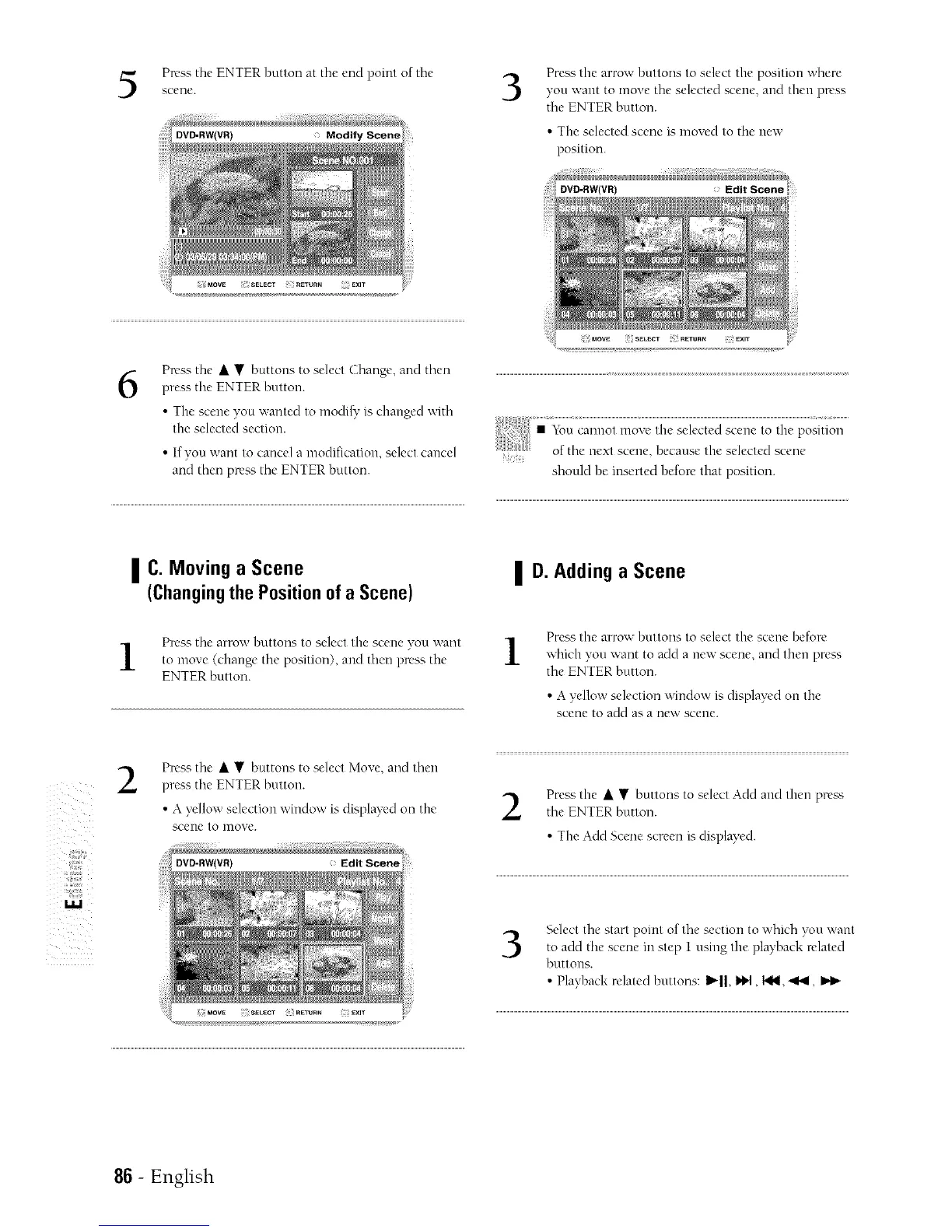
Press tile ENTER button at the end point of the
scene.
6
Press the • • buttons to select (Ehangt', and then
press the ENTER buttnn.
• Tire scene you wanted to modi_' is changed with
the selected section.
• If you want to cancel a mndification, select cancel
and then press the ENTER button.
3
Press the arrow buttons to select the positinn where
you want tn move the selected scene, arrd then press
the ENTER button.
• The selected sc_'ne is moved to the new
position.
should be inserted before that position.
I C. Moving a Scene
(Changingthe Positionofa Scene)
Press the arrow bnttons to select the scene you want
to move (change tire position), and then press the
ENTER button.
I D. Adding a Scene
1
Press the arrow hnttons tn select the scene befon'
which von want tn add a ne\r scene, and then press
tire ENTER buttnn.
• A yellow selection windnw is displayed on the
scene tn add as a new scene.
ii!;il;i_
_iiil;i_::
iii!iiii:!
2
Press tire • • buttons tn select Move, arrd then
press tire ENTER button.
• A yellow selection window is displayed on tire
scene to nlove.
Press the • • buttons to select Add and then prea_;the ENTER button.
• The Add Scene screen is displayed.
3
Select tire start point of tire section tn which yon want
to add tire scene in step I using the playback related
buttons.
• Playback relatedhnttons:Ib'll,i*1,t_..._,
86 - English



 To Next Page