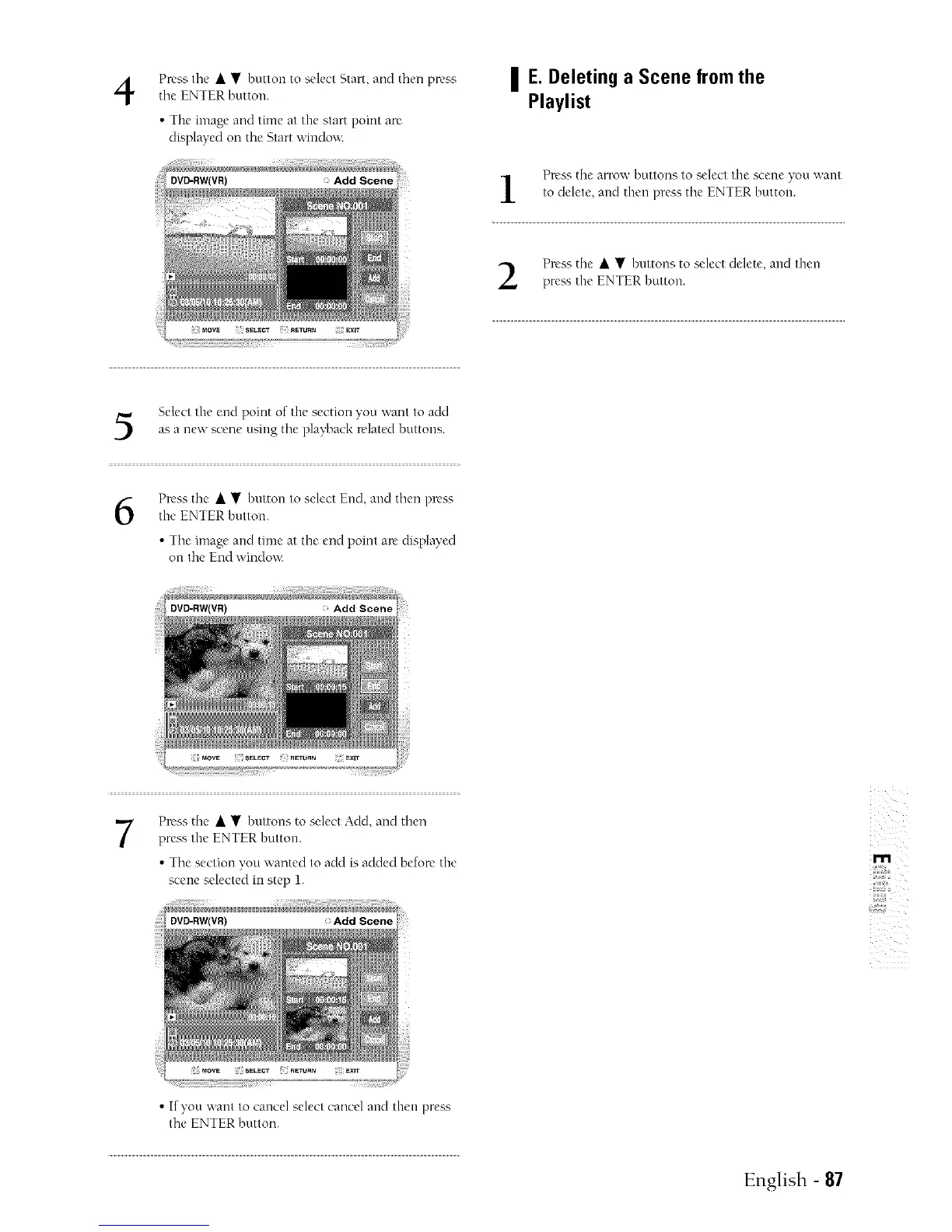
Press tile • • button to select Start, and then press
tile ENTER button.
• The image and time at the start pomt are
displayed on the Start windo,a:
| E.Deleting a Scene from the
Playlist
Press the arrow buttons to select the scene you "-,','ant
to delete, and then press tilt, ENTER button.
Press the • • buttons to select delete, and then
preas the ENTER buttm].
Select the end point of the section you want to add
as a new scene using tire playback related buttm]s.
6
Press tire • • button to select End, and then plvss
the ENTER button.
• Tire image and time at the end point are displayed
on the End window.
Press tire • • buttons to select ACId,and then
prea'_ the ENTER button.
• Tire section you wanted to add is added before the
scene selected in step 1.
: Add Scene
z
m
,,#,@
• If you want to cancel select cancel and then press
tire ENTER button.
English - 87



 To Next Page