2 COPY FUNCTIONS
40 Basic Copy Procedure
Placing originals on the Reversing Automatic Document Feeder
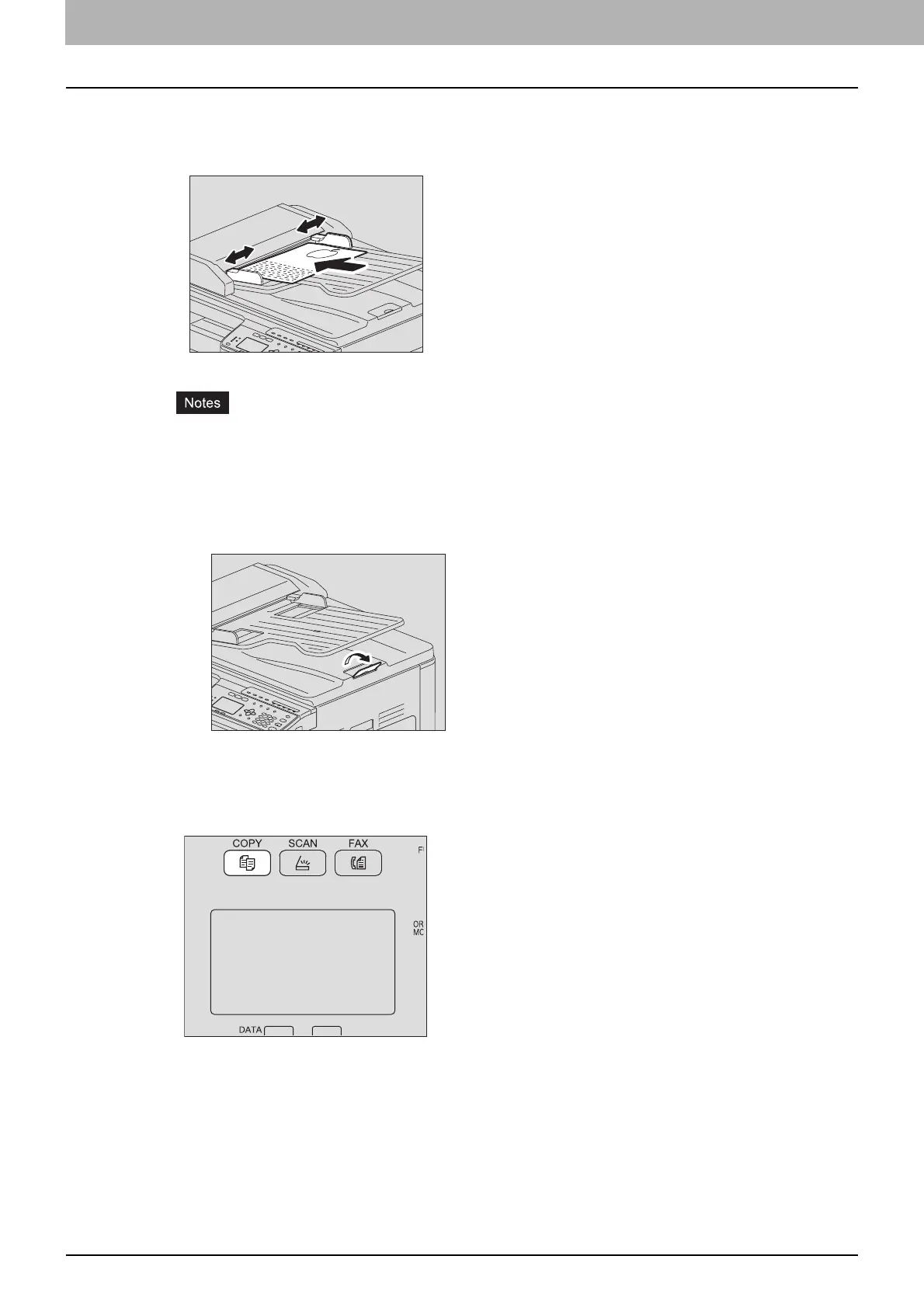
1) Align all the originals.
2) Place them face up and align the side guides to the original length.
The top sheet of the originals will be scanned first.
Do not load more than 50 originals (80 g/m
2
, 20 lb. Bond) at once, and make sure the thickness
of the stack of originals does not exceed 9.5 mm regardless of their size.
Flatten curled paper before loading it on the Reversing Automatic Document Feeder.
To prevent long originals (A3, B4, A4-R, LD, LG, COMP, or 8K) from sliding out, raise the paper
exit stopper. When you have finished using the stopper, lift it slightly and slide it back in.
To prevent misfeeding, do not leave originals or turn OFF/ON the equipment with originals on the
Reversing Automatic Document Feeder.
2
Press [COPY].



 To Next Page
 Loading...





