2.COPY FUNCTIONS
Basic Copy Procedure 41
2 COPY FUNCTIONS
3
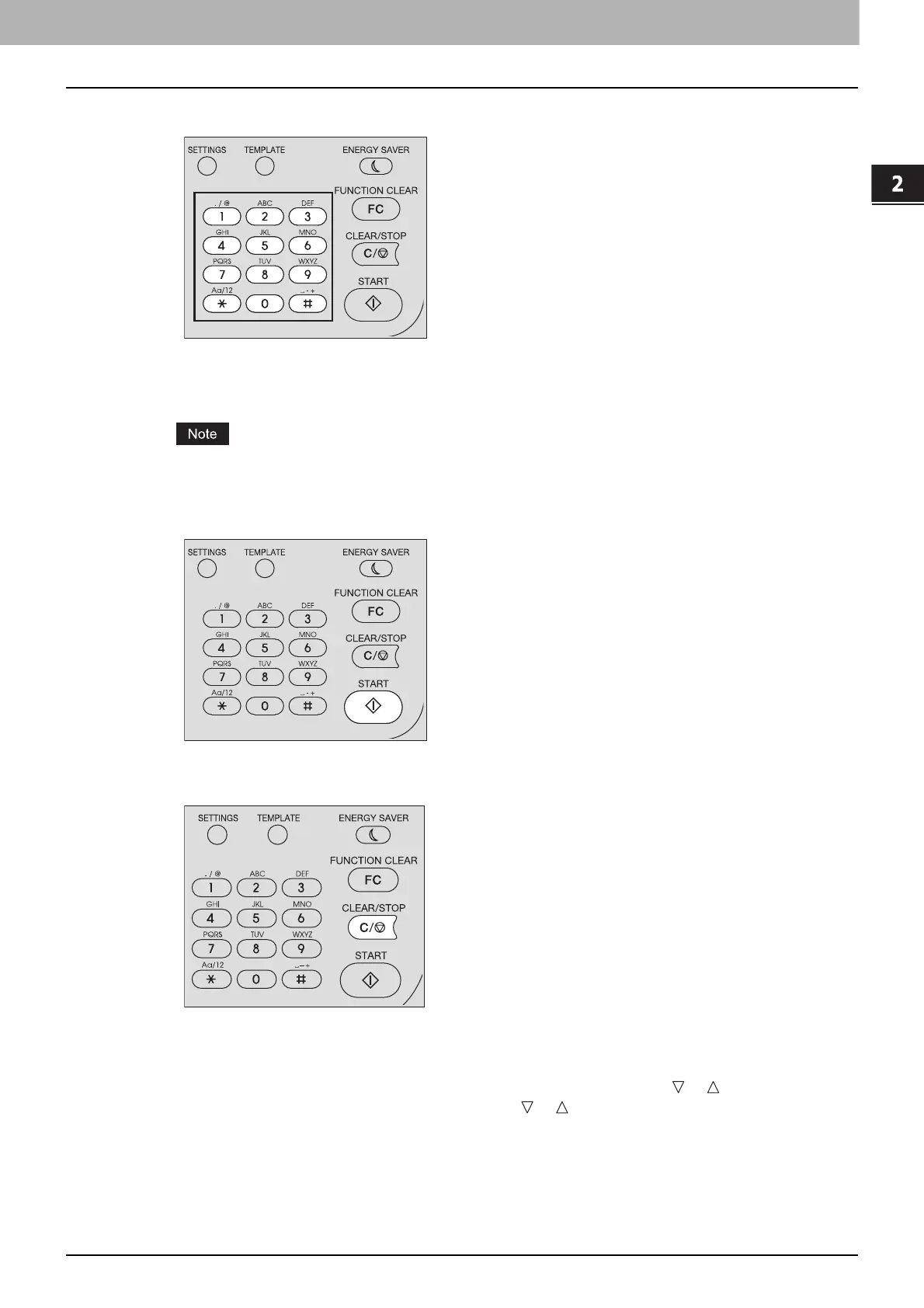
Enter the number of copies with the digital keys.
4
Make the copy settings as required.
P.45 “Copy Settings”
You may not be able to use some combinations of functions.
P.227 “Copying Function Combination Matrix”
5
Press [START] to start copying.
To stop or resume copying, press [CLEAR/STOP] during copying.
Press [OK] or [CANCEL] according to the message displayed on the LCD screen.
When you copy loading originals from the Reversing Automatic Document Feeder (RADF):
If there are more originals, place the next ones, select “SCAN NEXT” using or and press [OK]. If
there are no more originals, select “FINISHED” using or and press [OK]. (Only when “CONTINUE
SCAN” is set to “ON”)



 To Next Page
 Loading...





