3. DISASSEMBLY AND REASSEMBLY
SPAA-214-R1
3.2 DISASSEMBLING THE MAIN BODY
3-2
3.2 DISASSEMBLING THE MAIN BODY
3.2.1 Removing the Printer Cover
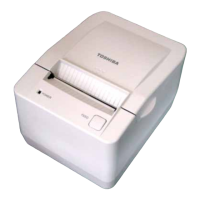
1. Press down the Cover Open Button to unhook the Printer Cover.
CAUTION!
Care must be taken not to touch the print head element when removing the printer cover SA.
Cover Open Button
Printer Cove



 To Next Page
 Loading...