5. SELF TEST PRINT
SPAA-214-R1
5.4 DUTY CHECH PRINT TEST (RECEIPT)
5-4
5.4 DUTY CHECK PRINT TEST (RECEIPT)
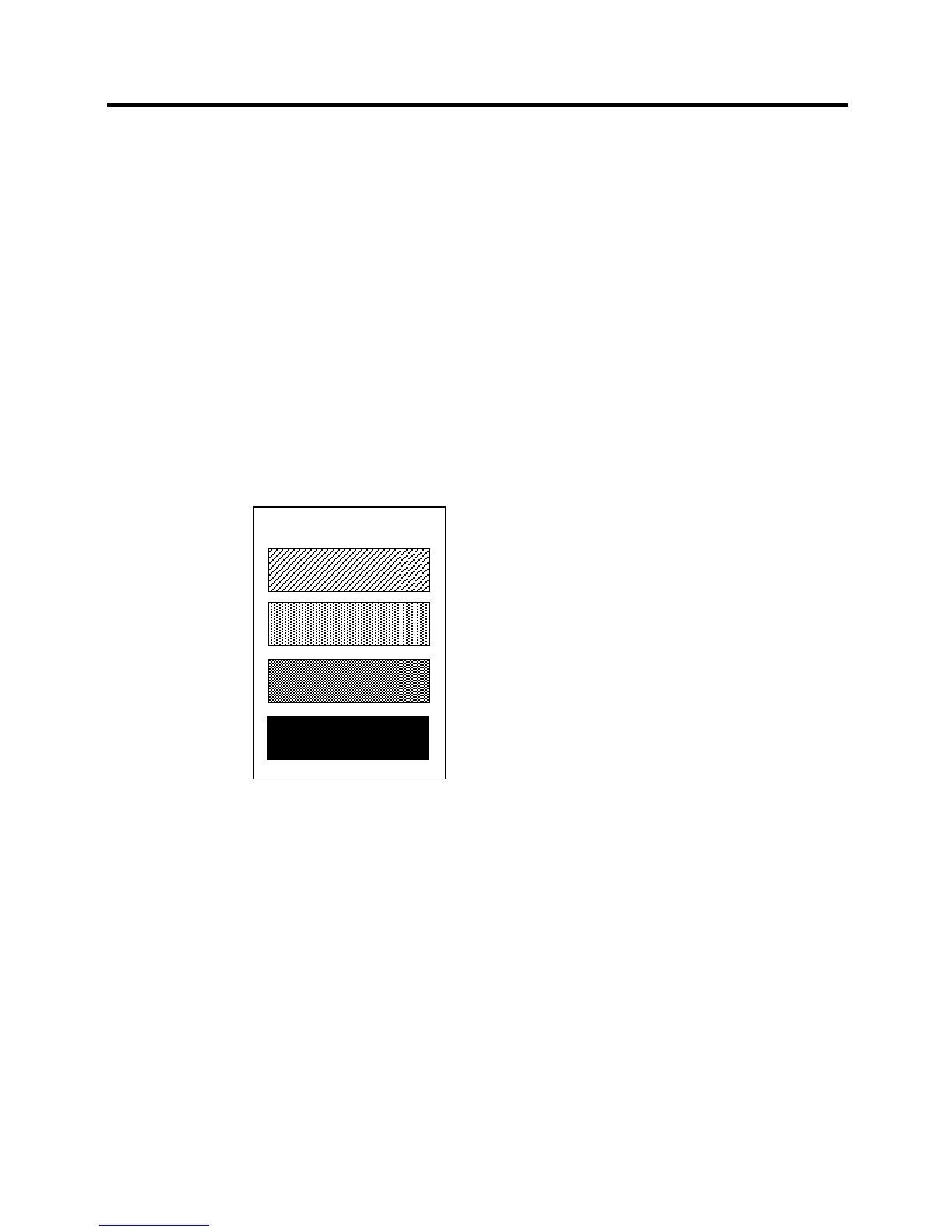
This option let you run duty check printing test. The printer prints the 12.5%, 25%, 50% and 100%
duty original pattern. When Duty Check Print (Rcpt) is selected, printer prints the following menu.
After selection of the printing side, test print will start.
Press the Paper Feed Button to start or stop the test.
** SELECT PRINTING SIDE?
Front Side Only > 1 Click
Back Side Only > 2 Click
Double Side > 3 Click
Enter code, then hold Button DOWN at least 1 second to validate.
Press the Paper Feed Button to continue or stop the test.
Duty Check Print
Stop and exit test > Short Click
Continue test > Long Click



 To Next Page
 Loading...