148
1-7. Theft deterrent system
PRIUS +_OM_OM47821E_(EE)
Double locking system
Setting the double locking system
Turn the “POWER” switch off, have all the passengers exit the vehi-
cle and ensure that all the doors are closed.
Using the entry function:
Touch the sensor area on the driver’s outside door handle or front
passenger’s door handle (if equipped with the sensor) twice within 5
seconds.
Using the wireless remote control:
Press
twice within 5 seconds.
: If equipped
Unauthorized access to the vehicle is prevented by disabling the
door unlocking function from both the interior and exterior of the
vehicle.
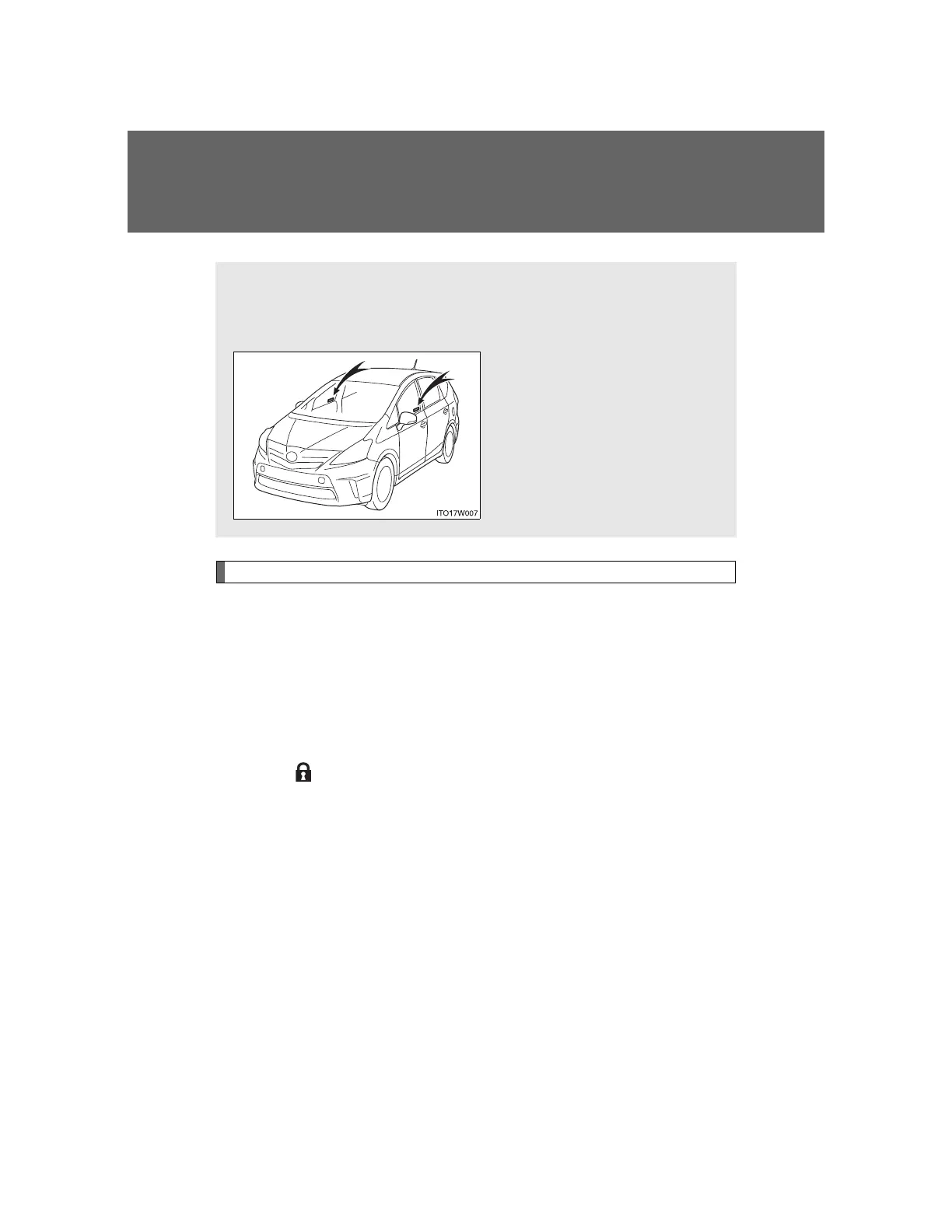
Vehicles employing this sys-
tem have labels on the win-
dow glass of both front doors.












 To Next Page