2-2. Instrument cluster
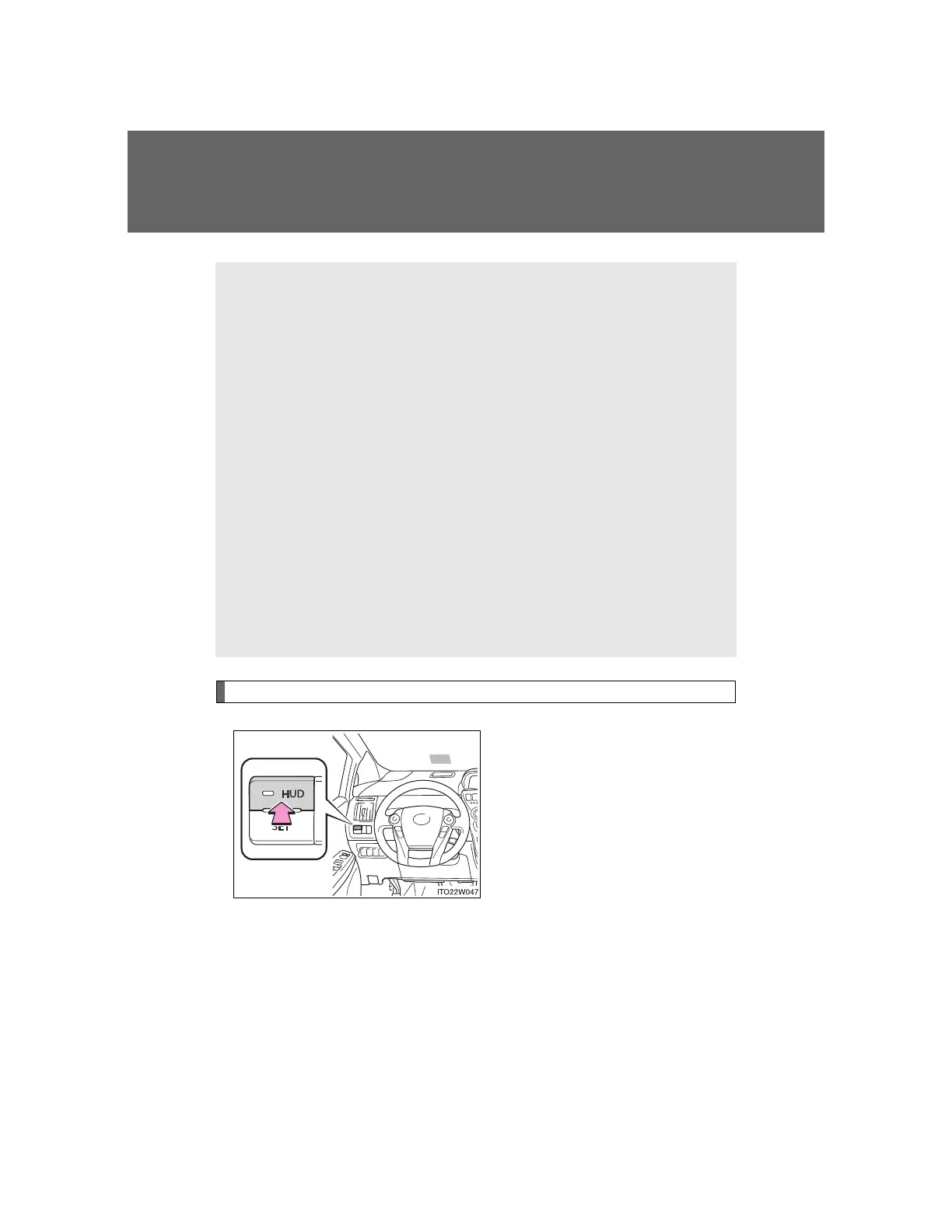
the “HUD” switch comes on.
Head-up display contents
Speedometer
Displays the vehicle speed.
Touch tracer display
The steering switches operation status is displayed for confirmation
purposes. (P. 255)
Turn-by-turn navigation*
Displays a notification of upcoming intersections during navigation
system route guidance. (P. 256)
Dynamic radar cruise control*
Displays the approach warning. (P. 280)
PCS (Pre-Crash Safety System)*
Indicates that there is a possibility of collision. (P. 307)
*: If equipped








 To Next Page