255
2-2. Instrument cluster
2
When driving
PRIUS +_OM_OM47821E_(EE)
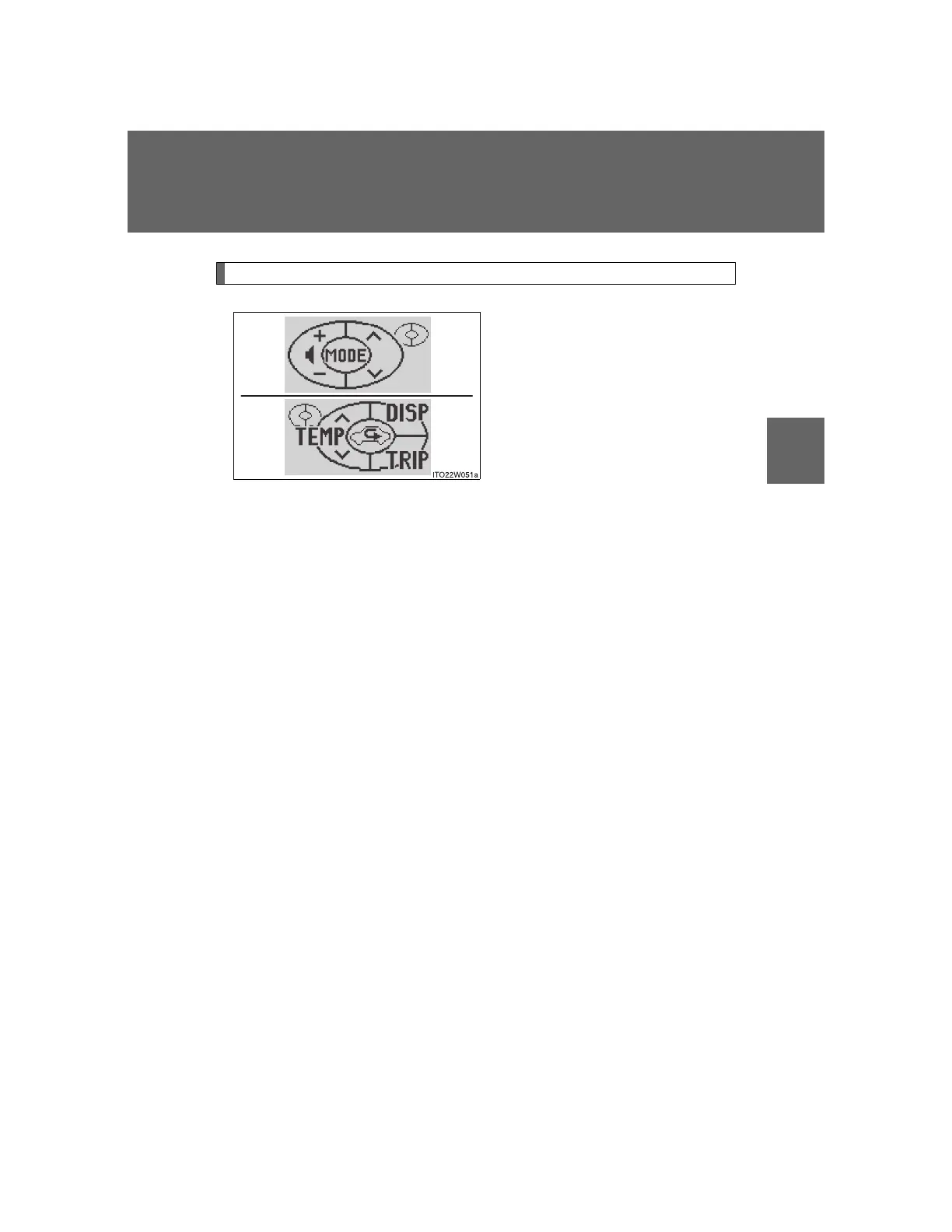
Touch tracer display
When the audio control switches,
climate control switches, “DISP”
button or “TRIP” button of the
steering wheel are touched, the
touch tracer display will appear
in front of the display, with the
touched button highlighted to
allow the driver to identify the
button that is being operated.
The button can then be operated
by further presses.
If an audio/navigation system is
used that is not compatible with
the steering switches in this vehi-
cle, the audio switch display may
not operate correctly.









 To Next Page