EasyManua.ls Logo

TP-Link Archer D9 - 1.3.1 The Front Panel

TP-Link Archer D9
125 pages
Print Icon
To Next Page IconTo Next Page
To Previous Page IconTo Previous Page
Loading...
Ar che r D9
AC1900 Wireless Dual Band Gigabit ADSL2+ Modem Router User Guide
1.3 Panel Layout
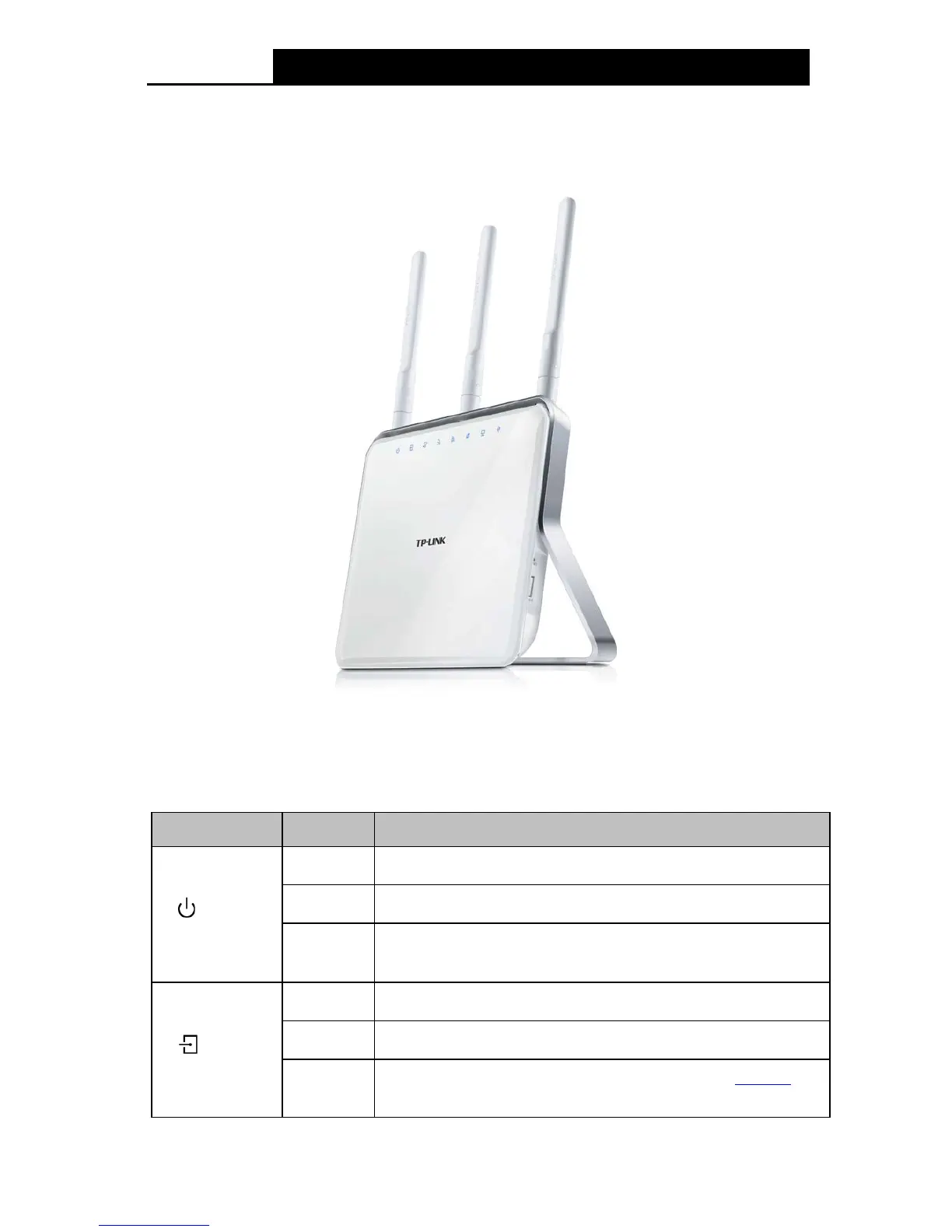
1.3.1 The Front Panel
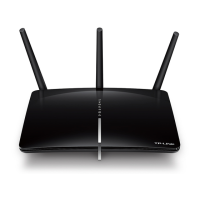
Figure 1-1
The modem router’s LEDs are located on the top panel (View from top to bottom). They indicate
the device’s working status. For details, please refer to LED Explanation.
LED Explanation:
Name Status Indication
(Power)
On
System start-up complete.
Flashing
System starting up or device updating.
Off
Power is off. Please ensure that the power adapter
is connected
correctly.
(ADSL)
On
ADSL line is synchronized and ready to use.
Flashing
The ADSL negotiation is in progress.
Off
ADSL synchronization fails. Please refer to Note 1
for
troubleshooting.
4

Table of Contents

Other manuals for TP-Link Archer D9

Related product manuals