4.11 USB Settings
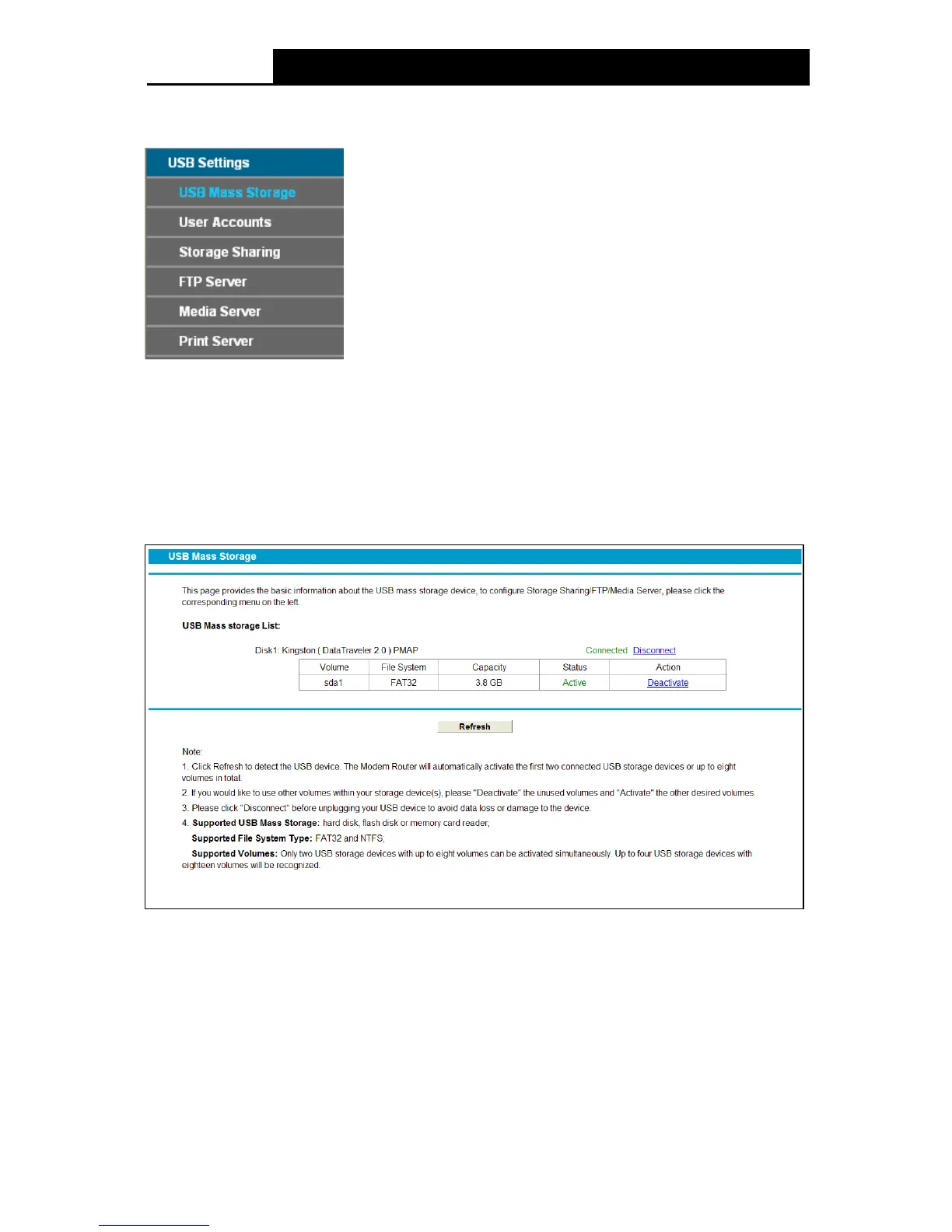
There are six submenus under the USB Settings menu, USB Mass Storage , User Accounts,
Storage Shar ing, FTP Server, Media Server and Print Server. Click any of them, and you will
be able to configure the corresponding function.
4.11.1 USB Mass Storage
Choose menu “USB Settings
“USB Mass Storage”, you can configure a USB disk drive
attached to the modem router and view volume and share properties such as share name,
capacity, status, and action, on this page as shown below.
Figure 4-57
Volume: The volume name of the USB drive the users have access to.
File System: The system of the USB drive.
Capacity: The storage capacity of the USB driver.
Status: Indicates the shared or non-shared status of the volume. Active means volume can
be shared, while Inactive means volume can not be shared. If Inactive in Action field is
enabled, Active will be displayed in the Status field, which means volume can not be shared.
Action: When the volume is shared, you can click the De activ ate to stop sharing the volume;
67











 To Next Page