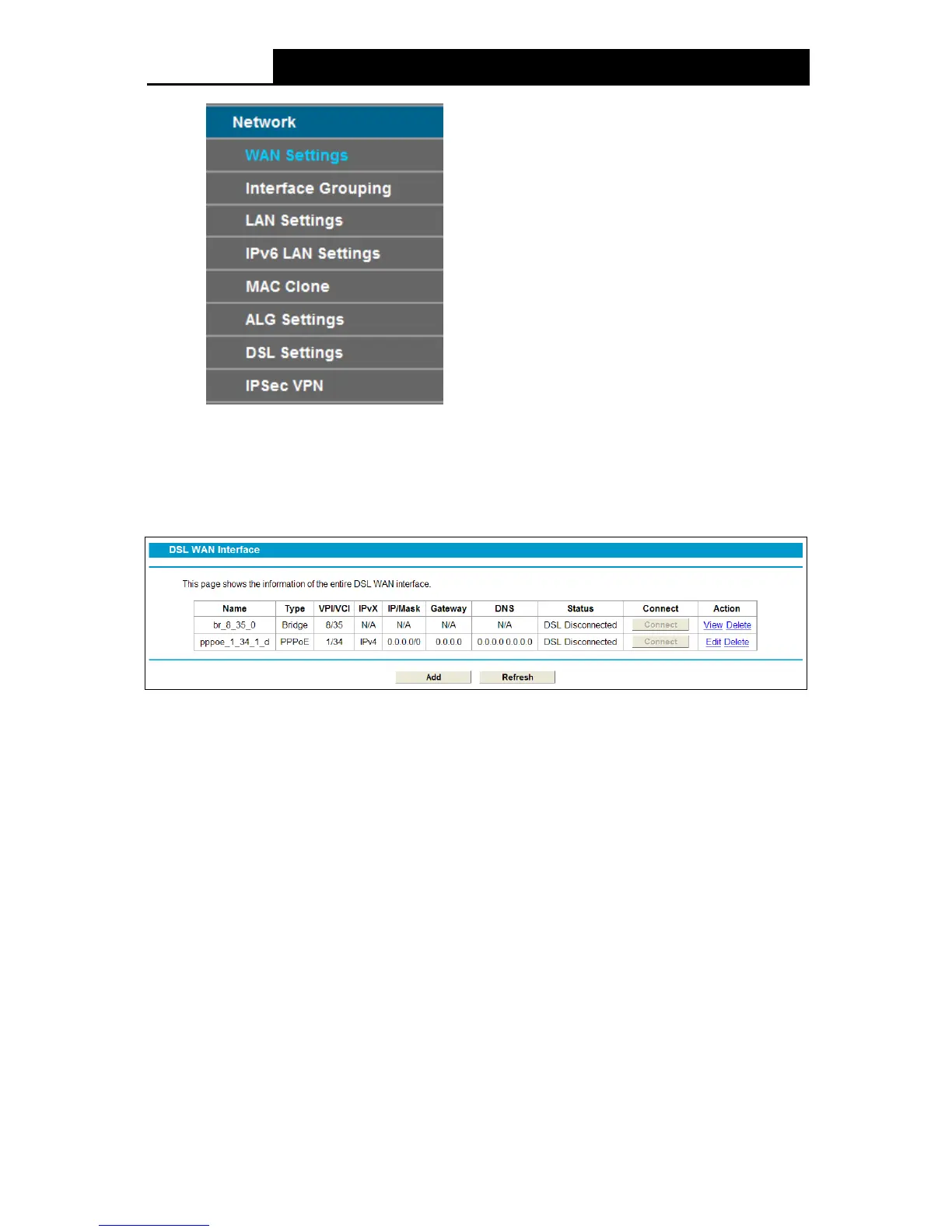
4.5.1 WAN Settings
Choose “Networ k”“WAN Settings”, and you will see the WAN Port Information Table in the
screen similar to Figure 4-3. There are six different configurations for the connection types, which
are Static IP, Dynamic IP, PPPoE, PPPoA, IPoA and Bridge. You can select the corresponding
types according to your needs.
Figure 4-3
Click Ad d to add a new entry, you can configure the parameters for ATM and WAN Service in the
next screen (shown in Figure 4-4).
19











 To Next Page