Encompass 4 Reader System Guide
TransCore Proprietary.
4-56
Connecting the Encompass 4 Reader Colored-Wire Pair Cable
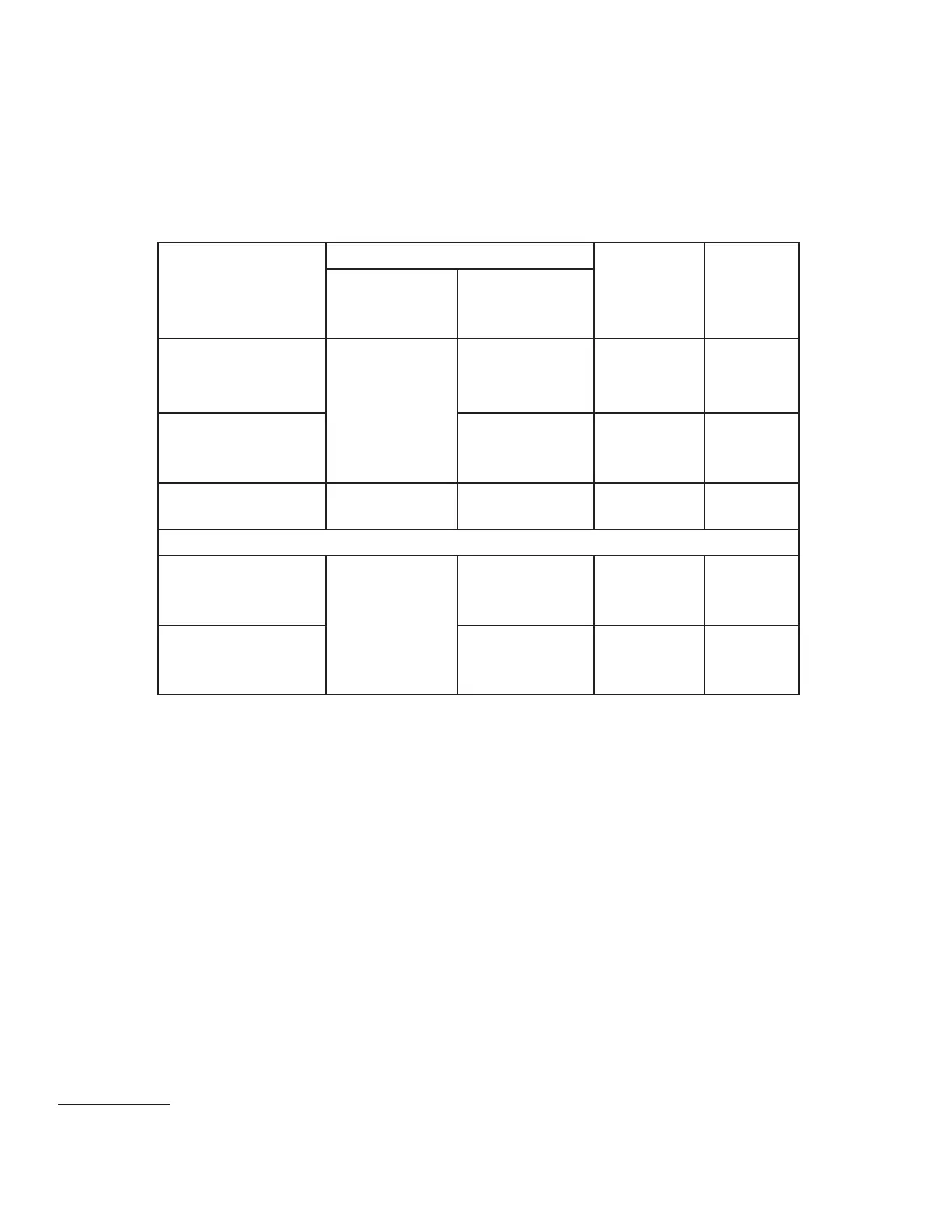
Table 11 shows the RS–232 colored wire (13-pair) assignments. To see the alternate wire (15-pair)
assignments, refer to “Table 48 RS–232 Interface Signal Wiring for Alternate Wire 15-Pair Cable” on page
C–1.
Table 11 RS–232 Interface Signal Wiring for Colored-Wire 13-Pair Cable
Signal from
Encompass 4
Reader
Colored-Wire Pair Cable
Connect
Wire to
Host DB9
Pin
Connect
Wire to
Host
DB25 Pin
Wire Pair from
Encompass 4
Reader
Color Used
RxD — Encompass
4 Reader input, host
output
Red/Black
Black Pin 2 Pin 3
TxD — Encompass
4 Reader output,
host input
Red Pin 3 Pin 2
Signal ground Yellow/Black Yellow
a
or Black Pin 5 Pin 7
Optional for hardware handshaking
RTS — Encompass
4 Reader output,
host input
Yellow/Red
Yellow Pin 7 Pin 4
CTS — Encompass
4 Reader input, host
output
Red Pin 8 Pin 5
a *Yellow is recommended to be used with RS-232 connection to avoid confusion with the 2 black wires
To connect the colored-wire cable using RS–232 interface
1. Connect the black wire (receive data) from the red and black wire pair to pin 2 of the DB9 connector or
pin 3 of the DB25 connector.
2. Connect the red wire (transmit data) from the red and black wire pair to pin 3 of the DB9 connector or
pin 2 of the DB25 connector.
3. Connect either the yellow
2
or black wire (signal ground) from the yellow and black wire pair to pin 5 of
the DB9 connector or pin 7 of the DB25 connector.
4. Plug the DB9 connector or DB25 connector into the PC.
If the host is set up for hardware handshaking, use the following procedures:
1. Connect the yellow wire (RTS) from the yellow and red wire pair to pin 7 of the DB9 connector or pin4
of the DB25 connector.
2. Connect the red wire (CTS) from the yellow and red wire pair to pin 8 of the DB9 connector or pin5 of
the DB25 connector.
2 Yellow is recommended to be used with RS-232 connection to avoid confusion with 2 black wires



 To Next Page