Once the gradation data is entered, fill in the rest of the material definition information in the yellow cells on
Screen 1. The explanations and limitations for those definitions are explained on Screen 1.
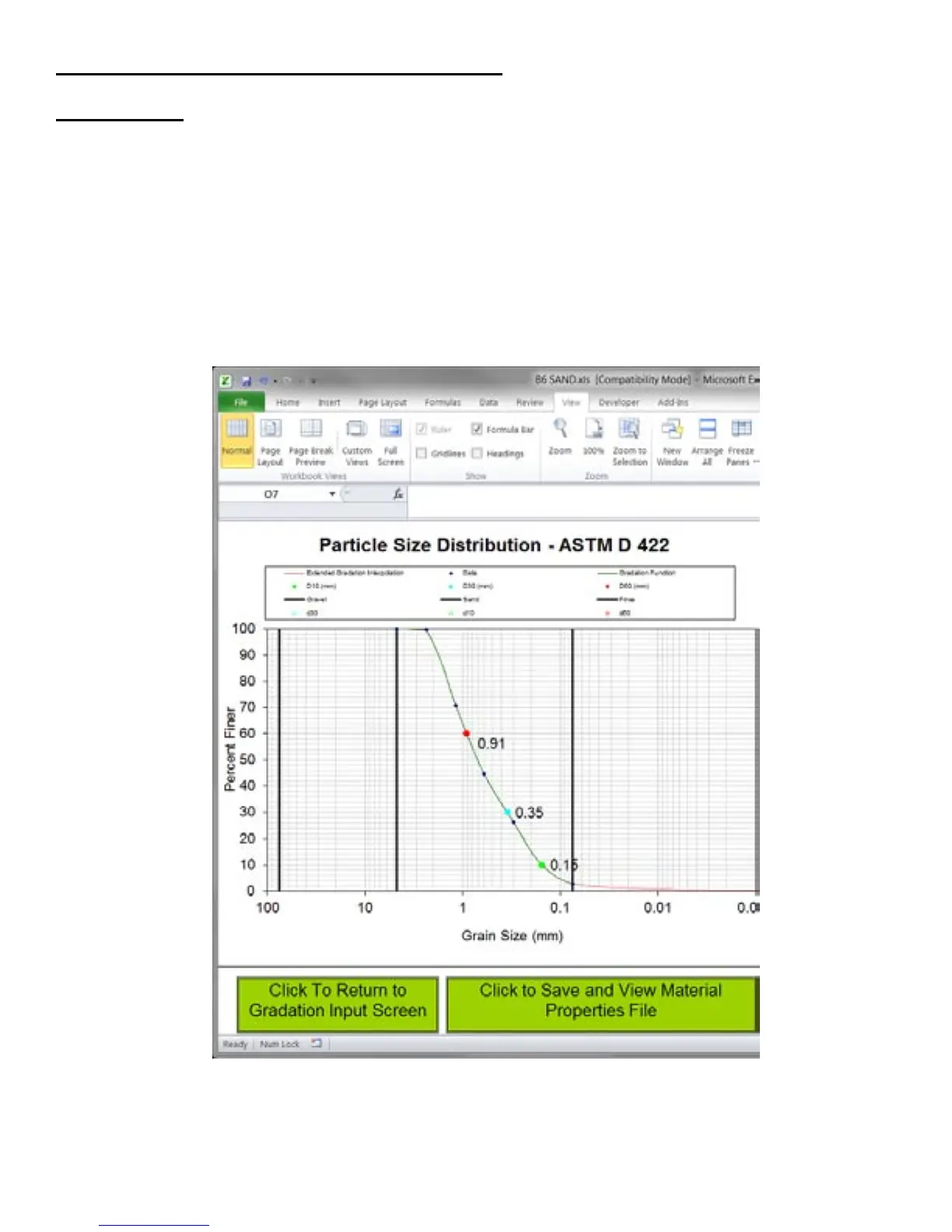
Clicking on the button to view the Particle size distribution curve displays Screen 2. The gradation curve will
be visible, as well as a table of all of the properties that define the material. Clicking on the button to save and
view the material properties file creates a text file with a .mtl extension of your PC’s desktop. (Note: the first
time you open a .mtl file on your PC, you will need to manually open it from the desktop with WordPad
or similar text file editor. After that, your PC will always open .mtl files automatically.)
The .mtl file can now be copied to a USB flash drive to be uploaded onto the SDG as explained on page 18.
Appendix A: Using the SDG MTL Generator
The SDG will only recognize the first 20 .mtl files on the USB flash drive, and it will only recognize them
if they are in the root directory of the flash drive. If .mtl files are in sub folders on your flash drive, the
SDG will not recognize them.
Screen Two:
42



 To Next Page