-10-
Re-drilling Router Base Only
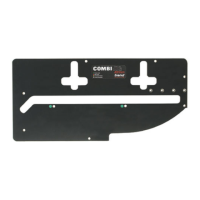
n Invert and stand your router onto a suitable
surface.
n Remove insert plate from table and place it fac-
ing upwards onto the base of your router.
n Adjust position of the insert plate to centralise.
n Ensure that the holes you are about to drill in
the base (using the TBC holes in the insert
plate) do not interfere with any of the features
on the router or any webbings in the casting of
the router base. A slight turning of the router
may be required to miss such obstructions.
n Mark the centre of the holes onto the base.
n Remove insert plate and mark the centre of the
holes with a centre punch.
n Drill a hole at these points with a 6mm diameter
drill bit.
n Clean up edges of holes if required.
Re-drilling Insert Plate Only
n Remove insert plate from table.
n Remove the plastic base of the router. Alterna-
tively a photocopy or an outline of the base can
be made of the plastic base instead.
n Align the centre of the insert plate to the router
base and secure them together.
n Using a centre punch, mark the centres of
holes.
n Drill the required hole size with a suitable metal
cutting drill bit. Best results will be obtained if
your power drill is mounted in a drill stand.
n Countersink the hole with a countersink bit to
a depth so the heads of the screws are slightly
below the top surface. Clean off any burrs cre-
ated.
Re-drilling both Insert Plate
and Router Base
n Invert the router and lay the insert plate onto
the upturned base.
n Clamp the insert plate and router base together
with two cramps.
n Ensuring that the drill bit will not foul any web-
bing or fixtures on the router base, drill with
a 6mm diameter metal cutting drill bit into the
insert plate and through the router base two
holes.
n Unclamp the router base and insert plate.
n Countersink the insert plate holes with a
countersink bit to a depth so the screw heads
are slightly below the top surface. Clean off
any burrs created on both the insert plate and
router base.
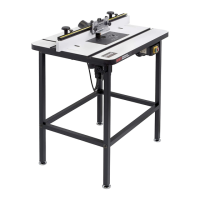
WRT
Workshop
Router Table
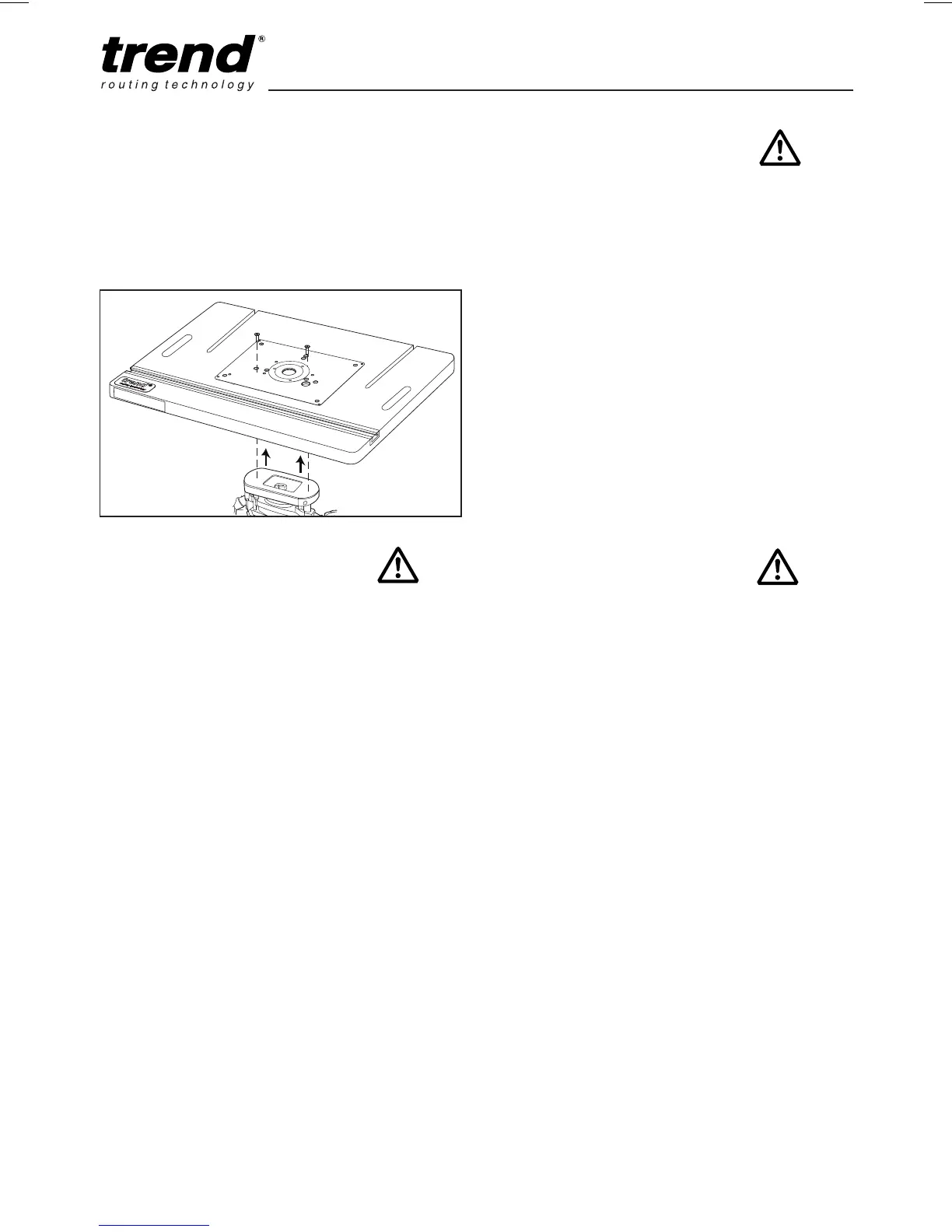
Mounting Router to Insert Plate
Invert and stand your router onto a suitable
surface. Remove insert plate from table and place
it facing upwards onto the base of your router.
Screws are supplied for TBC routers, see chart on
previous page. Use Phillips
®
No.2 screwdriver.
C
M6x25mm
B
M6x15mm
D
M6x35mm
A
M5x15mm
Black


 To Next Page