6-13
TOPAZ
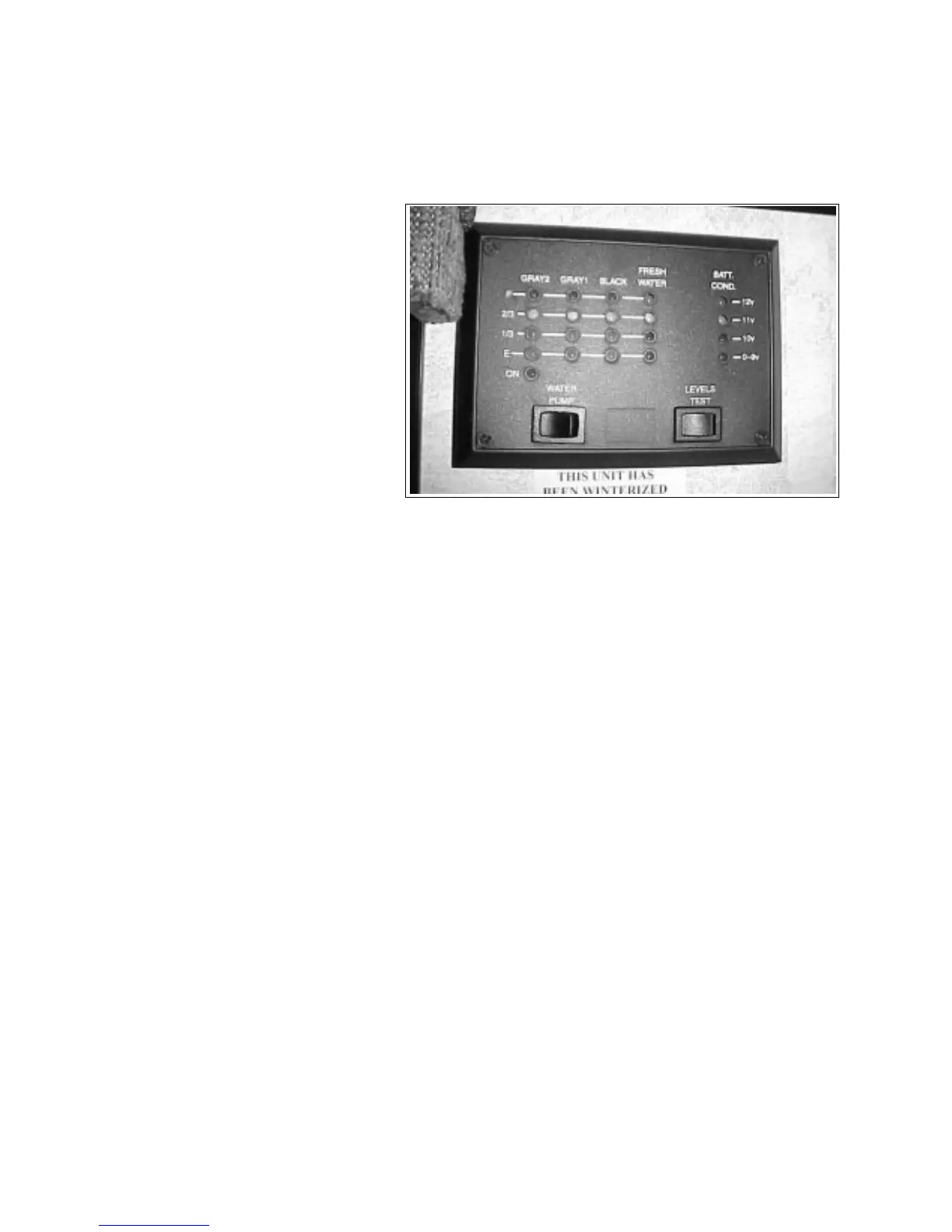
6.11 SYSTEM MONITOR
A system monitor is located on the wall in the kitchen.
1. Status LED's:
Four LED's are used to indicate the
status of the tanks and battery. The
tank scale registers EMPTY, 1/3, 2/3
or FULL. The battery charge condi-
tion registers 12v, 11v, 10v, or 0-9v.
Read the appropriate scale when the
levels test switch is depressed.
a. Grey 2 Water Tank
b. Grey 1 Water Tank
c. Black Water Tank
d. Fresh Water Tank
e. Trailer Battery
Fig. 6-15 SYSTEM MONITOR
2. Water Pump Master:
This rocker switch controls the power to the
water pump. Depress the right portion of the
switch to turn the power on. A red light above
the switch will come on when the power is on.
Depress the left portion of the switch to turn off
and the light will go off.
3. Levels Test:
This push button switch controls the levels test
feature on the control panel. Depress and hold
the switch to illuminate the L.E.D. display
lights. This will indicate the respective levels.





 To Next Page