12-5
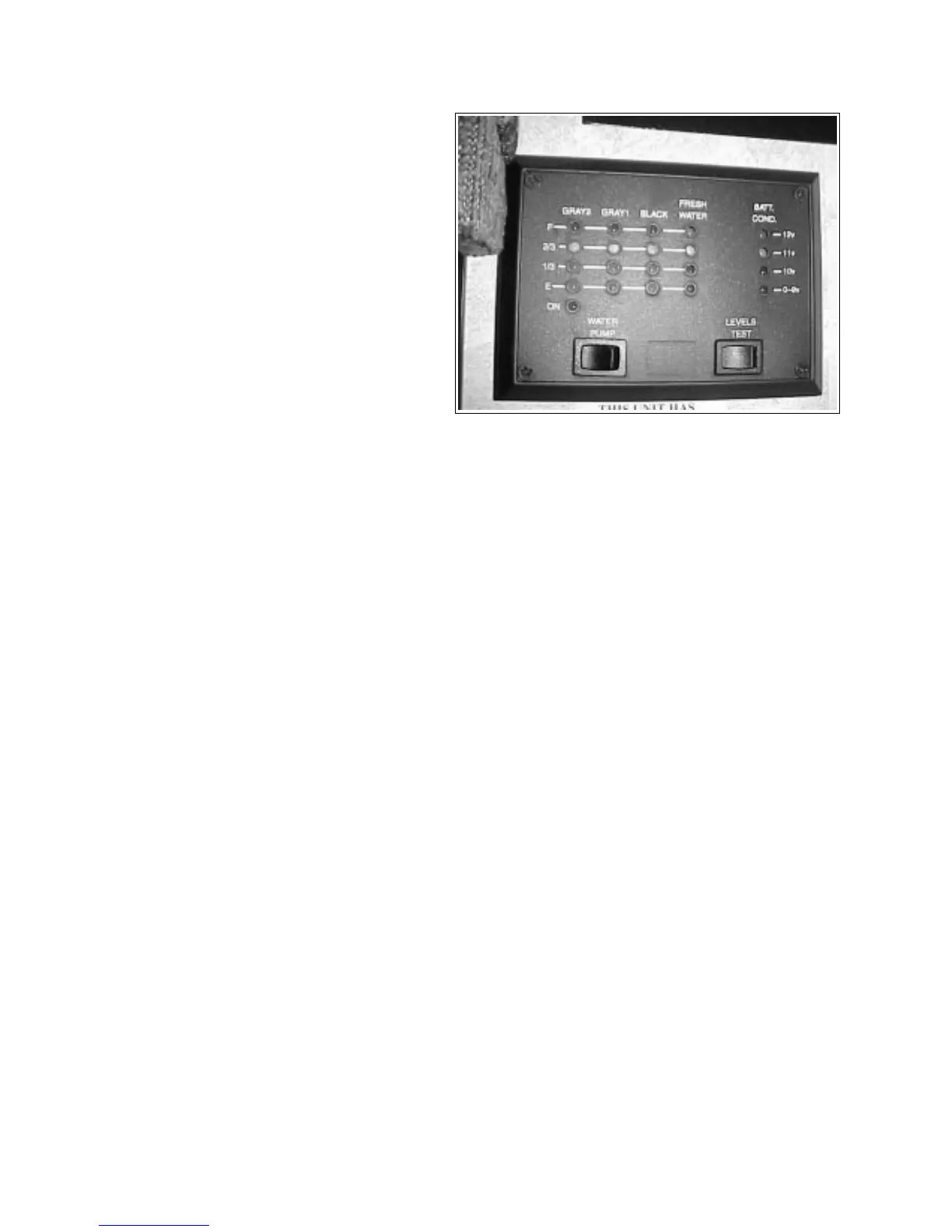
Fig. 12-7 MONITOR PANEL
12.4 MONITOR PANEL
The monitor panel covers several systems in your
trailer:
1. Battery:
Indicates the level of charge in the trailer
battery.
2. Fresh Water:
Indicates the amount of fresh water in the
fresh water tank.
3. Holding Tanks:
Indicates the amount of waste in the grey
water and black water holding tanks.
To check the level for any of the systems, press
the levels test button and read the level.
TOPAZ
CAUTION
Do not allow the holding tanks to
overfill as this could cause waste to
back up through the toilet or the
bathtub/shower drain.
IMPORTANT
The master switch for the water pump is
also located on the monitor panel.



 To Next Page