EasyManua.ls Logo

Trotec Atmos Pure - User Manual

Trotec Atmos Pure
32 pages
Print Icon
To Next Page IconTo Next Page
Loading...
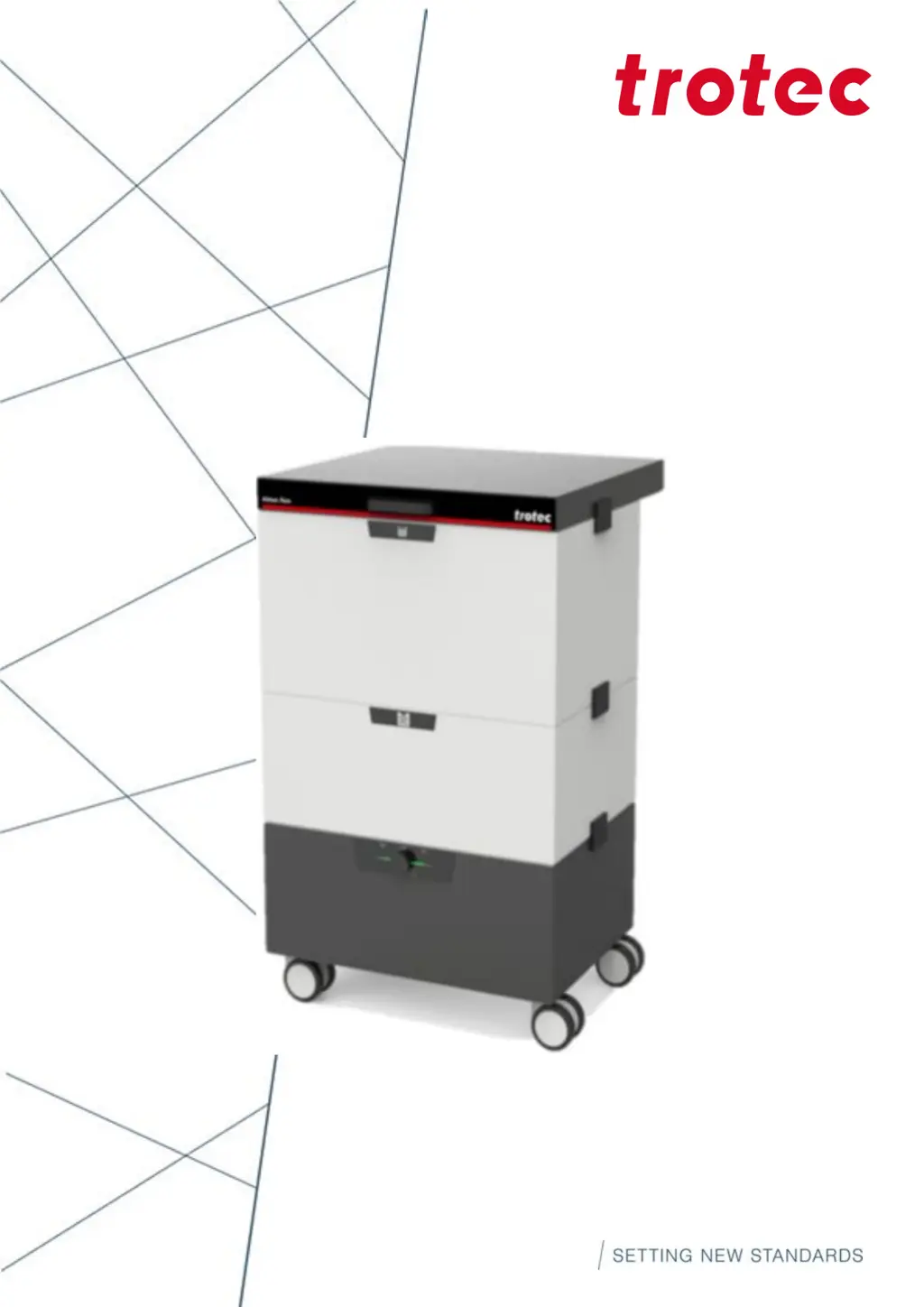
Atmos Pure
Operating manual
1.2_DE (08/2023)
ENGLISH

Questions and Answers

Summary

1 Introduction

1.1 Service and Warranty

Information on warranty coverage, service inquiries, and conditions for warranty claims.

1.2 Nameplate Details

Details on the unit's data plate, serial number, model, and year of manufacture for identification.

2 Safety

2.1 General Safety Matters

Operator responsibilities, personnel qualifications, and general safety guidelines for the Atmos.

2.2 Instruction and Training

Obligation to instruct personnel on legal, accident prevention, and safety device usage.

2.3 Duty to Notify and Intended Use

Observing declarations, risks, conformity, and specifying the Atmos's exclusive intended use.

2.4 Residual Risk

Awareness of residual risks during operation and instructions to prevent accidents or damages.

2.5 Operating Safety Instructions

Guidelines for safe operation, including PPE, personnel qualifications, and shutdown procedures.

2.6 Maintenance Safety Indications

Procedures for performing maintenance safely, including switching off and electrical safety.

2.7 Special Hazard Types

Precautions for electrical hazards and risks associated with dusts and chemical substances.

3 Product Description

3.1 Functional Description

Explains the Atmos's function as an exhaust system and its filter stages: fine filter and activated carbon.

3.2 External Control System Connection

Instructions for connecting an automatic remote control via a Sub-D9 connector.

3.3 Safety Devices

Details on protective devices for safe operation and consequences of bypassing them.

4 Transport, Storage, and Startup

4.1 Scope of Delivery

Lists the standard items included in the Atmos delivery package.

4.2 Storage and Operating Conditions

Specifies required environmental conditions for storing and operating the Atmos.

5 Starting the Atmos Up

5.1 External Control System Connection

Details the PIN assignment and connection for an external control system via Sub-D9.

6 Operation

6.1 Control Panel Functions

Explains push button, rotary function, and device/filter status displays for operation.

6.2 Status Display Overview

Table detailing meanings of device, filter, and signal generator indicators.

6.3 Test Operation Procedure

Step-by-step guide for testing Atmos functions and connections before normal use.

7 Maintenance Introduction

7.1 General Maintenance Indications

Guidance on performing maintenance within specified periods and the importance of preventive care.

7.2 Operating Condition for Maintenance

Requirements for shutting down the Atmos or disconnecting power for maintenance activities.

7.3 Care and Visual Inspection

Daily checks for contamination/damages and weekly cleaning of control elements.

7.4 Visual Inspection Checklist

Details visual checks for operating behavior, residues, dirt, wear, damages, and leaks.

8 Detailed Maintenance Procedures

8.1 Fine Filter Exchange

Step-by-step instructions for replacing the fine filter of the Atmos unit.

8.2 Filter Calibration

Procedure for calibrating the exhaust system after filter replacement for optimal operation.

8.3 Replace Activated Carbon and Filter Mats

Detailed steps for replacing activated carbon and filter mats, including safety precautions.

8.4 Remove Impurities from Lid

Instructions on how to clean and remove impurities from the Atmos unit's lid.

9 Troubleshooting

10 Disposal Guidelines

10.1 Environmental Protection and Disposal

Legal obligations for waste avoidance, proper disposal of pollutants, and hazardous waste.

Technical Support and Documentation

Technical Support Contact

Information on contacting technical support and required details for troubleshooting assistance.

Local Offices and Sales

Information on finding local offices and sales representatives via the company website.

Technical Documentation Feedback

Contact details for providing feedback or suggesting changes to the user manual.

Trotec Atmos Pure Specifications

General IconGeneral
BrandTrotec
ModelAtmos Pure
CategoryIndustrial Equipment
LanguageEnglish