2–2
CONTROL PANEL
Figure 2–1 shows the layout of the Model 5850v2 Gyratory
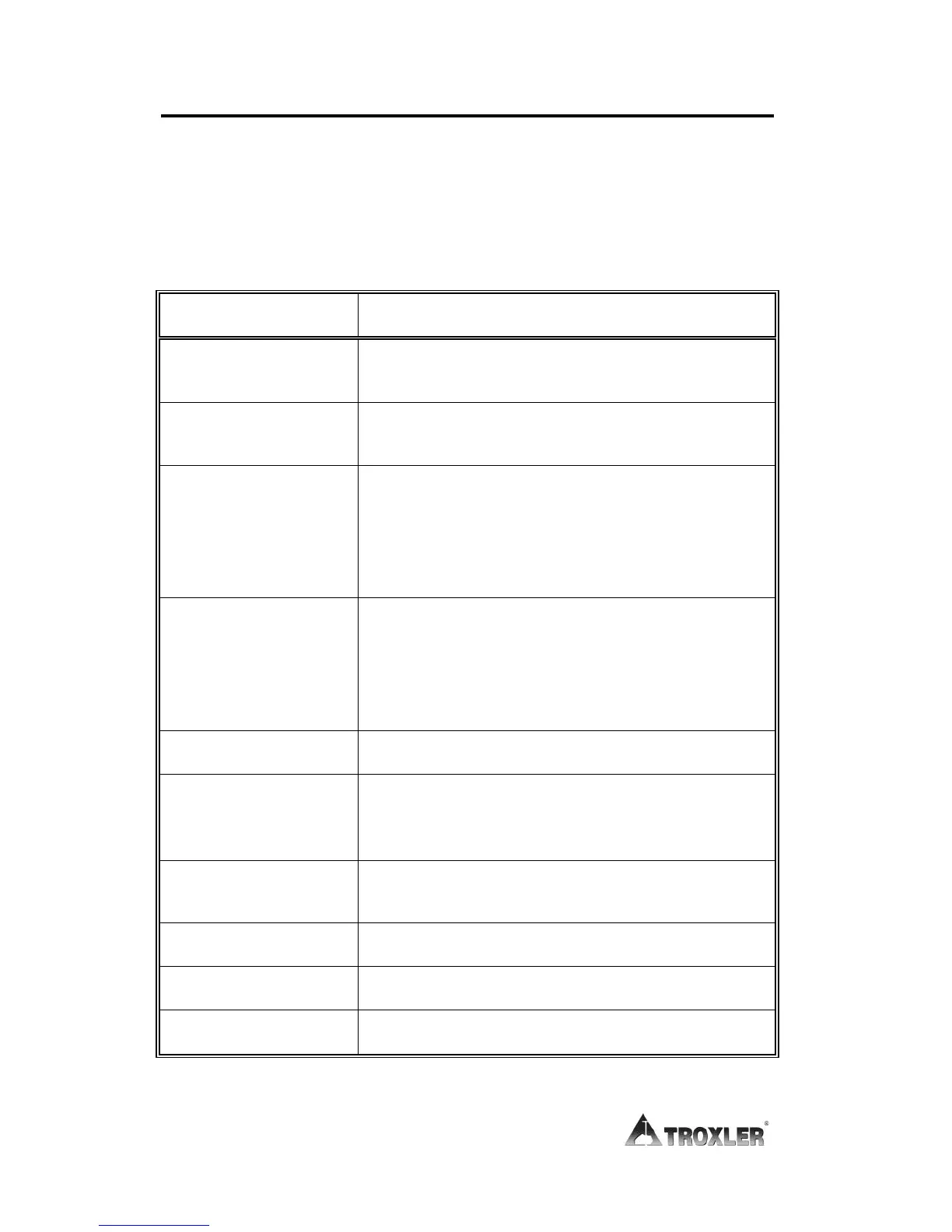
Compactor control panel. Table 2–1 lists the functions for each key
and button on the panel.
Table 2–1. Control Panel Keys and Button
Stops all machine movement. To release
the button, rotate it clockwise.
Begins automatic compaction of asphalt
specimen.
Accesses the Setup functions. These
include setting or viewing the run options,
setting the data output options, calibrating
the compactor, verifying the calibration,
and clearing project data.
Returns to the next higher-level menu
without updating or storing data. In
response to Yes/No questions, it has the
same effect as pressing NO/CE. During
gyration, it aborts the compaction cycle.
Responds Yes to Yes/No questions.
Responds No to Yes/No questions. Also
clears an incorrect entry and allows for re-
entry.
Scrolls through menu options or views
screens.
Enters data or views screens.



 To Next Page