3–4
CHANGE SETTINGS
The Change Settings selection from the Setup menu allows
you to:
Select whether the compactor will run for a specified number of
gyrations or until the specimen has been compacted to a
specified height
Specify the number of gyrations (from 1 to 999) the compactor
will run when compacting a specimen
Set the desired specimen height
Set the desired gyration angle (0.00 to 3.0 degrees)
Define the desired ram pressure (200 to 1000 kPa)
Select the mold diameter (150-mm, 100-mm, or 4-inch)
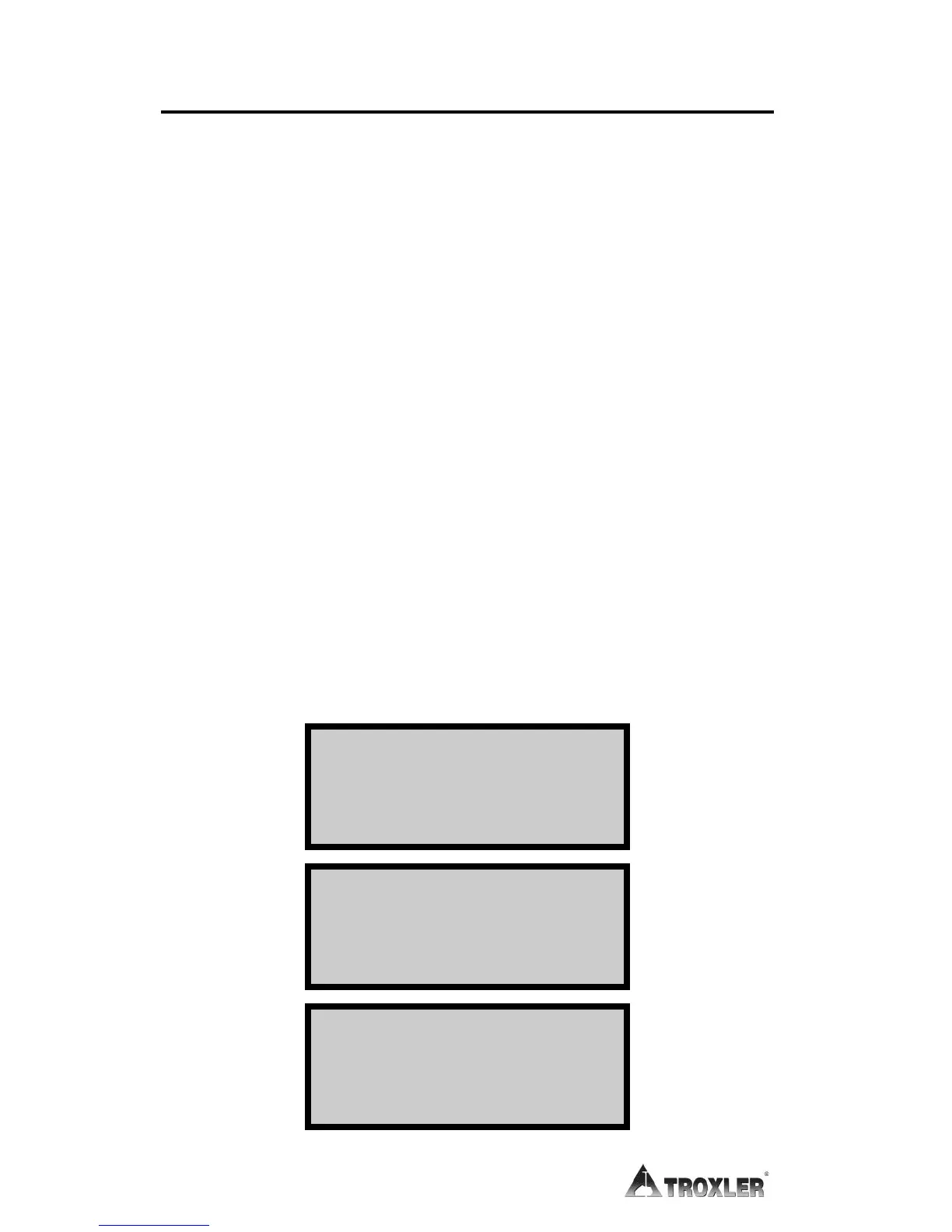
To access these options, press 2 from the Setup menu (see page
3–2). The Change Settings menu displays, as shown below. Use
the arrow keys to scroll through the menu options. To select an
option, press the numeric key that corresponds to desired option.
The following sections describe each selection.
-Change Settings-
1- Operation Mode
2- # of Gyrations
3- Height
-Change Settings-
4- Angle
5- Pressure
6- Mold Diameter
-Change Settings-
7- Post Gyrate Delay



 To Next Page