EasyManua.ls Logo

Turbines CDS2000 - Page 34

Turbines CDS2000
46 pages
Print Icon
To Next Page IconTo Next Page
To Previous Page IconTo Previous Page
Loading...
Revision C – January 2023
CDS2000 Page | 34
System
Settings
(cont inued)
Printers
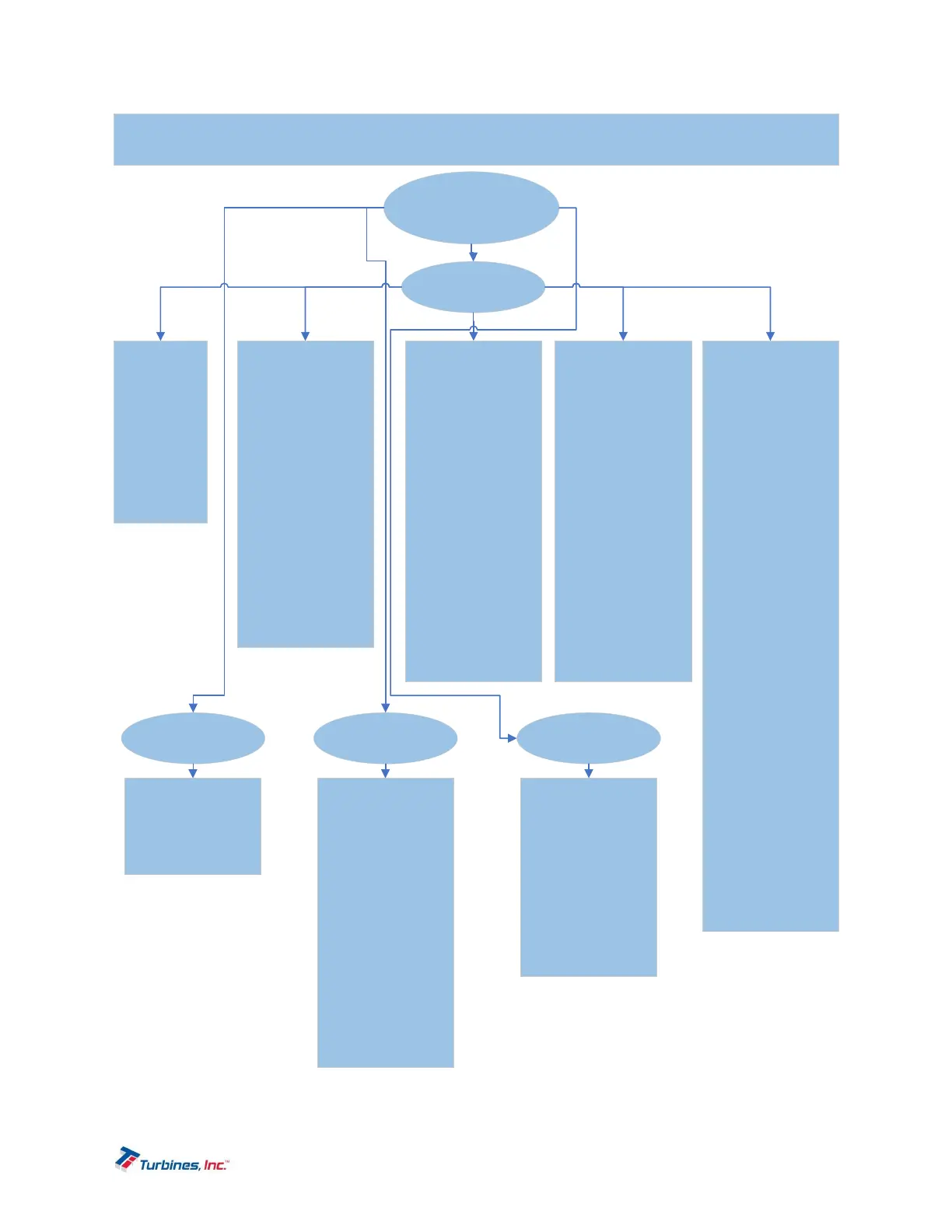
CDS2000SetupMenu
*ProgrammableDefaultSettingsarehighlightedin*Blue
Page1
PrinterType
*Disabled
Epson
Zebra
PeopleNet
Passwords Maintenanc e
Serial
Numbers
Page2
PrintTitles
Coo rdinatesProduct=
Row3,Column1
Coordinates
Temperature=
Row4,Column1
Coo rdinatesTemp
UOM=
Row5,Column1
Coo rdinat esDate=
Row1,Column1
Coo rdinat esTime=
Row2,Column1
Page3
CoordinatesTCF=
Row6,Column1
CoordinatesStart=
Row7,Column1
Coo rdinatesStop=
Row8,Column1
CoordinatesTotal=
Row9,Column1
Coo rdinat esDel iv
UOM=
Row10,Column1
Coo rdinat esDel iv
Status=
Row11,Column1
Page4
Coo rdinatesCopy
Num=
Row16,Column1
CoordinatesMeter
Num=
Row14,Column1
CoordinatesTr ailer
Num=
Row12,Column1
CoordinatesSerial
Num=
Row13,Column1
Coo rdinatesDel iv
Num=
Row15,Column1
Page5
EOLFormat=
CR
LF
*CR+LF
PrinterBaud=
1200
2400
4800
*9600
19200
38400
57600
115200
230400
UseBluetooth=
Enabled
*Disabled
BluetoothMode=
*Master
Slave
BluetoothPassword=
*Leave(Blank)
UnliketheCDS1000 where
1234”istheBluetooth
password,theCDS2000
requiresthepa ssword
entrytobeblan k.
BluetoothPrinter=
Optionswillvaryas
de vi cesbecome
available.
SetUserPassword=
*2000
MaintenanceDue
Date=
NewUnits=*1Year
fromdateof
manufa ctureOR
InServiceUnits=* 1Year
fromlastcal.da te
Turb ineMaintenance
Interval=*1000
PumpMaintenance
Interval=*1000
FlowmeterSerial
Number=
*0000
PlantNumber=
*0000
TrailerNumber=
*0000